
Lenovo Legion 5a Gaming Laptop
5.0Editor score
AMD Ryzen 7 250 processor
RTX 5060 graphics
165Hz OLED display
Gaming laptops with OLED displays offer stunning visuals with deep blacks and vibrant colors that transform your gaming experience into something truly immersive and cinematic.
We compared ten leading models based on processor power, graphics capabilities, display quality, and overall build to help you find the perfect machine for your needs.
Each pick highlights specific strengths and trade-offs so you can choose wisely. Keep in mind that prices and availability change frequently, so verify details before buying.
5.0Editor score
4.8Editor score
4.7Editor score
As an Amazon Associate we earn from qualifying purchases.
The following table presents a side-by-side comparison of all ten selected models. It highlights key specifications like processors, graphics cards, and display details to help you differentiate between options quickly and efficiently.



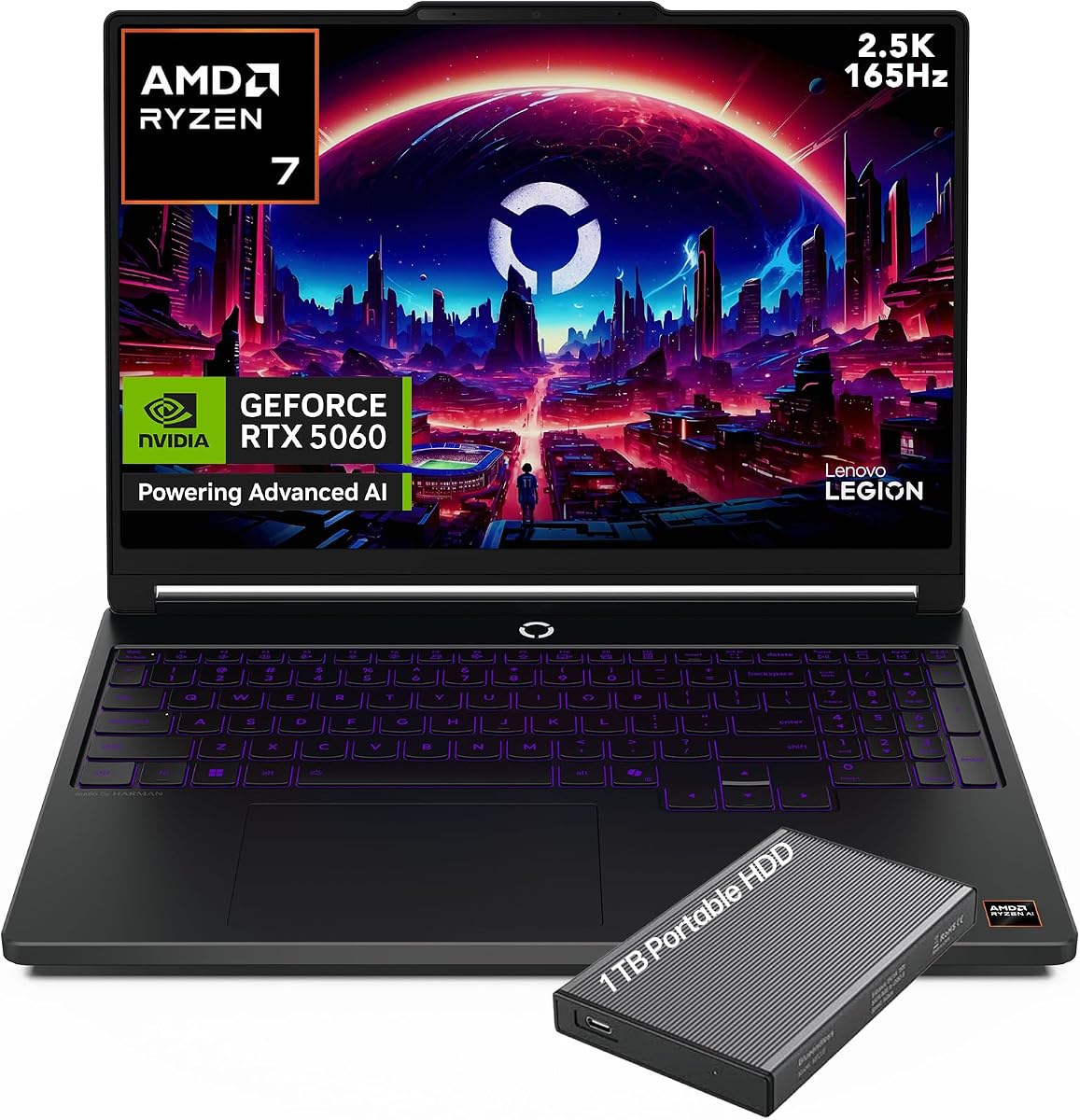
This Lenovo Legion model stands out as a top budget choice with a stellar OLED display and powerful Ryzen 7 processor. It received a perfect rating from users who appreciate its balance of performance and cost.
We may earn a commission when you buy through this link, at no additional cost to you.
The 165Hz OLED panel delivers vibrant colors and deep blacks ideal for gaming. The 32GB RAM ensures smooth multitasking while the RTX 5060 handles modern titles efficiently without breaking the bank.
Some users note the weight may be a factor for travel and port options could be more varied. These trade-offs are minor given the price and performance it offers for most gamers.
It is ideal for students or budget gamers seeking high-quality visuals. We recommend it for those prioritizing screen quality and CPU speed over ultra-lightweight portability.
The OLED screen supports 100% DCI-P3 color coverage for accurate hues.
AMD Ryzen AI provides up to 16 TOPS for enhanced application performance.
We may earn a commission when you buy through this link, at no additional cost to you.
This model delivers top tier Intel performance with an i9 processor and 32GB of RAM for demanding tasks. Users rate it highly for raw power though battery life may require charging during travel.
We may earn a commission when you buy through this link, at no additional cost to you.
The RTX 5070 provides excellent graphics for high settings gaming. The glossy OLED screen offers vivid colors but might show reflections in bright environments.
The system lacks some traditional ports and may need adapters for certain peripherals. However its compact design and high speed processing make up for these limitations in most cases.
It suits power users needing maximum CPU speed on the go. Consider this for intensive workloads where performance outweighs port density or battery endurance.
The 14th Gen Core i9 ensures rapid compilation and rendering times.
Gigabit LAN and WiFi 7 ensure low latency online gaming.
We may earn a commission when you buy through this link, at no additional cost to you.
This version offers a great value bundle including an external drive which is rare in this category. Users praise the OLED screen and responsive processor making it a favorite for many.
We may earn a commission when you buy through this link, at no additional cost to you.
The 165Hz OLED display provides smooth motion and rich colors for gaming and media. The Ryzen 7 250 delivers reliable performance for most daily gaming and streaming needs.
While 16GB RAM is sufficient for most it might limit heavy multitaskers. The external drive helps offset storage concerns without needing immediate upgrades.
Ideal for buyers wanting extra storage out of the box. We recommend this for gamers looking for convenience and visual quality at a competitive price.
The included external drive adds instant space for game libraries.
165Hz refresh rate ensures fluid motion during fast paced action.
We may earn a commission when you buy through this link, at no additional cost to you.
This Legion 5i is tailored for students with a thinner design and useful game bundle. It received solid ratings for its mobility and display clarity during coursework and play.
We may earn a commission when you buy through this link, at no additional cost to you.
The RTX 5070 paired with an i7 CPU provides robust performance for creative apps and games. The PureSight OLED ensures accurate colors for design projects too.
Battery life can be tight during long days without a charger though fast charging helps. The RAM limit might require upgrades for very heavy users over time.
It is perfect for students needing portable power and entertainment. We suggest it for those valuing design and screen quality alongside gaming capability.
Three months of PC GamePass offers instant access to new titles.
Legion Coldfront Hyper keeps noise low under heavy loads.
We may earn a commission when you buy through this link, at no additional cost to you.
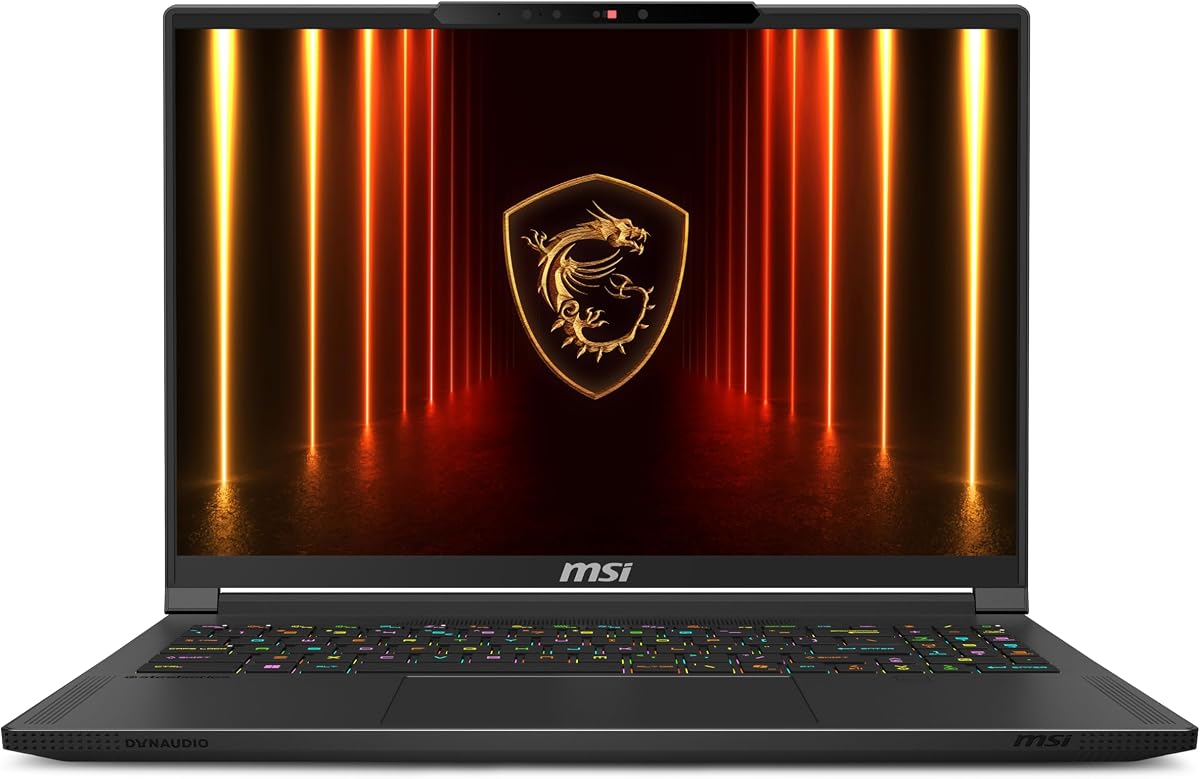
This premium MSI model delivers top tier graphics and a 240Hz OLED screen for competitive gaming. Users appreciate the speed and visual fidelity despite the high price tag.
We may earn a commission when you buy through this link, at no additional cost to you.
The RTX 5070Ti and Ryzen 9 HX 370 handle intensive tasks effortlessly. The 2TB SSD ensures ample space for large games without external drives.
Its cost is steep and it lacks some legacy ports found on other models. However the performance and screen refresh rate justify the investment for enthusiasts.
It suits gamers and creators seeking the best visuals and speed. Recommend this for users prioritizing refresh rates and GPU power above all else.
240Hz display refresh rate offers ultra smooth motion for esports.
NPU delivers over 50 TOPS for local AI tasks.
We may earn a commission when you buy through this link, at no additional cost to you.
This unit features the latest Intel Core Ultra 9 for exceptional productivity and gaming. It is VR ready and provides reliable performance though reviews are average due to price concerns.
We may earn a commission when you buy through this link, at no additional cost to you.
The 240Hz OLED display ensures smooth visuals in fast games. The RTX 5070Ti with 16GB VRAM handles modern graphics and virtual reality environments well.
The high cost may deter some buyers given average feedback on value. Still the hardware quality and screen performance remain impressive for serious users.
It is great for VR enthusiasts needing powerful hardware. Consider this if you prioritize Intel Ultra chips and a high refresh OLED screen.
Full VR ready support enables immersive next generation experiences.
240Hz refresh rate ensures fluid motion for competitive play.
We may earn a commission when you buy through this link, at no additional cost to you.
This 2026 Legion 5a variant earns perfect marks for reliability and visual quality. It offers 32GB of memory and a vibrant OLED display suitable for long gaming sessions.
We may earn a commission when you buy through this link, at no additional cost to you.
The RTX 5060 provides solid performance for 1080p and 1440p gaming. The OLED screen ensures accurate colors and deep blacks for cinematic experiences.
Its price is slightly higher than other similar models and the keyboard is standard. Yet the memory size and screen quality make it a safe investment.
Ideal for users wanting reliability and top rated user feedback. We suggest this for buyers seeking a high memory configuration and OLED screen.
32GB RAM ensures smooth performance during heavy multitasking.
Eclipse Black chassis provides a sleek and durable look.
We may earn a commission when you buy through this link, at no additional cost to you.
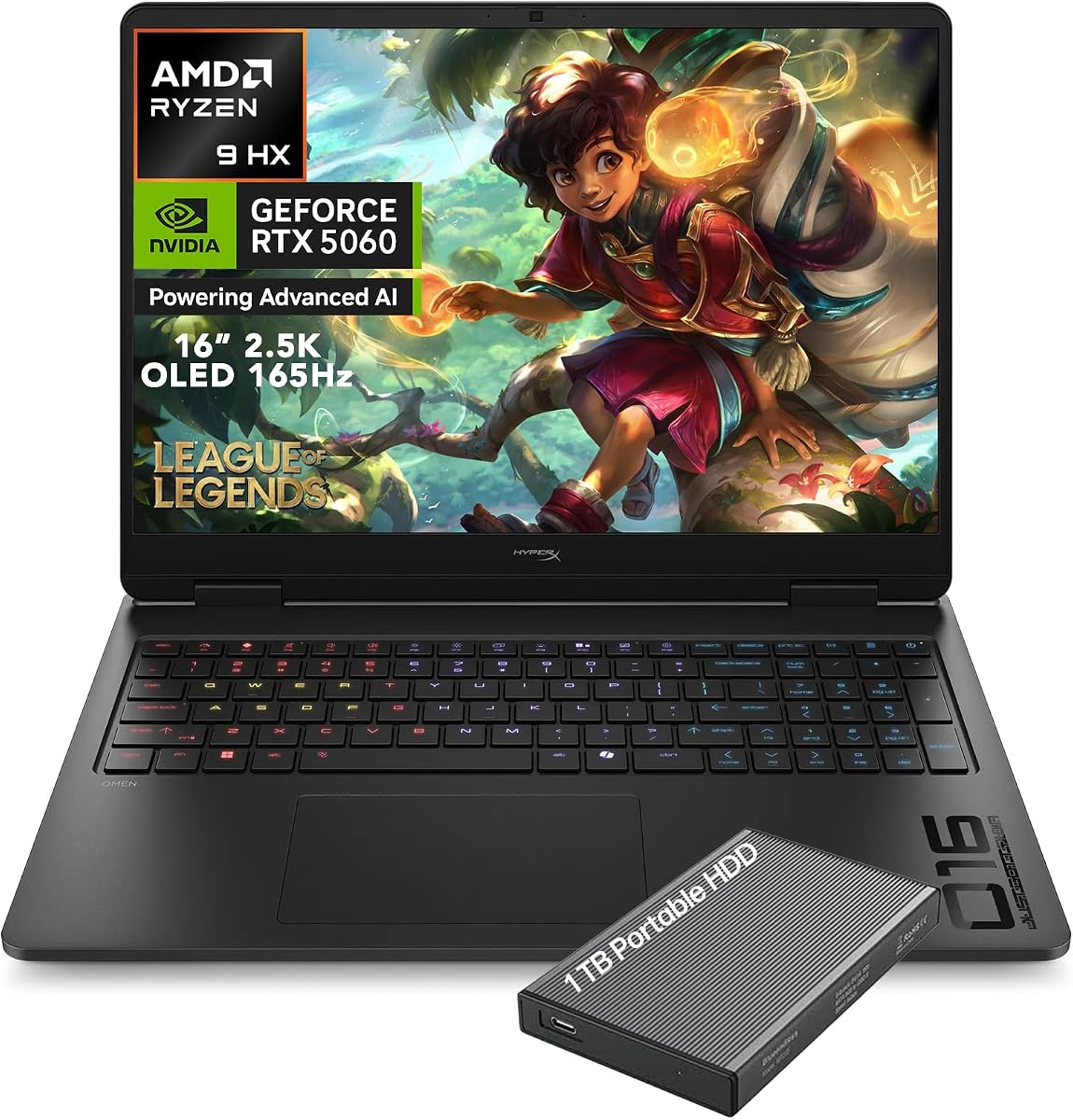
This OMEN laptop stands out with HyperX audio and a self-cleaning cooling system. Users give it high praise for thermal management and sound quality during intense play.
We may earn a commission when you buy through this link, at no additional cost to you.
The Ryzen 9 8940HX delivers strong performance for gaming and streaming. The 165Hz OLED panel provides sharp visuals and high contrast for immersion.
The 16GB RAM may limit heavy users and port selection is modest. However the audio and cooling features provide a unique and valuable experience.
It suits gamers who value sound and thermal efficiency. We recommend this for users wanting a quiet powerful machine with excellent audio output.
HyperX dual speakers with DTS:X Ultra provide spatial 3D audio.
Tempest Cooling self-cleaning fans reduce dust buildup over time.
We may earn a commission when you buy through this link, at no additional cost to you.
This Legion 5 offers a customizable 24-Zone RGB keyboard and a bright OLED screen. It has perfect user ratings reflecting its high performance and aesthetic appeal.
We may earn a commission when you buy through this link, at no additional cost to you.
The Intel Core i9 and RTX 5070 deliver top tier performance for games. The OLED display reaches 1000 nits for vivid brightness in dark rooms.
Battery life drops quickly under load and fans can be audible. These are typical trade-offs for high end gaming rigs of this caliber.
It is perfect for gamers who love RGB lighting and power. We suggest this for those wanting a bright display and deep customization options.
Legion Studio allows per-zone color tuning for unique setups.
1000 nits brightness ensures clear visibility in low light.
We may earn a commission when you buy through this link, at no additional cost to you.
This 2026 model is a lightweight gaming option with a solid OLED screen. Users rate it highly for its portability and reliable performance for travel and play.
We may earn a commission when you buy through this link, at no additional cost to you.
The OLED display offers deep blacks and sharp visuals for media. The TrueStrike keyboard provides good tactile feedback during gaming sessions.
Battery life is typical for gaming and RGB is single zone. Still its light weight and privacy features make it versatile for various uses.
Ideal for frequent travelers needing power on the go. We recommend this for users prioritizing portability without sacrificing screen quality.
Starting at 4.12 lbs it is easy to carry anywhere.
Integrated privacy shutter secures webcam access physically.
We may earn a commission when you buy through this link, at no additional cost to you.
Selecting the right OLED gaming laptop requires understanding several key factors beyond just price. This section outlines the essential elements to evaluate for a satisfying purchase.
The OLED screen is the most critical feature. Look for high refresh rates like 120Hz or 165Hz for smooth motion in games. Also check brightness measured in nits for visibility in different lighting conditions.
Prioritize panels with high brightness and high refresh rates for the best visual experience.
Gaming laptops benefit from powerful CPUs like Intel Core i7 or i9 or AMD Ryzen 7 or 9. These handle multitasking and modern titles efficiently ensuring smooth gameplay.
Choose the latest generation Core or Ryzen processors for top tier performance.
The GPU determines how well games run. For OLED screens aim for RTX 5060 or higher to leverage the high resolution and refresh rates effectively.
Opt for at least an RTX 5060 to fully utilize OLED visuals.
16GB RAM is standard for gaming but 32GB is ideal for heavy multitasking. Ensure you have enough memory for games and background applications without lag.
Select 32GB of DDR5 RAM if you multitask or stream regularly.
NVMe SSDs provide fast load times. Aim for 1TB or more to store large modern game libraries without needing frequent external drives.
Prioritize 1TB or larger NVMe storage for a spacious library.
OLED panels and high performance parts generate heat. Look for laptops with advanced cooling systems to prevent throttling during long sessions.
Check for advanced cooling features to maintain consistent performance.
Ensure the laptop has enough USB ports and modern standards like Wi-Fi 7 for low latency online gaming. HDMI 2.1 support is also valuable for external displays.
Verify you have enough ports for peripherals and fast network connections.
Gaming laptops often have shorter battery life. Look for models with fast charging support to minimize downtime when power outlets are not available.
Prioritize models with USB-C fast charging for convenience.
To maintain your OLED display use dark mode or dim the screen when not gaming to reduce burn-in risk. Avoid displaying static images for extended periods on the same setting.
Keep the chassis clean using compressed air to remove dust from vents. This helps maintain optimal cooling and prevents overheating during intense sessions.
Use high-quality chargers and avoid leaving the laptop plugged in constantly if you are not using it. This practice helps prolong battery health over time.
OLED screens can develop burn-in if static images are displayed too long. Using dark mode and varying content helps reduce this risk significantly.
These laptops typically last 3 to 5 years with proper care. Battery health and screen usage patterns greatly impact overall longevity.
Wi-Fi 7 offers lower latency and faster speeds. It is beneficial for online competitive gaming but older standards like Wi-Fi 6E still work well.
Some models allow upgrades while others do not. Check the specific model details before buying to ensure future expandability.
Refresh rates of 120Hz or higher provide smoother motion. For competitive gaming 240Hz is ideal but 165Hz is excellent for most users.
Yes OLED screens consume more power than LCDs. Expect shorter battery life during gaming but use it while plugged in for best results.
16 inch models offer more workspace and immersion. 15 inch laptops are slightly lighter and more portable depending on your travel needs.
Most include Windows 11 Home. Some higher end models offer Windows 11 Pro for advanced security and business features.
We reviewed ten standout models including the Lenovo Legion 5a and MSI Stealth A16 offering varied strengths for every type of gamer.
Prioritize the display refresh rate and GPU power based on your gaming habits to ensure a smooth immersive experience.
Prices change often so check current listings and availability before purchasing your next OLED gaming machine.