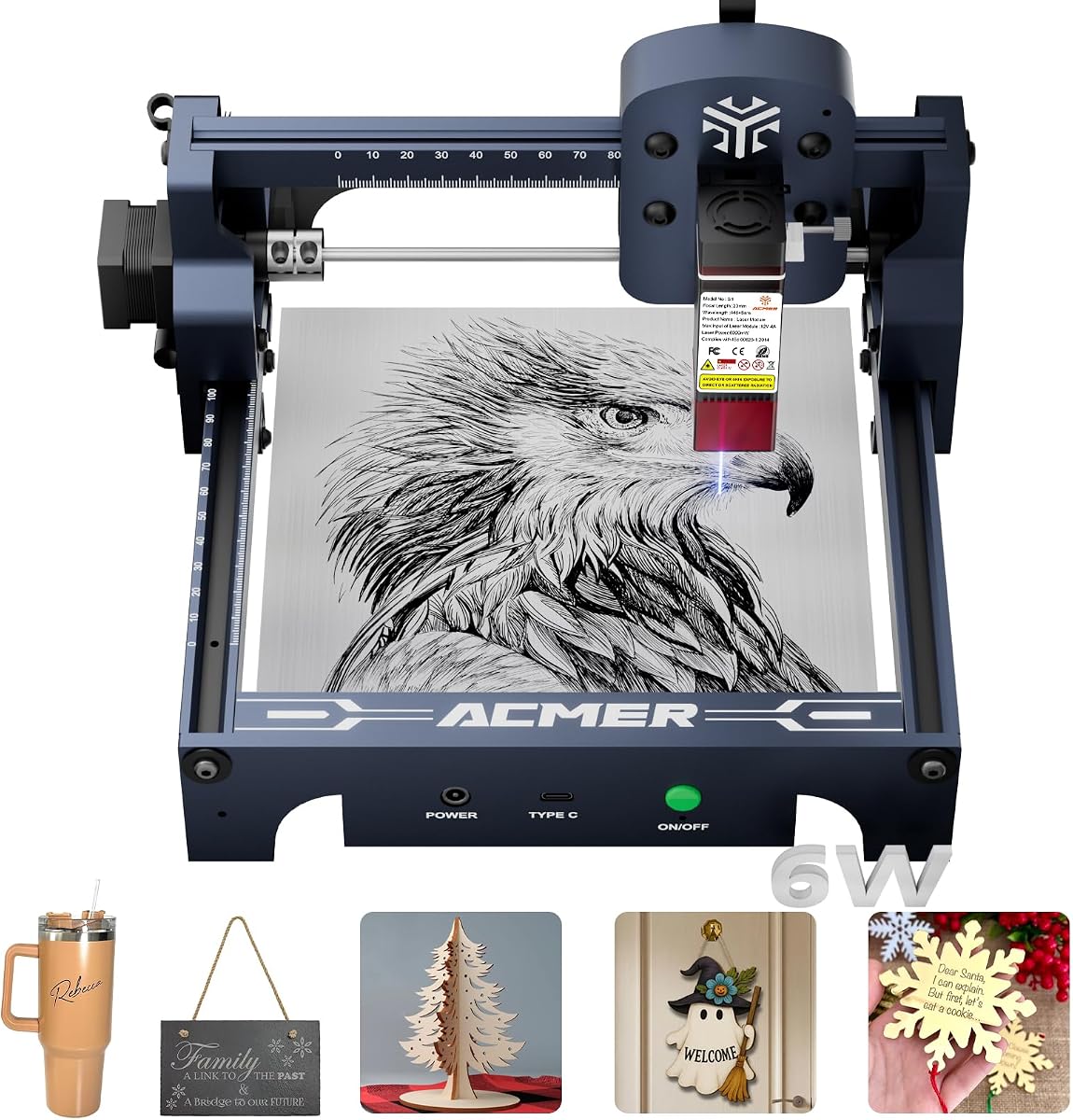
ACMER S1 Laser Engraver Machine
4.3Editor score
99 percent preassembled
130x130mm working area
6000mW laser power
This guide compares the best Acmer Laser Engraver models for 2026, analyzing power, precision, and safety features to help you choose the right cutter.
Finding the right laser engraver can transform your creative projects into professional results. Acmer offers a range of diode laser machines suitable for hobbyists and small businesses alike.
We evaluated ten top models based on laser power, cutting speed, software compatibility, and safety features. Our analysis helps you identify the best tool for your specific material needs.
Each pick highlights key strengths and potential trade-offs to ensure informed decision making. Please note that product availability and pricing may change over time on the marketplace.
4.3Editor score

4.4Editor score

5.0Editor score
The following comparison table outlines key specifications for all ten models to help you quickly identify the right machine for your workspace and budget constraints.



The ACMER S2 Laser Engraver stands out as a top choice for creators seeking balance between power and precision. With a rating of 4.4 stars users appreciate its ability to handle over 100 materials efficiently.
We may earn a commission when you buy through this link, at no additional cost to you.
Its true 12W laser module delivers strong cutting performance capable of slicing 15mm paulownia wood or 12mm black acrylic with multiple passes. The refined laser spot ensures fine details are reproduced cleanly for personalized gifts or business projects.
While the 300x300mm workspace is generous it may feel small for large batch production. Also the unit requires assembly which might take time for beginners unfamiliar with mechanical setup tasks.
This machine is ideal for small business owners or serious hobbyists who need reliability and precision. We recommend it for those ready to invest in a versatile tool that grows with their skills.
The 0.01mm positioning accuracy allows for intricate patterns and crisp text essential for professional quality engraving on small items.
Compatibility with ACMER Studio LightBurn and LaserGRBL gives users freedom to choose tools they already know or prefer for specific projects.
We may earn a commission when you buy through this link, at no additional cost to you.
This model emphasizes ease of use with built-in AI tools that turn text prompts or photos into engraving designs instantly. It holds a 4.3 star rating reflecting solid performance for entry-level users.
We may earn a commission when you buy through this link, at no additional cost to you.
The 32-bit chip enables speeds up to 10000mm/min making it efficient for quick projects. Its ultra-fine 0.08×0.08mm spot ensures every cut retains stunning detail without excessive burns.
Beginners might find the software workflow slightly complex at first compared to simpler plug-and-play options. Additionally there is no included enclosure so extra care is needed regarding ventilation and safety.
Perfect for tech-savvy beginners this unit offers a modern interface and robust cutting power. It suits those who want to experiment with AI-assisted design before moving to professional software.
Turn simple text prompts into complex engraving files quickly reducing the time spent on manual design work for custom projects.
With engraving speeds up to 10000mm/min you can complete batches faster without sacrificing the quality of the final output.
We may earn a commission when you buy through this link, at no additional cost to you.
The ACMER S1 is the most accessible entry point into laser engraving offering 6000mW power in a compact package. It scores 4.3 stars from users who value simplicity and portability above raw cutting strength.
We may earn a commission when you buy through this link, at no additional cost to you.
Arriving 99 percent preassembled it requires just a one-minute laser head installation. The lightweight aluminum alloy build makes it easy to move and store in small home workshops or classrooms.
The 130x130mm workspace limits larger projects but works well for small crafts or personalized gifts. Lower power means thicker materials require multiple passes which may slow down batch production times.
Ideal for hobbyists testing the waters this machine removes barriers to entry with quick setup. We recommend it for those who need a reliable tool for occasional use without heavy investment.
With 99 percent of assembly done out of the box users can start their first project almost immediately without complex tools.
Weighing only 2kg this unit is easy to carry and store making it suitable for mobile makers or limited space environments.
We may earn a commission when you buy through this link, at no additional cost to you.
This 7000mW model focuses heavily on safety with motion detection auto-pause and an anti-UV protective shield. It holds a perfect 5.0 star rating likely due to its confidence-inspiring safety features for home use.
We may earn a commission when you buy through this link, at no additional cost to you.
The 300x300mm workspace provides ample room for signs or layered art. While its power is lower than the 12W variant it still manages over 100 materials with 13mm wood or 6mm acrylic cuts.
The lower power may not suffice for users needing deep cuts in thick materials quickly. Some manual adjustments during setup could challenge absolute beginners who expect fully automated alignment tools.
This unit is perfect for classrooms or shared spaces where safety is a top priority. We suggest it for families or schools looking for a safe introduction to laser technology.
Motion detection and auto-pause features reduce risk during operation making it safer for home workshops with children nearby.
Optional rotary modules and risers allow the setup to grow from flat engraving to cylindrical projects as skills improve.
We may earn a commission when you buy through this link, at no additional cost to you.
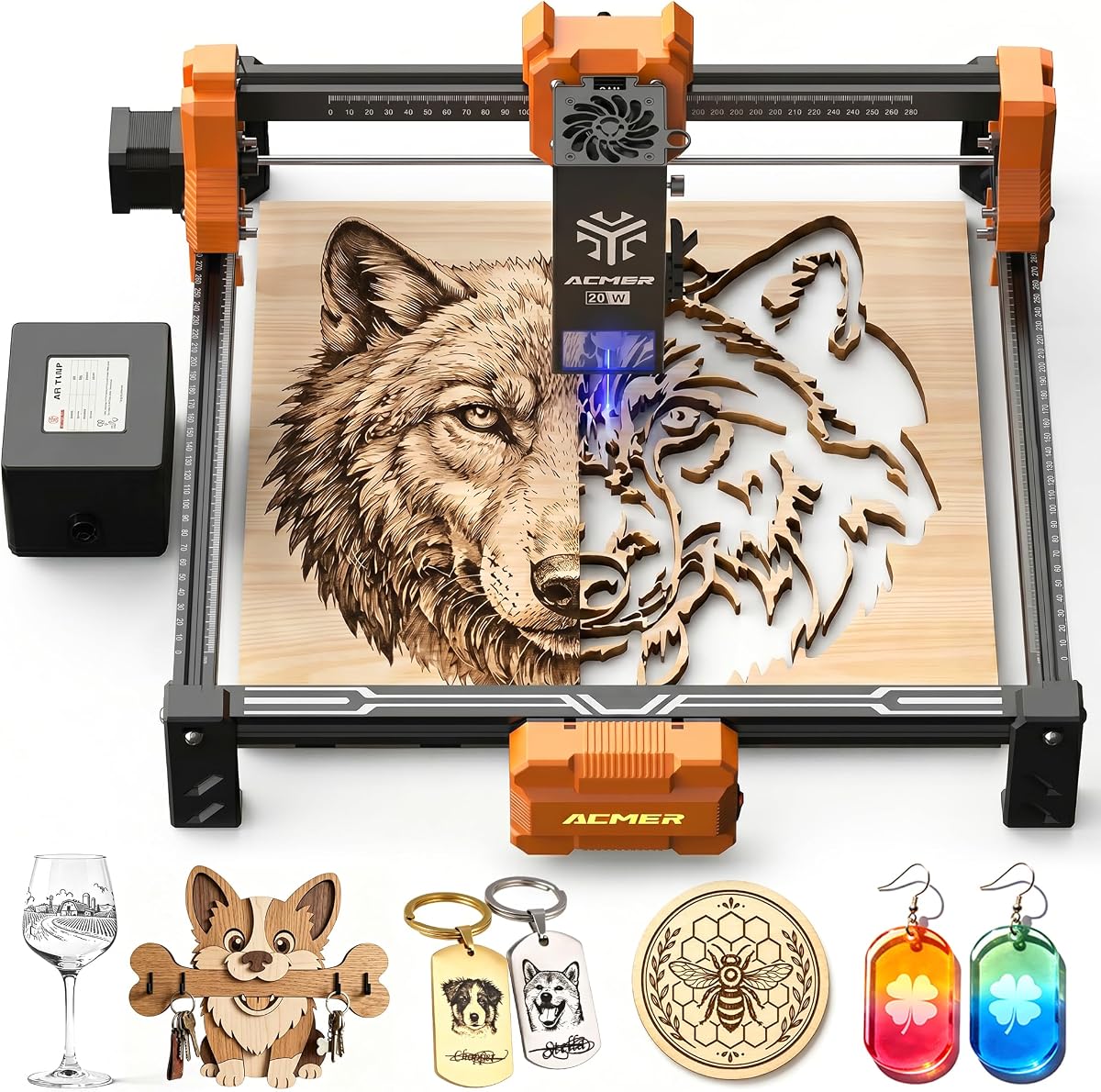
The P1 S Pro 20W offers a significant power jump with 20000mW output and a built-in air assist pump. Its 5.0 star rating highlights user satisfaction with its cutting depth and cleaner edge quality.
We may earn a commission when you buy through this link, at no additional cost to you.
The 25L/min air pump minimizes burn marks on wood and acrylic ensuring professional results. With 8000 hours of lens life this machine promises durability for long-term projects without frequent maintenance.
The larger physical size demands more desk space which may be an issue in small apartments. Additionally the higher price point might deter casual hobbyists who do not need such intense cutting power.
Best for small business owners needing reliable production this machine delivers consistent high-quality results. We recommend it for those ready to scale up from hobby projects to commercial outputs.
The 25L/min air assist pump keeps the lens clean and edges sharp reducing smoke residue on materials like wood and acrylic.
With a lifespan of 8000 hours the lens offers long-term reliability reducing replacement costs for frequent users.
We may earn a commission when you buy through this link, at no additional cost to you.
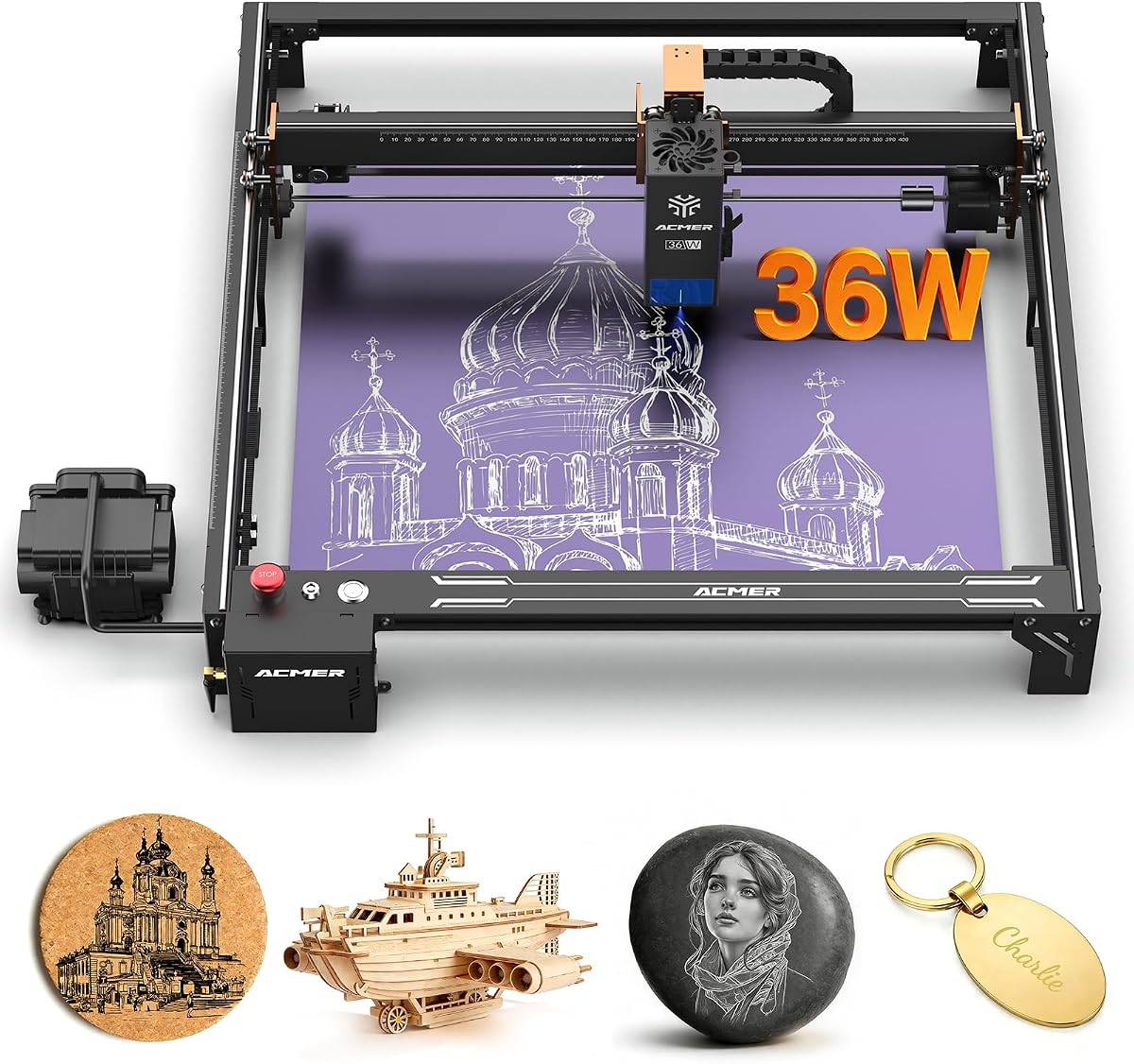
With 36000mW power this machine handles demanding cuts and detailed engraving for professional use. It received a 4.1 star rating indicating users praise its speed but note the complexity of setup and maintenance.
We may earn a commission when you buy through this link, at no additional cost to you.
Dual linear rails ensure minimal vibration at high speeds which is critical for long production runs. The 400x400mm workspace supports large creative projects that exceed the limits of smaller desktop units.
Users might struggle with the initial configuration of software and air assist systems without prior experience. Lack of enclosure means ventilation and safety protocols must be strictly followed in the workspace.
This model fits professional workshops needing speed and capacity over compact design. We recommend it for serious makers who require a larger work area and high-speed production capabilities.
Advanced dual linear rails deliver smooth movement reducing misalignment even at high engraving speeds for consistent results.
WiFi TF card and USB PC connections allow flexible control and offline engraving without needing a constant computer link.
We may earn a commission when you buy through this link, at no additional cost to you.
The Acmer S2 20W combines power and precision with a 0.09×0.1mm laser spot and built-in air assist. It holds a 5.0 star rating reflecting its ability to produce clean lines and smooth gradients consistently.
We may earn a commission when you buy through this link, at no additional cost to you.
Supporting engraving speeds up to 10000mm/min it ensures efficient operation for small batch production. The built-in limit switches protect the machine from over-traveling which helps maintain long-term accuracy.
Initial software configuration might take time for users unfamiliar with laser control interfaces. Also it requires a well-ventilated space to manage smoke especially when cutting organic materials like wood.
This machine suits those needing professional results without the highest end price tag. We recommend it for DIYers who want high precision and built-in cooling for cleaner cuts.
The 25L/min air assist pump improves cutting edge quality by reducing smoke and keeping the lens clean during operation.
Built-in limit switches prevent the laser head from hitting the frame enhancing safety and longevity of the device.
We may earn a commission when you buy through this link, at no additional cost to you.
The ACMER P3 offers a switchable dual laser output and a closed-box design that reduces smoke by 90 percent. It earns a 5.0 star rating for its top-tier safety features and industrial-grade build quality.
We may earn a commission when you buy through this link, at no additional cost to you.
Its CoreXY structure ensures high-speed precision up to 800mm/s while minimizing vibration. The integrated visual camera simplifies material positioning reducing setup time for detailed engraving work.
This machine carries the highest price point and may be too complex for casual users. Maintenance on the closed housing requires careful attention which might discourage non-technical hobbyists.
Ideal for professional studios needing maximum safety and power this unit delivers robust results. We recommend it for businesses that prioritize enclosure and advanced safety features above all.
The closed-box design reduces smoke and sound by 90 percent creating a cleaner and safer environment for home offices.
An integrated visual camera helps position engraving materials precisely without manual measurement or guesswork.
We may earn a commission when you buy through this link, at no additional cost to you.
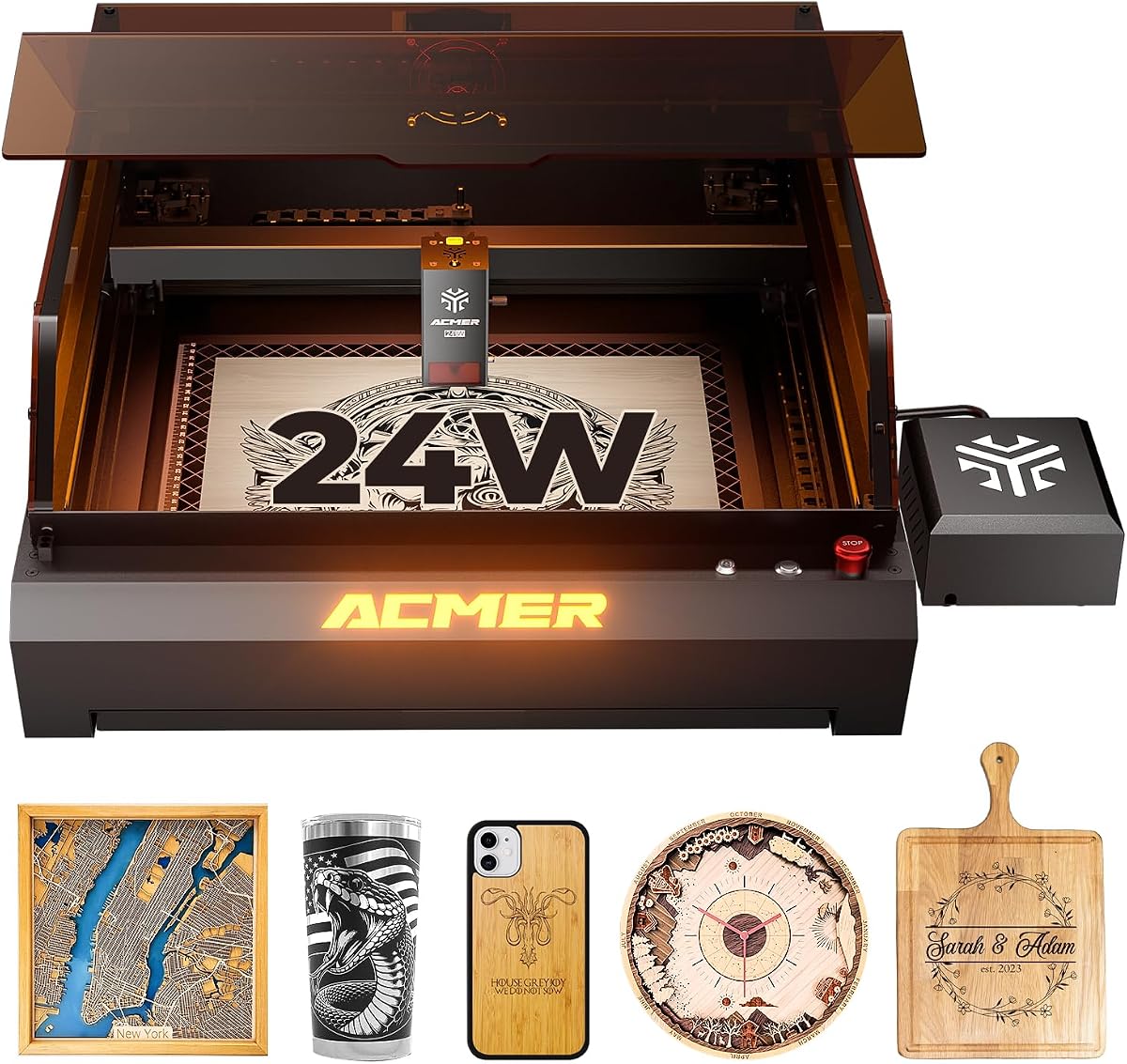
This 24W desktop model features an integrated housing that reduces smoke pollution significantly. It receives a 5.0 star rating for its reliable safety design and consistent performance across varied materials.
We may earn a commission when you buy through this link, at no additional cost to you.
The aviation grade aluminum frame offers excellent stability and durability for long sessions. Motion compensation algorithms ensure clear engraving even at high speeds avoiding blurring or frame loss.
The heavy frame makes moving the unit difficult once placed limiting flexibility in small workspaces. Access to the interior for cleaning may be restricted compared to open-frame machines.
Perfect for professionals needing a safe workspace this unit balances power and safety effectively. We recommend it for those prioritizing safety compliance and precision in a dedicated studio.
The closed box engraving machine reduces smoke and noise by 90 percent improving comfort and air quality in the workspace.
Motion compensation algorithms solve blurring at high speeds ensuring detailed and realistic engraving images.
We may earn a commission when you buy through this link, at no additional cost to you.
This unit offers a massive 380x370mm workspace ideal for large scale designs without needing to piece materials together. It holds a 5.0 star rating for its generous space and user-friendly connectivity options.
We may earn a commission when you buy through this link, at no additional cost to you.
The 6W dual-beam laser module allows for efficient engraving at speeds up to 10000mm/min. Modular frame design ensures quick installation and maintenance reducing downtime during setup or adjustments.
Lower power compared to higher wattage models limits cutting depth on thick materials. WiFi connectivity requires a stable network which might be a hurdle in environments with weak signals.
Best for artists needing a large canvas this machine supports expansive creative projects. We recommend it for those who value workspace size and wireless control over maximum cutting power.
The 380x370mm workspace gives room for large-scale designs reducing the need to piece together materials for big projects.
WiFi USB and TF card options allow flexible operation and wireless control for smoother workflows without PC dependency.
We may earn a commission when you buy through this link, at no additional cost to you.
Selecting the right laser engraver depends on your budget workspace and material needs. Consider power precision and safety when comparing models to ensure you choose a machine that matches your goals.
Laser power measured in milliwatts determines what materials you can cut and engrave effectively. Higher wattage allows deeper cuts in wood and acrylic while lower wattage suits lightweight engraving tasks. Always check the maximum thickness the machine can handle to avoid disappointment on thick projects.
Choose a wattage that matches your most common material types to balance performance and cost. Higher power machines often come with stronger cooling systems for consistent results.
Workspace dimensions define the largest single piece you can work on without manual repositioning. Models range from compact 130x130mm units to larger 400x400mm beds depending on your production needs. Larger units often demand more desk space and may require a dedicated table for operation.
Prioritize portability if you plan to move your setup between locations. Compact lightweight models are easier to store but may limit the size of your projects.
Compatible software impacts how easily you can import designs and control settings. Popular tools like LightBurn offer advanced features while free options like ACMER Studio simplify entry for beginners. Look for support of standard file formats such as SVG DXF and PNG to avoid conversion issues.
Connectivity options like WiFi USB or TF cards determine how you send jobs to the machine. Wireless control adds convenience but ensure your network is stable to prevent interruptions during long runs.
Safety is critical when working with lasers. Look for motion detection auto-pause and protective eyewear included in the package. Enclosed units reduce smoke and sound exposure making them safer for home or classroom environments.
Ensure the machine meets laser safety standards such as Class 1 or Class 4 certifications. Safety features prevent accidental exposure and protect your eyes during operation.
Air assist pumps blow air at the cutting point to reduce burns and smoke residue on materials. Built-in air assist improves edge quality especially on wood and acrylic. External pumps provide more airflow but require additional setup and space.
Effective cooling extends the life of the laser head during extended use. Check if the system includes a fan or air pump to keep temperatures stable.
Precision defines how fine your details can be. Smaller laser spots like 0.08mm produce sharper lines and better photo engraving. Positioning accuracy below 0.01mm ensures consistent repeats for batch production.
Invest in higher precision if you plan to engrave text or intricate logos. Better optics usually mean more consistent results across different materials.
Stability prevents wobble during high-speed cuts which can distort designs. Dual linear rails and aluminum frames provide better rigidity than roller systems. Heavier machines often hold their shape better over time.
Industrial-grade materials ensure the machine remains accurate for years of use. A sturdy build reduces vibration and improves overall engraving quality.
A good warranty protects your investment from manufacturing defects. Look for at least a 12-month warranty on core components. Responsive customer support helps resolve setup issues quickly.
Check for available online resources like tutorials or forums that can help troubleshoot problems. Strong support ensures you get the most out of your machine.
Start by assembling the machine carefully according to the included manual ensuring all screws are tight. Connect the power supply and verify safety goggles are worn before turning on the laser to prevent eye damage. Test the focus on scrap material to ensure clean lines before working on your project.
During operation place your material on the bed and adjust the focus distance to match your laser head height. Use software to set power and speed settings based on your material type. Always keep the workspace ventilated to clear smoke and debris from the cutting path.
After use clean the lens and mirrors gently with a cotton swab and appropriate cleaner. Check the air assist pump and clear any blockages to maintain performance. Store the machine in a dry place and cover it to prevent dust accumulation on optical parts.
Acmer engravers can cut wood leather acrylic and some coated metals with varying thicknesses. Models with higher wattage handle thicker materials more efficiently. Always test on scrap to find the right settings for new materials.
No special software is required as they are compatible with free options like ACMER Studio LightBurn and LaserGRBL. You can import standard file formats like SVG DXF and PNG directly for engraving.
Always wear the included laser safety goggles and keep the anti-UV shield in place during operation. Ensure the workspace is well ventilated to manage smoke. Motion detection features on some models provide additional safety pauses.
Yes with an optional rotary module you can engrave on cylindrical objects like bottles and tumblers. Some models support attachments that expand their capabilities for rounded projects.
Laser modules generally last up to 8000 hours depending on usage and cooling. Proper maintenance and avoiding overheating will extend the lifespan significantly. Regular cleaning of lenses ensures consistent performance.
No many models support WiFi USB and TF card connections for offline engraving. You can load files directly onto the machine without keeping a computer connected during the job.
Clean the lens gently using a cotton swab and lens cleaner designed for optics. Do not touch the lens with bare fingers to avoid oils. Regular cleaning prevents smoke buildup that degrades engraving quality.
An enclosure helps reduce smoke and noise making it safer for home environments. Models with closed designs are ideal for shared spaces. If using an open frame ensure proper ventilation and safety protocols are followed.
We have explored ten diverse models ranging from budget friendly options to premium enclosed units. The S2 stands out for its power and precision while the S1 offers the most affordable entry point for hobbyists.
Prioritize laser wattage and safety features based on your intended use case. If you need professional results focus on air assist and closed housing. For casual use lightweight portability may be more important than raw power.
Always check the current price and availability before purchasing as market conditions change. Investing in the right tool ensures long term success for your creative and professional projects.