
TERRAMASTER D4-320 External Hard Drive Enclosure
4.2Editor score
USB 3.2 Gen2 protocol support
Hot swappable drive bays
Tool-free hard drive management
Direct Attached Storage Devices for PC offer a straightforward way to expand your computer capacity without complex network setups. These units connect directly via USB or SATA, providing immediate access to large volumes of data for backups and media.
We evaluated ten leading models based on performance, reliability, capacity, and ease of use. Our analysis covers internal drives, external enclosures, and hybrid solutions to ensure you find the right fit for your specific workflow and budget requirements.
Each pick highlights key features, pros, and cons to help you make an informed decision. Please note that product availability and pricing can change frequently, so verify current details before purchasing to ensure you get the best deal.
4.2Editor score

4.7Editor score

3.9Editor score
As an Amazon Associate we earn from qualifying purchases.
The following table provides a side-by-side comparison of the top Direct Attached Storage Devices for PC available today, highlighting key specifications and features to help you choose.


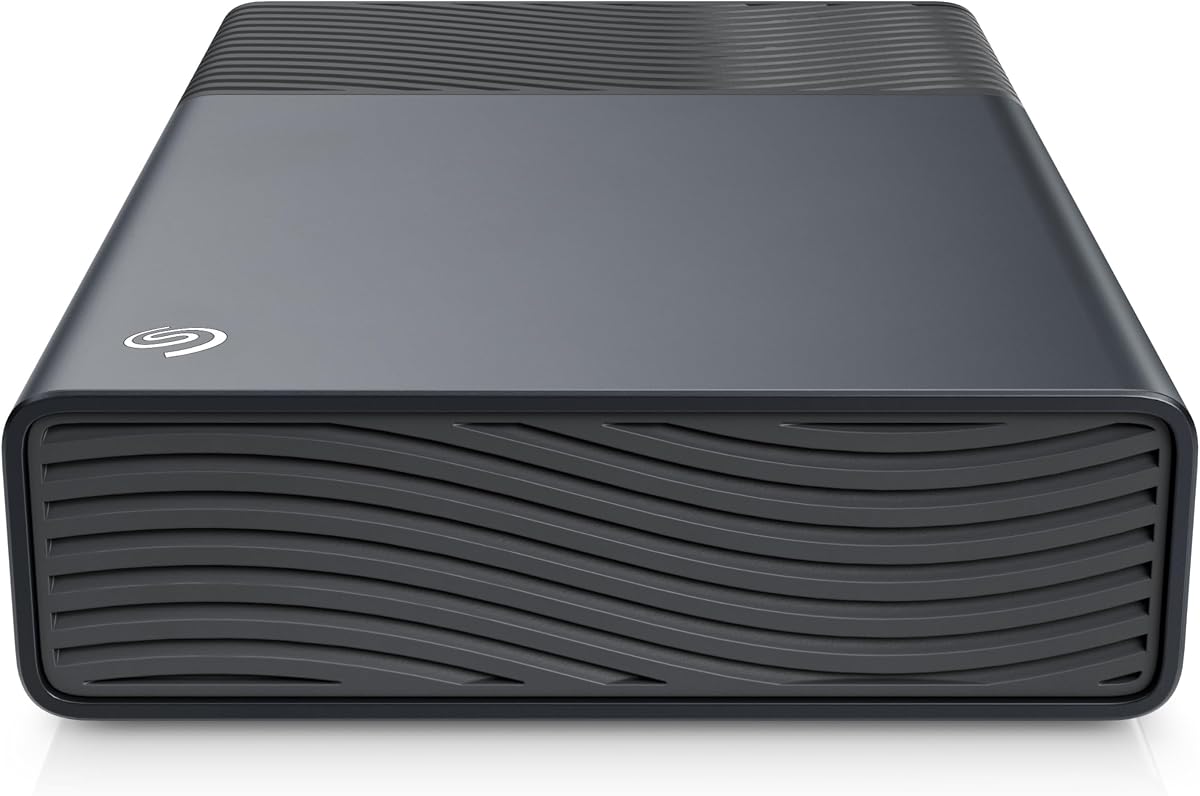


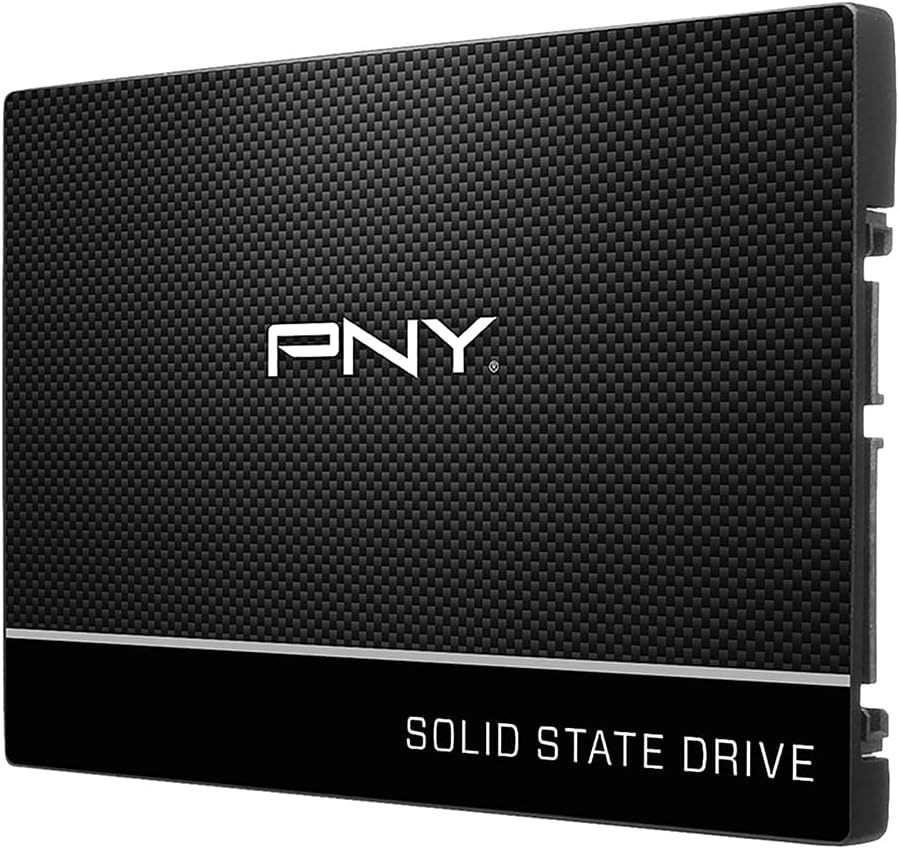
This drive offers exceptional capacity and reliability for PC users needing robust storage solutions. With a rating of 4.7, it stands out as a top choice for gaming and media work.
We may earn a commission when you buy through this link, at no additional cost to you.
Its sustained transfer rate of 190MB/s ensures smooth performance during heavy file operations. The BarraCuda series has a long history of innovation, making it a safe bet for critical data.
While it lacks a protective box and includes only an anti-static bag, the drive itself performs well. This minimal packaging reduces waste but requires careful handling during transport.
If you need a reliable internal drive for a desktop or gaming PC, this model delivers value. Its balance of capacity and speed makes it an excellent primary storage choice.
The BarraCuda series is trusted for consistent read/write speeds across various applications including video editing and gaming.
Standard 3.5-inch form factor and SATA connectivity make installation straightforward for most PC builds.
We may earn a commission when you buy through this link, at no additional cost to you.
This enclosure provides a cost-effective way to expand storage using existing hard drives. It supports up to four drives and offers plug-and-play compatibility with major operating systems.
We may earn a commission when you buy through this link, at no additional cost to you.
The USB 3.2 Gen2 protocol enables fast data transfer speeds up to 10Gbps. Users can easily swap drives without powering off the device thanks to hot swap support.
Lack of RAID functionality means data redundancy is not handled by the enclosure. You must manage backups separately if drive failure is a concern.
Ideal for users needing flexible storage expansion, this unit combines speed with convenience. Its tool-free design simplifies maintenance and drive upgrades.
The enclosure supports multiple USB standards ensuring compatibility with older and newer computer ports.
Temperature-controlled fans and sound-absorbing panels keep noise levels low during operation.
We may earn a commission when you buy through this link, at no additional cost to you.
This device brings hardware RAID capabilities to external storage without needing a full NAS system. It connects via USB-C and supports multiple RAID configurations for data protection.
We may earn a commission when you buy through this link, at no additional cost to you.
The inclusion of lockable drive bays adds physical security for your installed drives. It can also expand the capacity of existing QNAP NAS units if needed.
Be aware that NAS applications cannot be installed directly on this unit. Ensure your NAS model supports TR-004 functionality before relying on it for integration.
For those wanting RAID redundancy with simple connectivity, this is a strong option. It balances cost and features effectively for power users.
Support for RAID 0, 1, 5, and JBOD gives users flexibility in how data is stored.
Includes cables to connect to systems with either USB-C or USB-A ports.
We may earn a commission when you buy through this link, at no additional cost to you.
This SSD maximizes SATA interface potential with speeds reaching 560MB/s. It is designed for professionals and gamers handling heavy workloads on high-end PCs.
We may earn a commission when you buy through this link, at no additional cost to you.
Samsung Magician software helps manage the drive efficiently including updates and health monitoring. AES 256-bit encryption adds a layer of security for sensitive data.
While expensive compared to HDDs, the performance gain is significant. The 5-year warranty provides peace of mind for critical storage needs.
If you need fast boot times and application loading, this SSD is ideal. It serves well as a primary drive for demanding systems.
Variable buffer technology maintains high performance over the lifespan of the drive.
Tested with major host systems ensuring smooth integration with motherboards and chipsets.
We may earn a commission when you buy through this link, at no additional cost to you.
This drive is purpose-built for multi-user NAS environments needing high capacity and reliability. With 12TB storage and 256MB cache it handles large workloads efficiently.
We may earn a commission when you buy through this link, at no additional cost to you.
IronWolf Health Management provides proactive monitoring to prevent potential failures. The included Rescue Data Recovery Services add extra protection for critical business data.
It may cost more than standard drives but offers better endurance for constant operation. The three-year warranty further protects your investment.
For NAS setups or RAID arrays requiring stability, this drive is excellent. It minimizes downtime and ensures consistent file-sharing performance.
Engineered to handle the demands of always-on storage systems with reduced wear.
Integrated system tracks drive health metrics to alert users before issues arise.
We may earn a commission when you buy through this link, at no additional cost to you.
This desktop drive offers massive storage in a compact form factor. It connects via USB-C and does not require a separate wall outlet for power.
We may earn a commission when you buy through this link, at no additional cost to you.
Ideal for storing large media files it provides a simple plug-and-play solution. The included Rescue Data Recovery Services help recover lost data if needed.
Ensure your device can supply enough power as it requires 15 watts. Without sufficient power the drive may not function correctly.
Great for creators needing portable backups, this drive simplifies storage management. Its high capacity makes it suitable for long-term archival.
Quick connect capabilities allow fast transfers of projects and sensitive files.
Bus-powered design reduces cable clutter on your desk or workspace.
We may earn a commission when you buy through this link, at no additional cost to you.
This internal drive offers solid performance for everyday computing and storage expansion. With 7200 RPM it provides fast access speeds for large files and applications.
We may earn a commission when you buy through this link, at no additional cost to you.
WD includes Acronis True Image WD Edition cloning software to simplify upgrades. This tool makes transferring data from old drives to this new one seamless.
While it lacks advanced enterprise features it is reliable for home and office use. The large capacity ensures you have plenty of room for growing data needs.
For a straightforward upgrade to your PC storage, this drive fits well. Its balance of speed and capacity suits general users effectively.
Free software allows easy migration of your operating system and files.
Trusted manufacturing ensures consistent performance over time for daily tasks.
We may earn a commission when you buy through this link, at no additional cost to you.
This premium drive is designed for heavy-duty NAS environments with unlimited bays. It supports a workload rate of 550TB per year ensuring durability under constant use.
We may earn a commission when you buy through this link, at no additional cost to you.
CMR technology makes it ideal for RAID configurations where performance matters. The drive is extensively tested with various NAS vendors for compatibility.
The price reflects its professional grade features and endurance. It may be overkill for home users but perfect for businesses.
If you need a storage drive for 24×7 multi-user operations, this is a top choice. It delivers the reliability needed for critical data environments.
Rated for high annualized transfer volumes typical in enterprise NAS deployments.
Conventional Magnetic Recording ensures better performance for RAID arrays.
We may earn a commission when you buy through this link, at no additional cost to you.
This enclosure allows mixing HDDs for capacity and NVMe SSDs for speed. It supports up to 152TB total storage combining the best of both technologies.
We may earn a commission when you buy through this link, at no additional cost to you.
Hot data stored on NVMe SSDs ensures fast access while cold data resides on HDDs. This tiered approach optimizes both performance and cost efficiency.
Setup requires more planning than standard enclosures due to mixed drive types. However the flexibility it offers is unmatched in the market.
For advanced users needing both speed and massive storage, this is innovative. It supports large workflows requiring quick access to active data.
Separate storage types based on frequency of use for optimal efficiency.
NVMe slots support speeds up to 980MB/s for fast data retrieval.
We may earn a commission when you buy through this link, at no additional cost to you.
This SSD offers a cost-effective way to speed up older laptops and desktops. With read speeds up to 550MB/s it significantly improves system responsiveness.
We may earn a commission when you buy through this link, at no additional cost to you.
Ultra-low power consumption makes it suitable for laptops aiming to extend battery life. It is backwards compatible with older SATA II ports ensuring wider support.
The 500GB capacity is modest but sufficient for system files and key apps. For bulk storage consider pairing with a larger HDD.
If you need a quick budget upgrade to improve performance, this SSD fits well. It provides the speed boost typical of modern drives at a low cost.
Super-fast boot times transform how quickly you can start your computer.
Uses less power than traditional hard drives saving energy over time.
We may earn a commission when you buy through this link, at no additional cost to you.
Selecting the right storage device involves evaluating capacity, speed, and compatibility with your existing system.
Assess how much data you store including photos, videos, and applications. Larger capacities like 16TB or 24TB suit media libraries while 500GB or 1TB may suffice for system files.
Choose a drive that grows with your data needs to avoid frequent upgrades.
External drives use USB-C or USB-A ports while internal drives use SATA or NVMe interfaces. Ensure your PC supports the chosen interface for optimal performance.
USB 3.2 Gen2 or faster ensures external drives can handle large file transfers quickly.
Hard Disk Drives (HDD) offer high capacity at lower costs while Solid State Drives (SSD) provide faster speeds and better durability. Hybrid solutions let you combine both benefits.
Select based on whether speed or storage space is your priority for specific tasks.
If you need data redundancy look for enclosures supporting hardware RAID like RAID 1 or 5. This protects against drive failure by mirroring or distributing data.
Ensure the enclosure supports RAID functionality if redundancy is a requirement for your workflow.
Check that the drive works with your OS such as Windows macOS or Linux. Some drives require drivers while others are plug-and-play out of the box.
Universal compatibility prevents issues with mounting or accessing data across platforms.
Some drives are bus-powered and draw energy from the USB port while others need external power supplies. Consider portability and outlet availability when choosing.
Portable drives without wall adapters reduce cable clutter but may need sufficient USB power.
Look for drives with strong warranty coverage like five years or included data recovery services. This adds protection against unexpected hardware failures.
A solid warranty ensures peace of mind for critical data storage investments.
Internal drives may generate heat requiring good case airflow while external units often have built-in fans. Low noise is important for quiet workspaces.
Choose models with efficient cooling to maintain performance and longevity over time.
When connecting an external drive always use the provided cable and ensure the port is clean and undamaged to prevent connection issues.
Safely eject drives through the operating system before unplugging to avoid data corruption and file system errors.
Keep drives in cool dry environments and avoid physical shocks to prolong their lifespan and maintain performance over time.
DAS (Direct Attached Storage) connects directly to a computer via USB or SATA and does not require network access. NAS (Network Attached Storage) connects to a network and allows multiple devices to access storage over Ethernet.
Most modern DAS units are plug-and-play and do not require extra drivers on Windows or macOS. However specific advanced features may need software installation for full functionality.
Yes most external enclosures support both 2.5-inch SATA SSDs and M.2 NVMe SSDs depending on the model. Ensure the enclosure supports the specific SSD type you plan to use.
RAID is not necessary for all users but it provides data redundancy in case of drive failure. If data loss is a major concern choose an enclosure with hardware RAID support.
Use backup software included with the drive or third-party tools to schedule automatic backups to the external storage. This ensures your files are protected from local drive failures.
Speed depends on the interface (USB 3.0 vs USB-C) drive type (HDD vs SSD), and the host port capabilities. Using the latest protocols ensures maximum transfer rates.
We highlighted ten top Direct Attached Storage Devices for PC ranging from budget internal SSDs to premium NAS-optimized drives. Each option brings unique strengths for different storage needs and budgets.
Prioritize capacity and interface compatibility based on your workflow. If speed is critical choose SSDs for internal upgrades while external enclosures suit expandable storage.
Always verify current pricing and availability before purchasing as models may change. Investing in reliable storage now protects your data for years to come.