
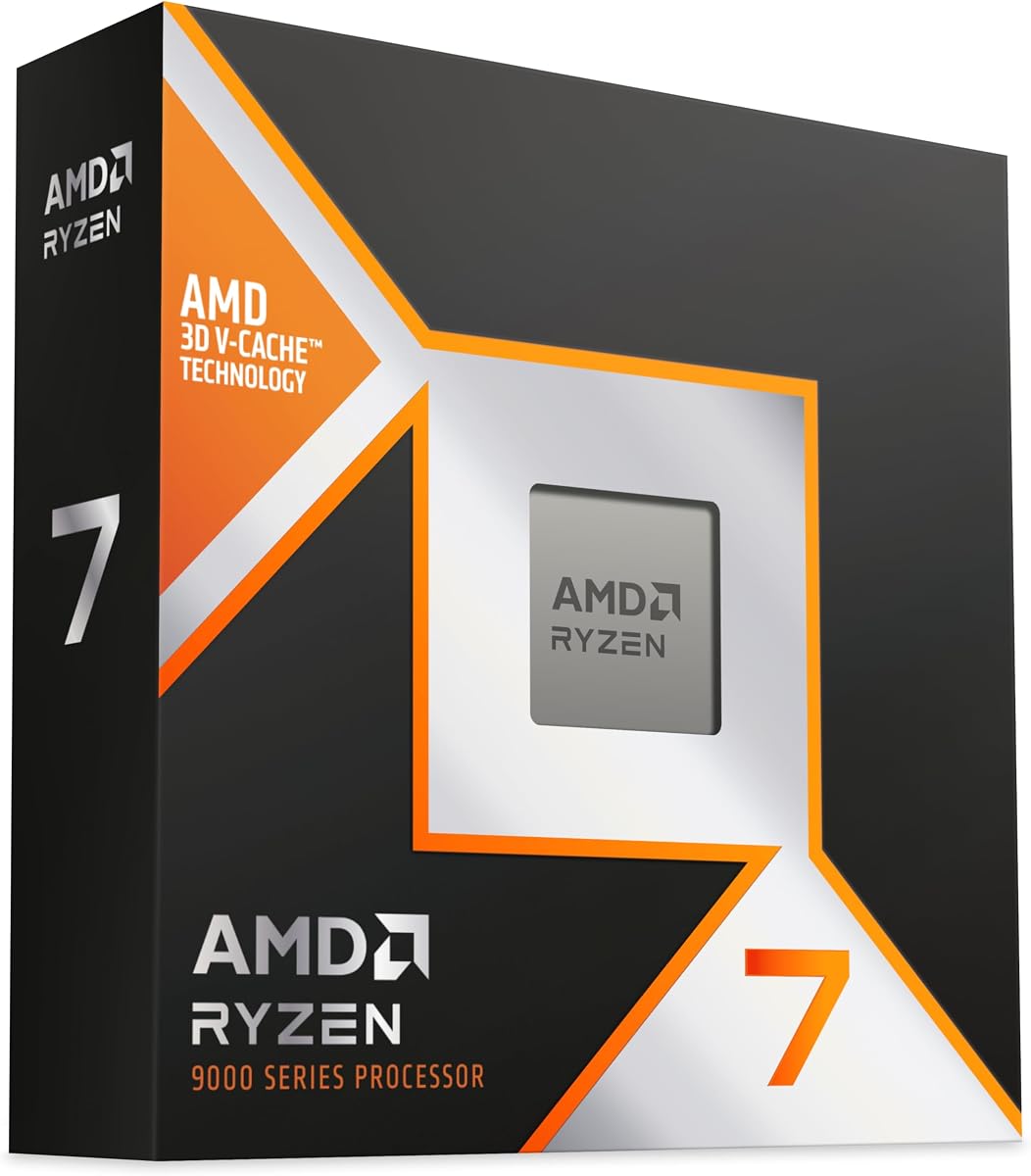
AMD Ryzen 7 7800X3D
4.8Editor score
Ninety six megabytes L3 cache
Efficient five nanometer process
Great thermal performance
This guide compares the top CPUs for 3D rendering including AMD and Intel options to help you choose the best processor for your workflow needs.
Selecting the right CPU for 3D rendering is crucial for productivity and efficiency in creative workflows. Modern applications demand high core counts and strong single-thread performance to handle complex scenes effectively.
We evaluated ten top processors based on architecture, core configuration, and real-world rendering capabilities. Our analysis focuses on how each model balances speed, power efficiency, and platform compatibility for professionals.
Each pick highlights key strengths and ideal use cases for different budgets and project scales. Note that pricing fluctuates frequently so always verify current offers before finalizing your hardware investment decision.
4.8Editor score

4.7Editor score

4.2Editor score
The following table provides a side by side overview of all ten processors including their core counts, cache sizes, and key architectural features to help you compare performance potential.



The AMD Ryzen 9 9950X3D stands out as a top contender for 3D rendering tasks. With a 4.7 rating from users it delivers exceptional performance across professional workloads and creative applications.
We may earn a commission when you buy through this link, at no additional cost to you.
Its 16 cores and 32 threads powered by Zen 5 architecture ensure smooth handling of complex scenes. The boost clock reaching up to 5.7GHz allows for rapid processing of detailed geometry and textures.
While the price is high it justifies the cost through reliability and speed. The AM5 socket ensures future upgrade paths which is valuable for long-term workstation investments.
This processor is ideal for professional studios or freelancers who need top-tier performance. It balances raw power with efficiency making it a smart investment for serious creators.
Multiple cores allow parallel processing of render nodes reducing total time significantly.
Zen 5 design improves instructions per cycle leading to faster task completion.
We may earn a commission when you buy through this link, at no additional cost to you.
The AMD Ryzen 7 7800X3D offers an excellent entry point for 3D rendering needs. It holds a 4.8 rating reflecting user satisfaction with its balance of cost and capability.
We may earn a commission when you buy through this link, at no additional cost to you.
Its 8 cores and 16 threads are supported by a massive 96MB L3 cache which accelerates data access during rendering. The 5nm process ensures it runs cool even under load.
Though it has fewer cores than competitors it compensates with high efficiency. This makes it a great choice for beginners or those working on smaller projects.
Buyers looking for value should consider this model highly. It provides solid performance without breaking the bank making it accessible for many creators.
The large cache reduces latency when accessing frequently used rendering data.
Advanced manufacturing keeps temperatures manageable without requiring expensive cooling solutions.
We may earn a commission when you buy through this link, at no additional cost to you.
The AMD Ryzen Threadripper PRO 7975WX is built for demanding professional environments. Its 4.2 rating highlights its robustness despite the high price point for workstation users.
We may earn a commission when you buy through this link, at no additional cost to you.
With 32 cores and 64 threads it handles heavy multi-threaded tasks effortlessly. The 160MB cache and eight-channel DDR5 support maximize bandwidth for large datasets and complex scenes.
This level of performance comes with significant costs and hardware requirements. It is best suited for studios that need absolute maximum throughput for rendering workloads.
If budget is not a constraint this CPU delivers top-tier results. It ensures future-proofing and stability for high-stakes professional projects.
Multiple memory channels allow simultaneous access to large texture and geometry data.
Designed for 24/7 operation ensuring stability during long render jobs.
We may earn a commission when you buy through this link, at no additional cost to you.
The AMD Ryzen 7 9800X3D combines modern architecture with effective cache design. It carries a 4.8 rating indicating strong user approval for its performance capabilities in various tasks.
We may earn a commission when you buy through this link, at no additional cost to you.
With 8 cores and 16 threads it provides solid multi-tasking ability. The Zen 5 architecture boosts IPC allowing faster processing per cycle compared to previous generations.
Its thermal performance is notable allowing higher clock speeds without overheating. This makes it a reliable choice for mid-range rendering workstations.
Users seeking a balance of speed and heat management should consider this option. It is versatile enough for both creative work and general system use.
Instruction per cycle gains lead to faster task execution across software.
Better thermal performance allows sustained clock speeds during long renders.
We may earn a commission when you buy through this link, at no additional cost to you.
The AMD Ryzen 7 9850X3D continues the trend of high-performance desktop chips. It holds a 4.8 rating which suggests reliability and strong performance in demanding scenarios.
We may earn a commission when you buy through this link, at no additional cost to you.
Built on Zen 5 architecture it benefits from next-gen improvements in speed and efficiency. The 3D V-Cache technology enhances data throughput for complex workloads.
While specific core counts are not detailed here it aligns with high-end standards. It is a good option for users looking to leverage the latest AM5 platform features.
Creators who prioritize single-thread performance will appreciate this processor. It offers a blend of raw speed and architectural efficiency.
New architecture provides better instruction handling for faster computation.
AM5 platform ensures compatibility with future upgrades and technologies.
We may earn a commission when you buy through this link, at no additional cost to you.
The AMD Ryzen 9 9950X is a powerhouse for rendering workloads. With a 4.8 rating it is recognized for its ability to handle multi-threaded applications efficiently.
We may earn a commission when you buy through this link, at no additional cost to you.
Its 16 cores and 32 threads allow for parallel processing of complex tasks. The Zen 5 architecture and 5.7GHz boost ensure quick execution of instructions.
Users may need liquid cooling to manage heat effectively under load. This makes it suitable for desktops designed for heavy continuous usage.
Professionals needing high thread counts will find this CPU valuable. It offers a solid mix of speed and multi-core capability.
More threads allow more simultaneous render processes without slowing down.
High boost clocks ensure fast response times during interactive tasks.
We may earn a commission when you buy through this link, at no additional cost to you.
The AMD Ryzen 5 9600X offers a budget-friendly entry into modern rendering. It holds a 4.8 rating suggesting satisfaction among users looking for reliable performance.
We may earn a commission when you buy through this link, at no additional cost to you.
With 6 cores and 12 threads it handles light to moderate workloads well. The Zen 5 architecture supports efficiency and speed for daily tasks.
While it lacks the power of higher-end models it is sufficient for many users. It is an excellent choice for those starting out in 3D work.
Buyers prioritizing cost savings should consider this processor. It provides modern features without the premium price tag.
Lower cost allows investment in other parts like GPU or storage.
Zen 5 ensures compatibility and performance for current software standards.
We may earn a commission when you buy through this link, at no additional cost to you.
The AMD Ryzen Threadripper PRO 5955WX is a reliable workstation class chip. It has a 4.8 rating reflecting its stability and performance in professional environments.
We may earn a commission when you buy through this link, at no additional cost to you.
With 16 cores and 32 threads it provides solid multi-threaded performance. The support for DDR4 memory makes it accessible for existing platforms.
Users who value stability over raw speed will find this option useful. It is designed for steady operation during long rendering sessions.
This CPU is a good choice for those building workstations on a budget. It offers professional features without the cost of the latest generation.
Designed for 24/7 uptime ensuring minimal interruptions in workflows.
AM4 platform support allows reuse of existing motherboard investments.
We may earn a commission when you buy through this link, at no additional cost to you.
The Intel Core Ultra 7 270K Plus brings modern technology to rendering tasks. With a 4.6 rating it shows strong performance potential for high-end workflows.
We may earn a commission when you buy through this link, at no additional cost to you.
Its 24 cores and 32 threads provide excellent parallel processing capability. The boost clock of 5.5GHz ensures quick task execution for demanding applications.
While availability is limited to specific regions it offers high-end features. It supports the latest PCIe and memory standards for future-proofing.
International buyers or those seeking Intel options will appreciate this chip. It balances core count with speed for versatile performance.
Hybrid core setup optimizes performance for both heavy and light tasks.
Supports DDR5 and PCIe 5.0 for high bandwidth needs.
We may earn a commission when you buy through this link, at no additional cost to you.
The AMD Ryzen 9 5900XT provides a reliable option for mid-range needs. It carries a 4.8 rating which speaks to its proven reliability in various workloads.
We may earn a commission when you buy through this link, at no additional cost to you.
With 16 cores and 32 threads it handles multi-threaded tasks well. The Zen 3 architecture remains efficient for many current applications.
Users looking for value can benefit from its lower price point. It supports AM4 platforms making it easy to integrate into existing systems.
This processor is great for those transitioning to modern rendering tools. It offers a balance of performance and cost for many users.
Zen 3 is well understood and optimized by most rendering software.
AM4 platform offers budget-friendly motherboard and memory options.
We may earn a commission when you buy through this link, at no additional cost to you.
Choosing the right CPU requires balancing core count clock speed and platform compatibility for your specific rendering needs.
More cores allow more simultaneous processing which reduces render times significantly. Look for at least 8 cores for moderate work and 16 or more for professional use.
Prioritize higher core counts to speed up complex scene calculations.
Higher boost clocks improve responsiveness for single-threaded tasks like viewport interaction. Aim for speeds above 4.5GHz for better real-time feedback.
Select processors with strong single-core performance for smooth workflows.
Large L3 cache helps store frequently accessed data reducing latency. Models with over 32MB cache generally perform better in data-heavy scenes.
Look for larger cache sizes to minimize bottlenecks during renders.
Ensure the CPU matches your motherboard socket and memory type. AM5 supports DDR5 and PCIe 5.0 which offers better future upgrades.
Choose a platform that aligns with your current hardware to avoid extra costs.
Efficient processors generate less heat reducing cooling requirements and noise. AMD chips often show better thermal performance compared to alternatives.
Consider power usage to maintain system stability and reduce electricity costs.
Unlocked CPUs allow manual tuning to squeeze extra performance from the chip. This is useful for users who want to maximize throughput on a budget.
Select unlocked models if you plan to optimize settings manually.
Processors with long lifecycle support allow for easier future upgrades. Check manufacturer roadmaps to ensure motherboard compatibility remains valid.
Prioritize platforms with extended support to extend your build's lifespan.
Workstation CPUs often include extra memory channels and ECC support for reliability. These features are critical for mission-critical rendering tasks.
Invest in PRO series if stability is more important than raw speed.
Ensure proper cooling is installed to maintain optimal clock speeds during long renders.
Update BIOS to the latest version to ensure full compatibility and performance features.
Monitor temperatures regularly to prevent thermal throttling during intensive workload usage.
For professional work 16 cores or more are ideal to handle multi-threaded tasks. For beginners 8 to 12 cores provide a good balance between cost and speed.
Both matter but cores reduce total render time while speed helps viewport performance. Ideally you want a balance of both for best overall productivity.
AMD often offers better efficiency and value for rendering. Intel provides strong single-thread performance which is useful for certain workflows.
Yes most high-performance CPUs require a separate cooler. Liquid cooling is recommended for top-tier models to handle heat loads effectively.
It increases L3 cache size reducing data access latency. This improves performance in complex scenes where data is frequently reused.
No AM5 requires DDR5 memory. You will need to upgrade RAM to use the latest platform effectively.
If you rely on reliability and ECC memory they are worth it. For most users standard high-end CPUs offer enough performance.
Update BIOS regularly for best stability. Chipset drivers should be updated whenever major changes are released by AMD or Intel.
The top picks highlight a range of options from budget to premium catering to various needs.
Prioritize core count and cache size to ensure your workstation can handle large projects.
Always check current pricing and availability to secure the best deal for your budget.