
InnoGear Gaming Mic USB Computer Microphone
4.4Editor score
Advanced noise cancellation built in
RGB lighting with four modes
Plug and play USB connectivity
Explore our expert guide to the best cheap boom microphone options for streaming and gaming. We compare top affordable models for clear voice quality and
Finding a reliable microphone for streaming or gaming does not have to break the bank. A good cheap boom microphone delivers clear audio while keeping costs low for budget conscious creators.
We evaluated ten top rated models based on sound quality, build durability, and included accessories. Each option offers a mix of USB and XLR connectivity to suit different setups and needs.
Every pick highlights key strengths and potential trade offs to help you decide. Prices and availability may change so check current listings before making your final purchase decision today.
4.4Editor score
4.5Editor score
4.5Editor score
This side by side comparison reviews all ten affordable boom microphone options available today. Each entry includes key specifications and links for quick reference during your search.


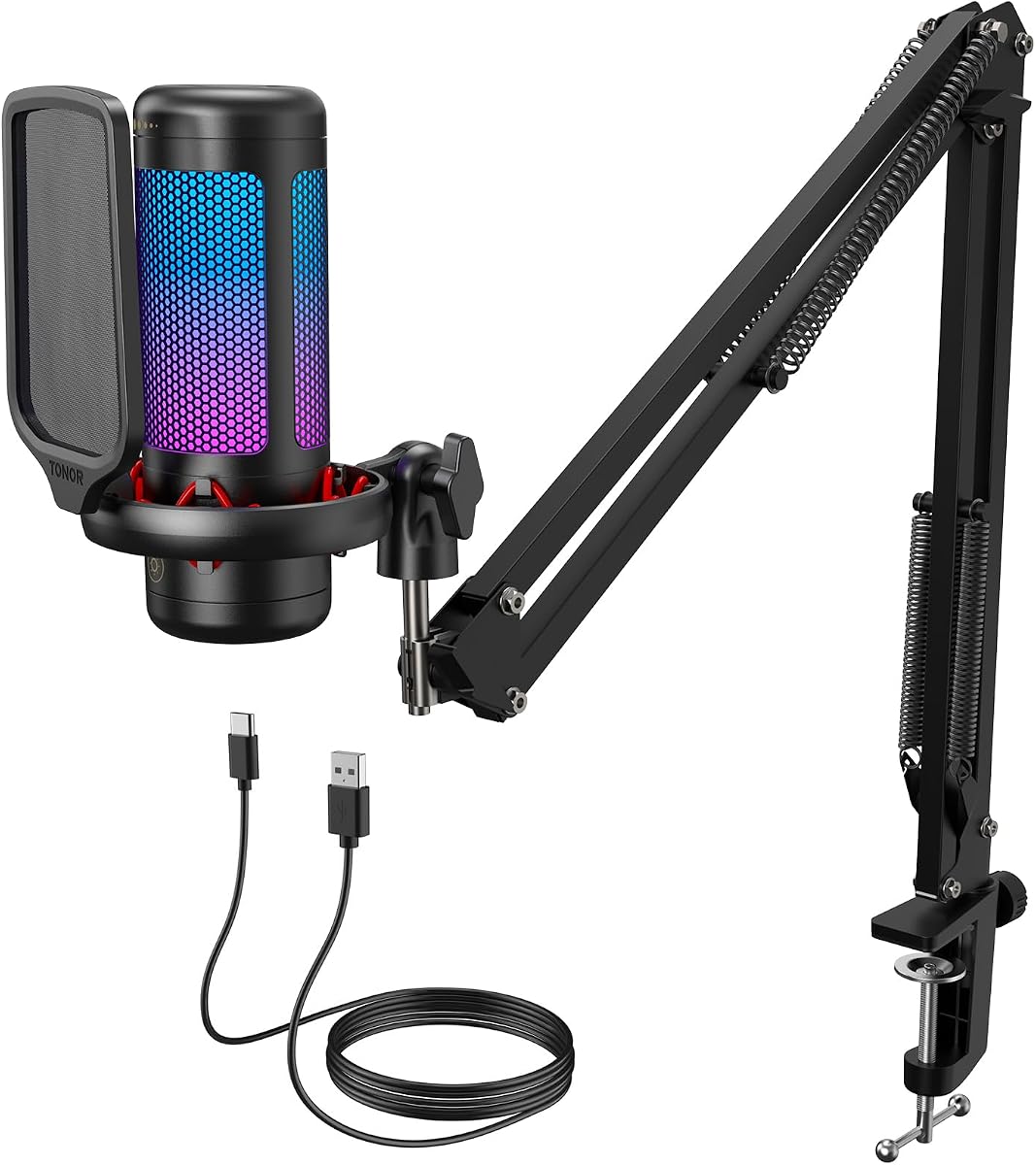
The TONOR TC310+ stands out as a top choice for budget conscious streamers seeking quality audio. It holds a solid rating and delivers clean sound with premium tuning inside its capsule.
We may earn a commission when you buy through this link, at no additional cost to you.
Its all-in-one design includes a metal boom arm and clamp for flexible positioning. The RGB lighting adds visual flair while touch controls simplify muting and gain adjustment during live sessions.
While not compatible with XLR interfaces, it excels in USB setups. The sound quality remains crisp enough for vocals and gaming chat without needing extra drivers or software configuration.
Ideal for new streamers or content creators on a tight budget. This kit offers everything needed to start recording or broadcasting with professional results right out of the box.
Includes boom arm and clamp for instant setup without extra purchases.
RGB modes let you match lighting to your gaming or streaming theme easily.
We may earn a commission when you buy through this link, at no additional cost to you.
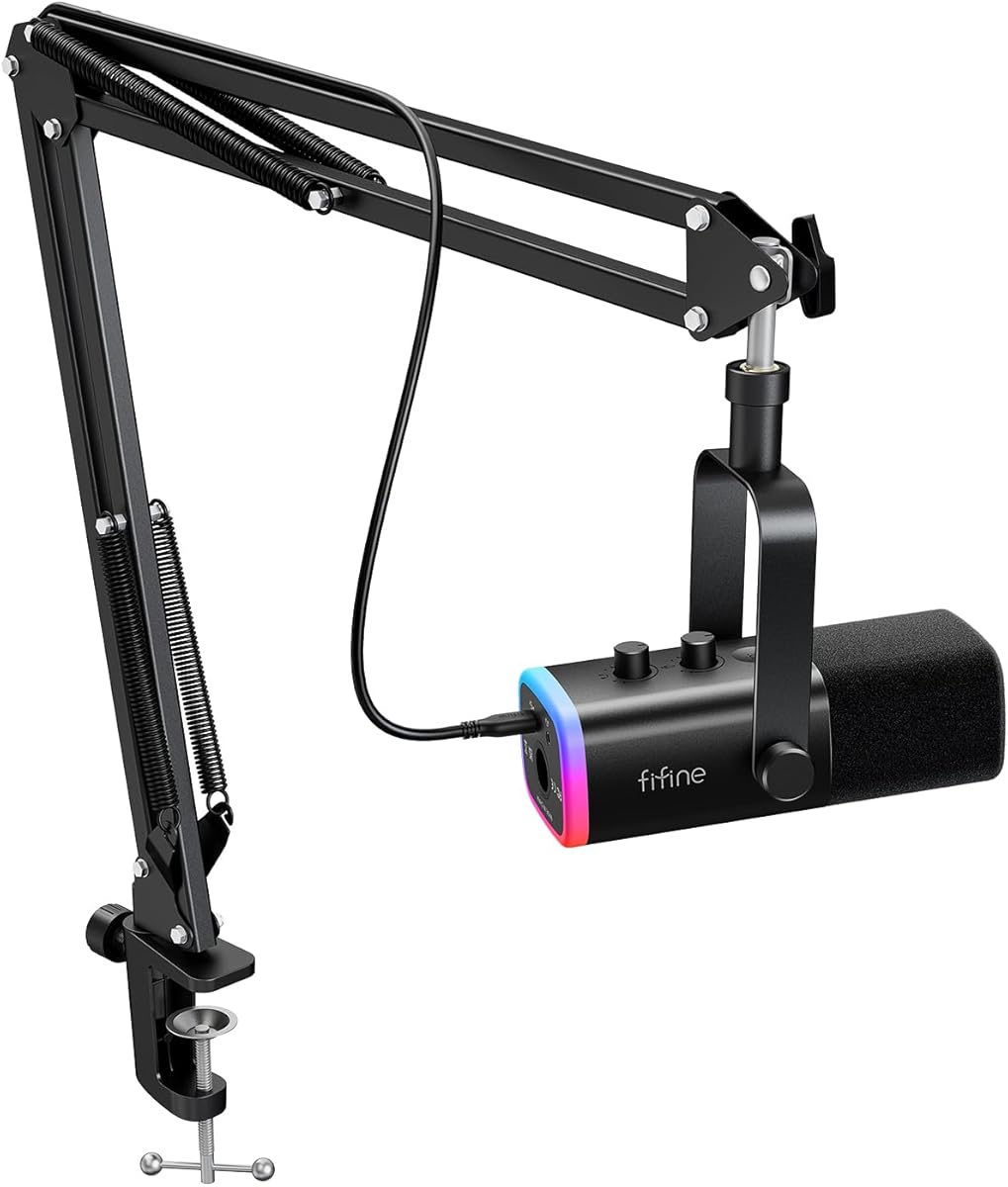
FIFINE AM8T offers versatile connectivity with both USB and XLR inputs for future proofing. It earns high marks for sound clarity and reliable performance in gaming or podcast environments.
We may earn a commission when you buy through this link, at no additional cost to you.
The dynamic capsule handles loud environments well without distortion. A boom arm and clamp ensure stable positioning while controls like mute and gain offer precise audio management during use.
Though the XLR cable is separate, the ability to upgrade later makes this a smart long-term pick. Sound quality remains consistent whether used via USB or professional mixer connections.
Perfect for streamers planning to grow their setup over time. It balances cost with pro features like real-time monitoring and robust construction for daily heavy usage.
XLR compatibility allows easy upgrades to audio interfaces without replacing the mic.
Headphone jack lets you hear yourself live for better vocal control.
We may earn a commission when you buy through this link, at no additional cost to you.
InnoGear Gaming Mic provides excellent value with advanced noise cancellation at a low price point. It scores well for clarity and ease of use in casual streaming or gaming chats.
We may earn a commission when you buy through this link, at no additional cost to you.
The RGB lighting enhances desk aesthetics while touch controls simplify operations during sessions. A built-in boom arm keeps the mic close and adjustable for consistent voice pickup.
While it lacks XLR support, it performs admirably in USB environments. The noise reduction helps filter out background sounds like keyboards or fans during recording or voice calls.
Great for beginners needing reliable audio without complex gear. Its affordability and feature set make it a top contender for anyone starting out in content creation.
Filters background noise effectively for cleaner voice tracks during gaming.
Lighting modes add visual appeal to your streaming desk or gaming setup.
We may earn a commission when you buy through this link, at no additional cost to you.
MAONO A04 delivers high resolution audio with a professional chipset for detailed recording. It is ideal for voice overs or podcasting where clarity and depth matter most.
We may earn a commission when you buy through this link, at no additional cost to you.
The kit includes a shock mount and pop filter to reduce handling noise and plosives. An adjustable scissor arm allows precise positioning without cluttering your desk space.
While condenser mics can pick up ambient noise, the included filters help mitigate this. The USB connection ensures instant setup without extra drivers or sound cards on most systems.
Recommended for podcasters or narrators needing studio tone on a budget. Its full accessory package saves money by removing the need for additional purchases.
192kHz sampling captures rich detail perfect for voice overs and podcasts.
Includes pop filter and shock mount for better sound isolation right away.
We may earn a commission when you buy through this link, at no additional cost to you.
V-Moda BoomPro is a versatile accessory for upgrading standard headphones with a mic. It is designed for seamless integration with V-Moda or any 3.5mm audio input.
We may earn a commission when you buy through this link, at no additional cost to you.
The detachable boom allows flexibility for various headset types. Controls for volume and mute are accessible directly on the cable for quick adjustments during calls.
While not a full boom arm system, it excels in portability and compatibility. The gold plated connector ensures durability and reliable signal transmission during daily use.
Best for mobile gamers or those using existing headsets. It offers a simple way to add voice chat capabilities without replacing entire audio hardware.
Works with most 3.5mm headphone inputs for broad device support.
On-line volume and mute buttons allow quick adjustments during calls.
We may earn a commission when you buy through this link, at no additional cost to you.
FIFINE T669 is built for home studio recording with a wide frequency response and cardioid capsule. It captures clear vocals with minimal background noise pickup in quiet environments.
We may earn a commission when you buy through this link, at no additional cost to you.
The scissor arm stand offers robust support and flexibility for positioning. A dual pop filter reduces plosives while the shock mount isolates the mic from vibrations.
It works best for podcasting or streaming where USB is sufficient. The heavy-duty metal construction ensures longevity and stability during intense recording sessions.
Ideal for creators needing reliable performance without complex setups. Its comprehensive accessory package supports immediate use for professional sounding results at home.
Wide frequency response ensures balanced audio for vocals and instruments.
Steel arm and clamp provide stable support for consistent recording angles.
We may earn a commission when you buy through this link, at no additional cost to you.
Cable Boom Mic transforms existing headphones into a voice capable headset easily. It provides a budget friendly path to clear communication without buying new hardware.
We may earn a commission when you buy through this link, at no additional cost to you.
The flexible steel arm allows adjustable positioning for better voice pickup. Mute and volume controls on the line offer convenience during gaming or business calls.
It works with most devices supporting 3.5mm audio inputs. The included Y adapter helps with systems that require separate inputs for mic and headphone signals.
Best for casual gamers or office workers with existing headsets. It extends the life of your current gear while adding essential voice communication features.
Simple plug-in design works with existing 3.5mm headphone inputs.
Adjustable arm ensures mic stays in optimal position for voice clarity.
We may earn a commission when you buy through this link, at no additional cost to you.
FIFINE K688CT blends dynamic reliability with dual connectivity for versatile use. It serves podcasters well with natural sound reproduction and robust noise rejection.
We may earn a commission when you buy through this link, at no additional cost to you.
The sturdy metal boom arm ensures stable placement for consistent audio levels. Tap-to-mute and gain controls offer quick adjustments during live recording sessions.
While it supports XLR for professional interfaces, USB works for most streamers. The included windscreen helps reduce breath noise and improves vocal clarity immediately.
Recommended for podcasters needing flexible connection paths. It balances cost with professional features and remains easy to operate for beginners or experts.
Both USB and XLR allow use with PCs or professional audio interfaces.
Dynamic capsule minimizes background noise for clearer spoken word content.
We may earn a commission when you buy through this link, at no additional cost to you.
TONOR Dynamic mic features AI noise cancellation to keep streams clean during gaming. It offers strong audio quality with advanced filters for distracting background sounds.
We may earn a commission when you buy through this link, at no additional cost to you.
Dual USB and XLR outputs allow for upgrades without replacing the microphone. A boom arm ensures stable positioning while headphone monitoring keeps you aware of audio levels.
RGB lighting adds flair to your setup without software complexity. The dynamic capsule ensures consistent volume even in noisy environments or loud gameplay sessions.
Great for streamers needing effective noise control and upgrade potential. It delivers professional results at an accessible price point for growing content creators.
AI filters eliminate background noise like keyboards for cleaner voice streams.
XLR outputs allow future use with professional audio interfaces easily.
We may earn a commission when you buy through this link, at no additional cost to you.
ZealSound Podcast Mic is designed for versatile use across PC and mobile devices. It features built-in noise reduction and echo controls for adaptable audio quality.
We may earn a commission when you buy through this link, at no additional cost to you.
The metal boom arm extends far and clamps securely for flexible positioning. Front-mounted knobs let you adjust mic input and monitoring volume without software.
Ideal for podcasters recording on phones or tablets. Its top-address design ensures clear vocal capture when positioned correctly for consistent output.
Recommended for mobile creators needing quality on-the-go. It provides comprehensive controls and support for various platforms at a reasonable price.
Compatible with phones and tablets via included adapters for flexible recording.
Physical knobs adjust volume and echo quickly without opening apps.
We may earn a commission when you buy through this link, at no additional cost to you.
Selecting the right cheap boom microphone requires understanding your specific needs and technical requirements. This guide breaks down key factors to help you compare options effectively.
Condenser microphones capture more detail and are sensitive to ambient sound, making them ideal for controlled studio environments. Dynamic microphones are sturdier and better at rejecting background noise, which suits home offices or gaming setups.
Choose dynamic for noisy rooms and condenser for quiet spaces where clarity is the top priority.
USB microphones plug directly into computers for instant use without additional hardware. XLR interfaces offer more control and sound quality but require an audio interface and cables.
For beginners, USB provides simplicity. For pros, XLR offers upgrade potential and higher fidelity.
Cardioid patterns pick up sound from the front while ignoring noise from sides and rear. This helps isolate your voice and is standard for most podcasting and streaming.
Always choose cardioid unless you need omnidirectional pickup for group conversations.
A sturdy metal boom arm ensures the microphone stays in place during use. Look for adjustable joints and desk clamps that fit your surface thickness securely.
Invest in a kit with a solid stand to avoid extra purchases later.
Many kits come with pop filters, shock mounts, and cables to save money. Check what is included to ensure you have everything needed for setup.
A complete kit is better value than buying components separately.
Hardware or software-based noise reduction helps filter out background sounds like fans or keyboards. Some models include built-in processing for cleaner audio.
Look for AI or digital noise reduction if your environment is not quiet.
Ensure the microphone works with your device, whether PC, Mac, or console. Some require drivers or adapters for specific systems.
Always verify system compatibility before purchasing to avoid return hassles.
Physical controls for volume, gain, and mute allow quick adjustments without software. This is crucial for live streaming or recording.
Prioritize models with easy access to essential audio controls.
Position the microphone 6 to 12 inches from your mouth for optimal sound levels. Avoid leaning too close to prevent distortion and breathing sounds.
Regularly tighten boom arm joints and desk clamps to prevent slipping. Metal components may loosen over time and should be checked weekly.
Protect the capsule from humidity and dust. Store in a dry place and clean the mesh gently with a soft brush to maintain quality.
Most USB boom microphones work directly with PS4 and PS5 but not Xbox due to port limitations. For Xbox, look for 3.5mm jack options or use a headset adapter. Always check specific console compatibility before purchase to ensure proper audio routing.
USB microphones connect directly to computers and are plug-and-play for most users. XLR mics need an audio interface but offer higher sound quality and control. XLR is better for professional setups, while USB suits beginners and casual streamers.
Yes, all the reviewed options support YouTube content creation with clear audio. They connect easily to computers and mobile devices for recording. Just ensure your recording software recognizes the device properly for best results.
Most models are plug-and-play and do not need extra drivers. They work immediately upon USB connection. Some advanced features may need specific software, but basic audio functions operate without installation.
This often happens due to incorrect gain settings or poor positioning. Increase gain slightly and place the mic closer to your mouth. Check your system input levels to ensure the device is selected as the default.
Most boom arms adjust horizontally and vertically but clamps have thickness limits typically around two inches. Measure your desk first to ensure a secure fit. Some models come with grommet mounts for alternative attachment.
Use the built-in noise cancellation if available. Close windows and turn off fans. Position the mic close to your mouth. Consider a physical pop filter to block wind noise for cleaner audio.
Yes, all listed microphones are compatible with Twitch and OBS for live streaming. They offer real-time monitoring to check audio levels. Adjust gain before starting your stream to maintain consistent volume.
We reviewed ten affordable boom microphones with the TONOR TC310+ leading as our top pick for overall value and sound quality. InnoGear and FIFINE models round out the top three with unique features and strong performance.
Prioritize connectivity type and build quality when making your choice. USB is easier for beginners while XLR options offer long-term growth. Always consider your environment for noise levels.
Prices and stock change frequently so check current listings before finalizing. This guide remains updated with current data to help you make the best decision for your budget and needs.