
Universal 65W USB C Laptop Charger
4.3Editor score
65W Fast Charging Output
Universal USB C Compatibility
Multiple Safety Protections
Find the best charger for Lenovo Chromebook with our expert guide comparing top models for performance, safety, and compatibility to ensure reliable power.
Finding the right power source is crucial for keeping your Lenovo Chromebook running smoothly throughout your day. A reliable charger ensures you stay productive without interruptions or battery anxiety while traveling.
We compared ten top-rated USB C chargers based on compatibility, safety features, and customer feedback. Our analysis helps you choose the best option for your specific device model.
Each pick highlights key specifications and user experiences to guide your decision. Remember that prices can change frequently, so check current listings before making a purchase today.
4.3Editor score

4.7Editor score

4.5Editor score
This side-by-side comparison highlights key specifications and features across all ten selected chargers to help you identify the most suitable option for your specific Lenovo Chromebook model.


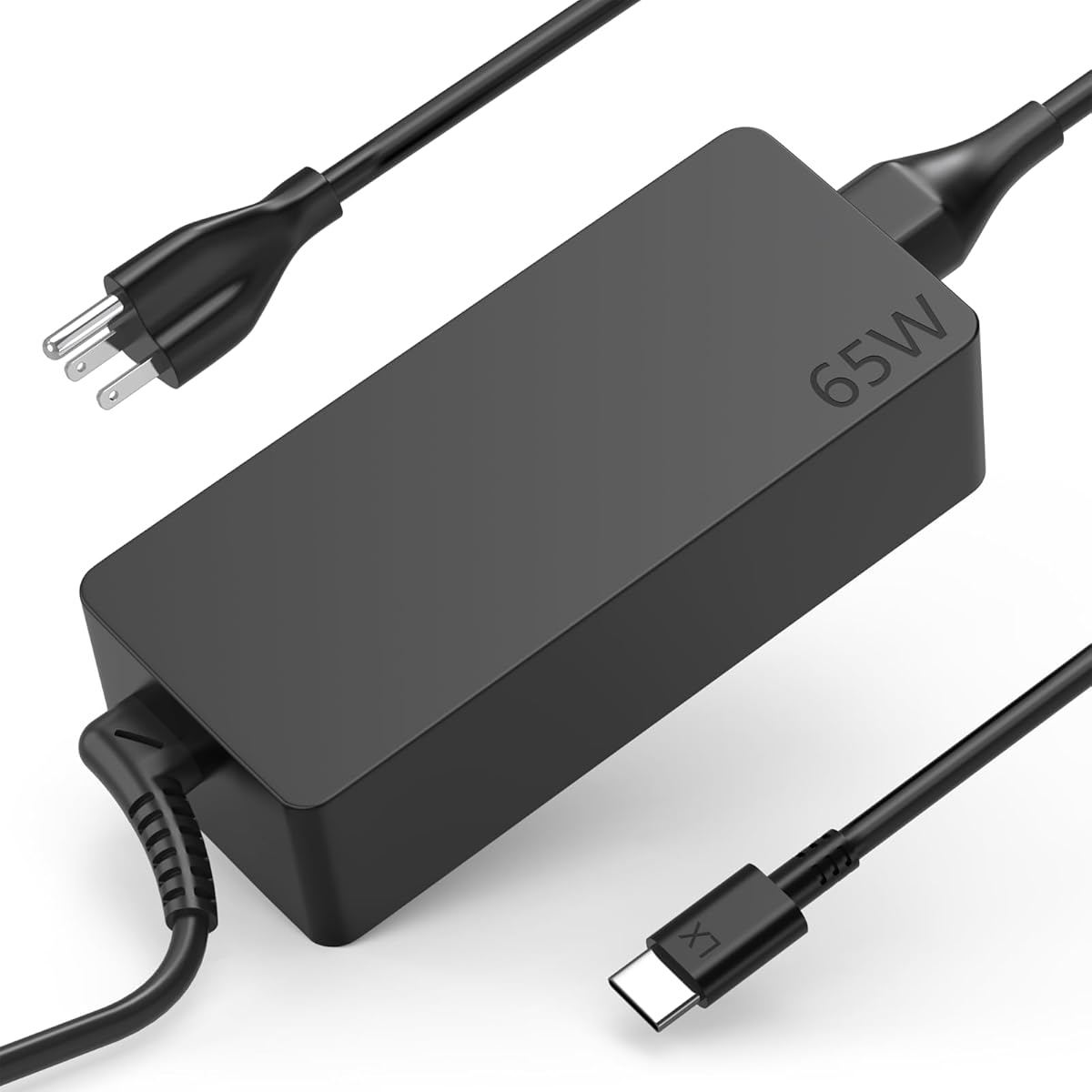

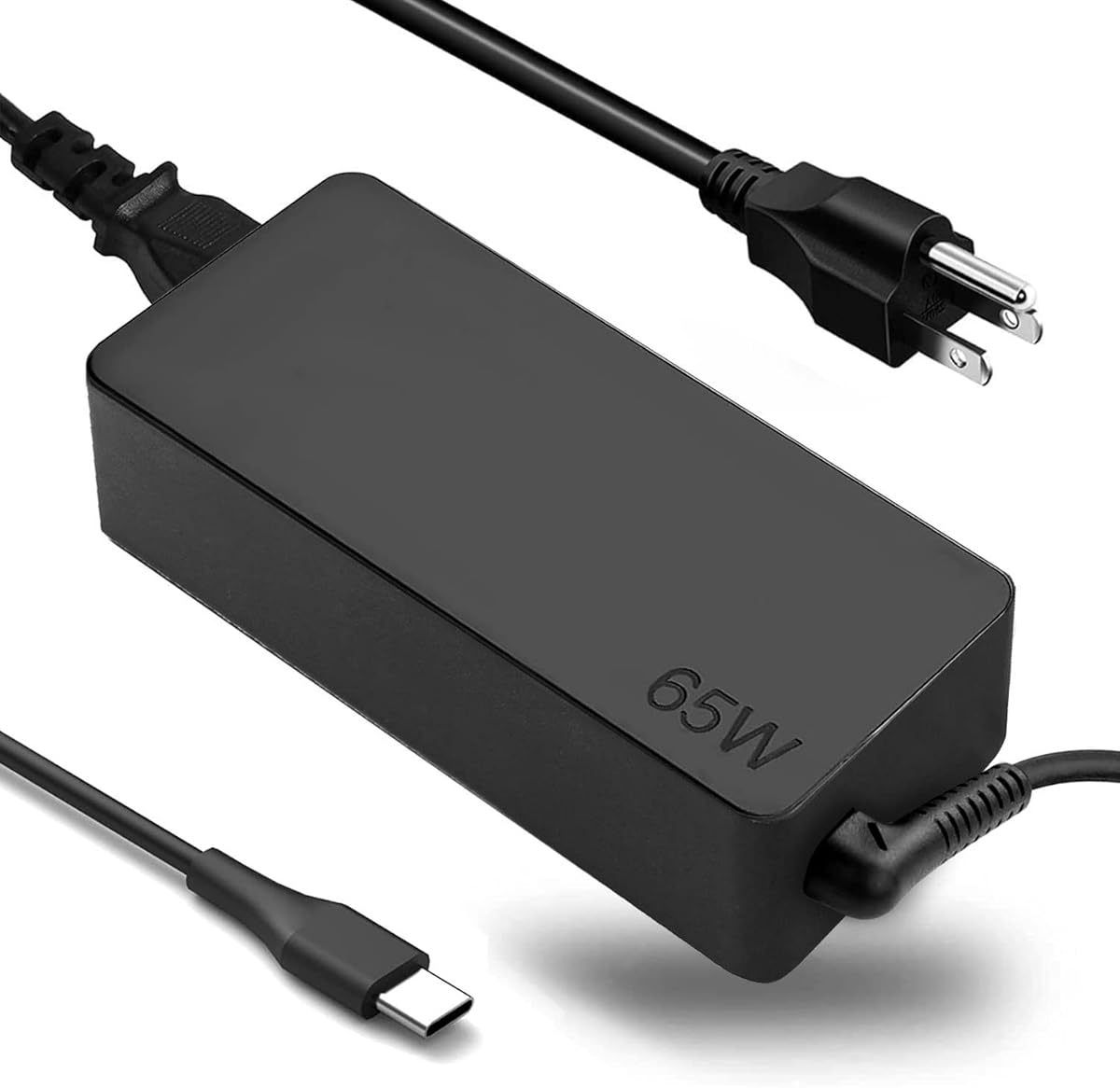

This Universal 65W USB C Laptop Charger offers exceptional value for budget-conscious buyers. With a rating of 4.3 stars, it delivers reliable power for a wide array of devices including Lenovo Chromebooks.
We may earn a commission when you buy through this link, at no additional cost to you.
The charger supports multiple voltage profiles ranging from 5V to 20V ensuring compatibility with most USB C laptops. Its fast charging capability helps you get back to work quickly during short power breaks.
While the build is simple the charger includes necessary protections against overheating and overvoltage. The cord length is standard which might not reach far from a wall outlet without an extension.
Ideal for students or travelers needing a spare charger this model balances cost and performance well. Check the compatibility list to ensure it matches your specific Chromebook model before purchasing.
Supports HP Dell Lenovo Acer and Google devices making it a versatile choice for mixed device households.
Built-in safeguards protect your device from electrical surges and overheating during extended charging sessions.
We may earn a commission when you buy through this link, at no additional cost to you.
This charger is designed to replace original adapters for Lenovo and HP devices effectively. Users appreciate its ability to handle both 45W and 65W requirements seamlessly across different laptop models.
We may earn a commission when you buy through this link, at no additional cost to you.
The product includes a robust list of compatible models ensuring you find the right fit for your specific Chromebook or ThinkPad. Customer service is available around the clock to assist with any setup questions.
Some users note the plastic casing feels less premium than branded originals but it performs well over time. The price reflects the added support and compatibility features included with this unit.
Choose this if you need a reliable backup charger that works with multiple devices in your office or home. Always verify your device power requirements before connecting to avoid any issues.
Designed with connectors that match Lenovo Chromebooks and ThinkPads ensuring a snug and secure connection every time.
Works with 100 to 240 volt inputs making it suitable for international travel without needing a voltage converter.
We may earn a commission when you buy through this link, at no additional cost to you.
With a top rating of 4.7 stars this charger stands out for its efficiency and reliability. It uses Power Delivery technology to optimize charging speed for your Lenovo Chromebook or other USB C devices.
We may earn a commission when you buy through this link, at no additional cost to you.
The compact design makes it easy to slip into a laptop bag or pocket while you travel. Users report that it charges their devices quickly without excessive heat generation during normal use.
Although the cable might be separate in some versions the charger itself is robust and built to last. The high rating reflects consistent performance and customer satisfaction across many different device types.
This is our top recommendation for anyone seeking a high quality universal charger. Ensure you have a compatible USB C cable to get the best performance from this power adapter.
Utilizes advanced Power Delivery to negotiate the best power profile for your specific device automatically.
Its small footprint and light weight make it ideal for commuters and frequent travelers on the go.
We may earn a commission when you buy through this link, at no additional cost to you.
This model is tailored specifically for Lenovo Chromebook models that require 45W power. The standout feature is the 10-foot power cord which offers significant flexibility in positioning your device.
We may earn a commission when you buy through this link, at no additional cost to you.
Safety standards are met with high-quality materials that ensure durability over time. Users appreciate the extended reach allowing them to work comfortably even when outlets are far away.
The lower wattage may not support faster charging on models designed for 65W but it works well for standard use. The warranty coverage provides extra peace of mind for long-term usage.
Perfect for home offices where outlets are distant from your desk. Verify your laptop power needs before buying to ensure 45W is sufficient for your specific model.
The 10-foot cord allows you to place your laptop anywhere without stretching or using extension cords.
Designed with connectors optimized for Lenovo Chromebooks ensuring a secure fit without wobbling.
We may earn a commission when you buy through this link, at no additional cost to you.
This adapter supports both 65W and 45W outputs making it versatile for different Lenovo Chromebook models. The fast charging capability ensures your device powers up quickly when you need it most.
We may earn a commission when you buy through this link, at no additional cost to you.
Safety mechanisms protect against short circuits and overheating providing a secure charging environment. Users appreciate the availability of technical support should they encounter any setup issues.
The build quality is average but sufficient for daily use. It may not look as sleek as some premium options but it gets the job done reliably.
Choose this if you need a versatile charger that handles multiple power requirements. Check the part numbers to ensure compatibility with your specific adapter model.
Switches between 65W and 45W to match your device needs without requiring two different chargers.
Includes protection against overcurrent and overvoltage to keep your laptop safe during charging.
We may earn a commission when you buy through this link, at no additional cost to you.
This charger is noted for its incredibly small footprint and light weight ideal for travel. It meets safety standards recognized in the US and Canada giving users confidence in its electrical design.
We may earn a commission when you buy through this link, at no additional cost to you.
The exchange policy offers lifetime support which is a rare and valuable feature in this category. Users find it easy to slip into bags and carry without adding significant weight to their load.
While the rating is lower than others it still serves as a reliable backup. Some users note the cord is shorter which might limit reach in certain setups.
Best for travelers who prioritize weight over features. Always check your device power requirements before purchasing to ensure it meets your needs.
Weighs very little allowing you to carry it anywhere without hassle or strain on your bag.
Offers a lifetime exchange policy should the product become defective after purchase.
We may earn a commission when you buy through this link, at no additional cost to you.
This charger is designed specifically to replace the ADLX65YDC2A adapter used in many Lenovo models. Users appreciate the direct fit which ensures compatibility with their existing devices without issues.
We may earn a commission when you buy through this link, at no additional cost to you.
The performance is efficient delivering full power to your laptop during use. It is a straightforward replacement option that focuses on functionality over extra features.
Build quality is durable enough for regular use. While support is limited it is a reliable choice for those needing a simple replacement.
Ideal for anyone looking to replace a lost or damaged adapter quickly. Verify your part number before purchasing to ensure a perfect match.
Engineered to match the specifications of original adapters for seamless compatibility.
Delivers stable power output to keep your device running without interruptions.
We may earn a commission when you buy through this link, at no additional cost to you.
This versatile charger supports devices from HP Lenovo Dell and Acer making it a great all-in-one solution. Users value the ability to use one charger for multiple devices around the house.
We may earn a commission when you buy through this link, at no additional cost to you.
The fast charging feature ensures your devices are ready quickly. Customer service is responsive to any questions which adds to the overall user experience.
The design is functional and straightforward. While not flashy it provides reliable power output for daily work and study needs.
Choose this if you manage multiple devices from different brands. Verify compatibility with your specific model before ordering to ensure proper fit.
Works seamlessly with devices from major manufacturers reducing the need for multiple adapters.
Delivers 65W power to ensure quick charging for compatible devices.
We may earn a commission when you buy through this link, at no additional cost to you.
Targeted at ThinkPad and Yoga users this charger replaces the ADLX65YDC2A adapter accurately. Users appreciate the reliable connection and consistent power delivery for their work machines.
We may earn a commission when you buy through this link, at no additional cost to you.
It supports both 65W and 45W outputs ensuring versatility across different device models. The safety features protect against common electrical issues that could damage hardware.
While the rating is average it serves as a solid replacement option. Some users prefer longer cords but the core charging performance remains stable.
Best for ThinkPad or Yoga owners needing a reliable replacement. Check your model specifications to confirm the wattage requirement before purchasing.
Designed specifically for ThinkPad and Yoga models ensuring a perfect match for your device.
Includes protection against overheating and overcurrent to keep your device safe.
We may earn a commission when you buy through this link, at no additional cost to you.
This charger serves as a reliable general-purpose replacement for many Lenovo ThinkPad Yoga and Chromebook models. Users report high satisfaction with its consistent performance and build quality.
We may earn a commission when you buy through this link, at no additional cost to you.
It supports the full range of 65W power ensuring your devices charge efficiently. The compatibility list is extensive making it easier to find the right fit.
While packaging is generic the internal quality is strong. Most users find it a worthy alternative to original adapters.
Ideal for those needing a trustworthy backup charger. Always verify your device power needs to ensure optimal performance.
Designed to fit a wide range of Lenovo laptops with USB-C charging ports.
Delivers stable power output to ensure your device charges at optimal speeds.
We may earn a commission when you buy through this link, at no additional cost to you.
Selecting the right charger requires understanding your device needs and compatibility factors to ensure safety and performance.
Check your laptop's required wattage before purchasing. Most Chromebooks need 45W or 65W chargers. Using a lower wattage charger may result in slow charging or battery drain during use.
Always match or exceed your device original wattage for optimal performance.
Modern Lenovo Chromebooks typically use USB Type-C connectors. Ensure the charger cable matches your device port to avoid connection issues. Older models may require proprietary connectors.
Verify the connector shape and size before ordering to ensure a snug fit.
Review the manufacturer's compatibility list to ensure it supports your specific Chromebook model. Some chargers are branded for Lenovo while others support multiple brands.
Choose a charger with broad compatibility if you use multiple devices.
Look for chargers with protections against overheating overvoltage and short circuits. Safety certifications ensure the product meets industry standards for electrical safety.
Prioritize models with verified safety ratings to protect your investment.
Consider the length of the power cord and charging cable based on your workspace. Longer cords offer more flexibility while shorter ones are more portable.
Measure your typical usage area to choose an appropriate length.
If you travel frequently choose a compact and lightweight charger. Smaller adapters fit easily into laptop bags without adding extra bulk.
Look for designs optimized for travel if mobility is a priority.
Check the warranty terms and customer support availability. Reputable brands offer exchange policies or technical assistance to resolve issues quickly.
Select a model with a solid warranty for peace of mind.
Compare prices across different models while considering features and durability. A slightly higher price may be worth it for better build quality or support.
Balance your budget with the features you need for daily use.
Plug the AC adapter into a wall outlet and connect the USB Type-C cable to your Lenovo Chromebook. Ensure the connection is secure to maintain consistent power flow.
Keep the charger in a cool dry place when not in use. Avoid placing it in direct sunlight or near heat sources to prolong its lifespan.
Periodically inspect the cable and adapter for wear or damage. Replace the charger if you notice fraying or other signs of degradation to avoid safety hazards.
Using a 45W charger for a 65W laptop may result in slow charging or battery drain while in use. It is best to match the original wattage for optimal performance and safety.
Most modern Lenovo Chromebooks use USB Type-C but verify your specific model requirements. Some older models may have different port types or power needs.
Look for safety certifications and built-in protections against overheating or overvoltage. Reputable brands often include these features to ensure safe operation.
Check if you are using a charger with sufficient wattage. Using a lower power adapter can slow charging speeds. Verify your charger matches your device requirements.
Some chargers have multiple ports but many only support one device at a time. Check the product specs to see if it supports simultaneous charging.
It is normal for chargers to get slightly warm during operation. Excessive heat may indicate a problem so stop using it if it gets too hot.
We have reviewed ten top chargers suitable for Lenovo Chromebooks offering options for different needs and budgets. Whether you prioritize speed compatibility or portability there is a fit for you.
Focus on matching wattage and safety features to protect your device from harm. Always check the compatibility list before purchasing to avoid connection issues.
Prices may fluctuate so verify current listings before making your final decision. With the right charger you can ensure your Chromebook stays powered all day long.