
ASUS ROG Strix G16 (2025)
4.4Editor score
Intel Core i7 14650HX
RTX 5060 GPU
165Hz FHD+ Display
Finding the right gaming laptop can be challenging with so many options available on the market today. The ASUS ROG Strix series offers a wide range of models designed to meet different performance needs and budget constraints while delivering exceptional gaming experiences.
We have carefully analyzed ten distinct models from the latest lineup to provide you with a comprehensive overview. Each product brings unique specifications including varying GPU tiers screen processor options, and display technologies to ensure there is a suitable choice for every type of user.
Our detailed reviews highlight the key strengths and potential trade-offs of each machine to assist your decision-making process. Please note that availability and specific configurations may vary over time so checking current listings is always recommended before making a final purchase.
4.4Editor score

4.3Editor score

4.3Editor score
As an Amazon Associate we earn from qualifying purchases.
The following table provides a side-by-side comparison of all ten selected models to help you quickly identify the specifications that matter most for your gaming and productivity needs.



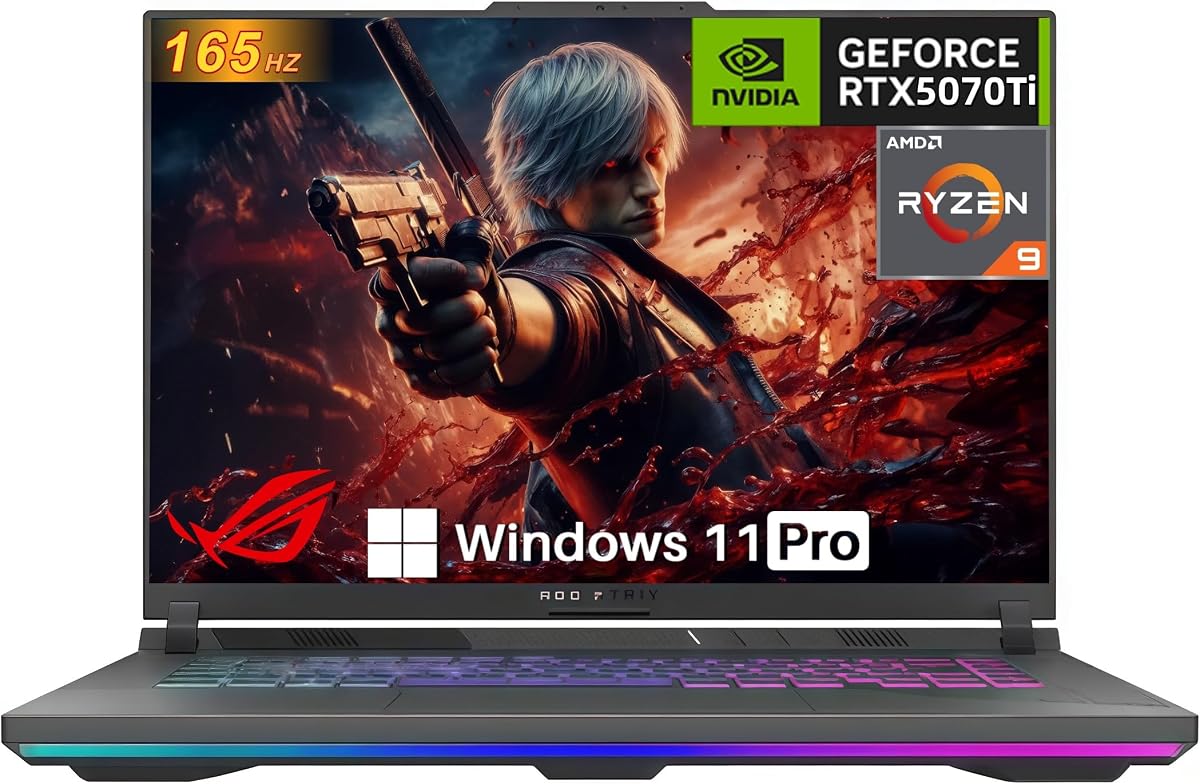

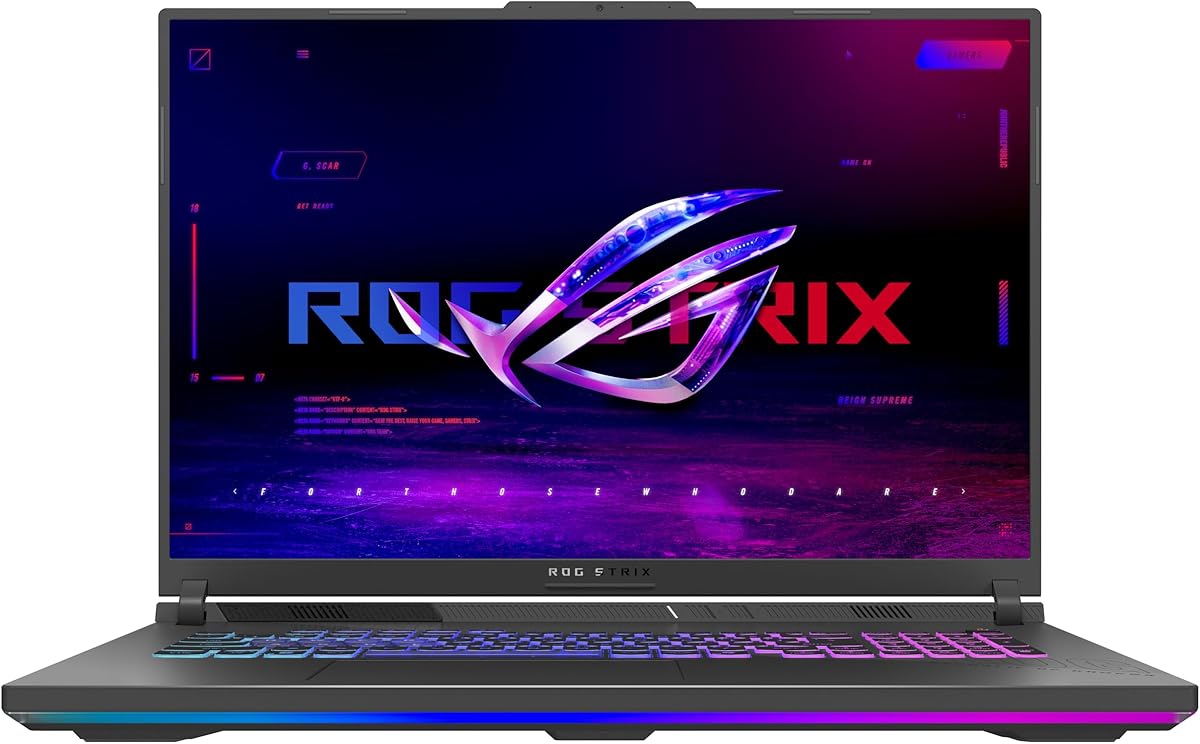
This model stands out as an excellent entry point into the high-performance ROG Strix lineup. It delivers solid gaming capabilities with the RTX 5060 GPU and a capable Intel Core i7 processor. The 165Hz display ensures smooth visuals during intense gaming sessions.
We may earn a commission when you buy through this link, at no additional cost to you.
The cooling solution features ROG Intelligent Cooling with a vapor chamber and tri-fan technology to keep temperatures in check. Users will appreciate the seamless multitasking enabled by 16GB of DDR5 memory and fast storage speeds from the Gen 4 SSD.
While the build quality is functional it relies more on plastic compared to higher-end models. The RAM is soldered which limits future upgrades but the storage can be expanded if needed for larger game libraries.
This laptop is ideal for gamers who want strong performance without breaking the bank. It balances specs and cost effectively making it a top choice for students and casual enthusiasts looking for a reliable machine.
The FHD+ display with 165Hz refresh rate provides fluid motion and reduces motion blur during fast-paced games.
Advanced cooling technologies ensure sustained performance during long gaming sessions without excessive fan noise.
We may earn a commission when you buy through this link, at no additional cost to you.
This configuration offers a significant step up in performance with the RTX 5070 Ti GPU and a cutting-edge Intel Core Ultra 9 processor. The 240Hz Nebula display delivers stunning visuals that cater to competitive gamers and content creators alike.
We may earn a commission when you buy through this link, at no additional cost to you.
With 32GB of DDR5 memory multitasking is seamless even when running heavy applications alongside demanding games. The ROG Intelligent Cooling system ensures that the system remains cool and quiet even under full load conditions.
The premium design and high-end components reflect in the price tag which may be a consideration for budget-conscious buyers. However the performance gains and display quality justify the investment for serious users.
This laptop is perfect for those seeking a top-tier gaming experience without moving to a massive 18-inch chassis. It strikes an excellent balance between portability and raw power making it a versatile tool for various tasks.
The 2.5K resolution combined with 240Hz refresh rate provides sharp and fluid visuals for immersive gaming.
The latest Core Ultra 9 processor ensures efficient handling of complex tasks and modern gaming engines.
We may earn a commission when you buy through this link, at no additional cost to you.
The Scar 18 is a beast designed for those who demand the absolute best in visual fidelity and performance. The 18-inch Mini LED HDR display offers breathtaking contrast and color accuracy that is unmatched in the laptop market.
We may earn a commission when you buy through this link, at no additional cost to you.
It includes advanced features like a MUX Switch which boosts gaming performance by routing frames directly from the discrete GPU. The AniMe Vision lid allows for personalized animations adding a unique stylistic touch to the device.
Portability is not the strength of this machine due to its size and weight. It is best suited for desktop replacement scenarios where performance and screen quality are the top priorities over travel.
This model is ideal for power users and enthusiasts who want a desktop-grade experience in a laptop form factor. The inclusion of Windows 11 Pro and top-tier specs makes it a future-proof investment for demanding workloads.
Mini LED technology with 2000+ dimming zones provides deep blacks and bright highlights for HDR content.
MUX Switch and Advanced Optimus ensure optimal performance and battery efficiency depending on the task.
We may earn a commission when you buy through this link, at no additional cost to you.
This model pairs a powerful Core Ultra 9 processor with a stunning 2.5K 240Hz Nebula display. While the RTX 5060 might struggle slightly at this resolution it still offers excellent visual clarity for content creation and esports titles.
We may earn a commission when you buy through this link, at no additional cost to you.
The Dolby Vision HDR support enhances color vibrancy and contrast making media consumption a delight. The robust cooling system ensures that the powerful processor performs without thermal throttling during extended use.
Gamers looking to maximize frame rates in AAA titles might prefer a lower resolution display to fully utilize the GPU. However for general productivity and lighter gaming this screen offers a premium viewing experience.
This is a great choice for users who prioritize screen quality and processor speed over raw graphics power. It fits well in scenarios where visual fidelity and multitasking capability are key requirements.
The high pixel density and fast refresh rate ensure sharp text and smooth motion for all types of content.
Dolby Vision HDR and accurate colors make this device suitable for photo and video editing tasks.
We may earn a commission when you buy through this link, at no additional cost to you.
This AMD variant offers impressive performance with the Ryzen 9 9955HX processor paired with a capable RTX 5070 GPU. It brings the benefits of AMD architecture including excellent multi-core performance for productivity tasks.
We may earn a commission when you buy through this link, at no additional cost to you.
The inclusion of a MUX Switch provides a performance boost for gaming by connecting the GPU directly to the display. The advanced thermals ensure that the system stays cool and quiet even under heavy loads.
One minor drawback is the Wi-Fi 6E connectivity instead of the newer Wi-Fi 7 found in some other models. However for most users this difference will not impact daily usage or gaming experiences significantly.
This laptop is a strong contender for those who prefer AMD processors or want a balance of CPU and GPU power. It delivers reliable performance for both gaming and content creation without compromising on build quality.
The Ryzen 9 processor delivers efficient multi-threaded performance ideal for rendering and coding tasks.
The MUX Switch ensures maximum frame rates by bypassing the integrated graphics during gameplay.
We may earn a commission when you buy through this link, at no additional cost to you.
This model is packed with performance features including a 140W TGP RTX 5070 Ti GPU that delivers top-tier gaming power. The 32GB of DDR5 RAM ensures smooth operation even with multiple heavy applications running simultaneously.
We may earn a commission when you buy through this link, at no additional cost to you.
The thermal design features a vapor chamber and tri-fan technology to dissipate heat efficiently. Users will appreciate the inclusion of essential ports like RJ-45 Ethernet which is often missing in modern thin laptops.
While it lacks the newest Wi-Fi 7 standard the existing Wi-Fi 6E is still highly capable for most home networks. The straightforward design focuses on utility and performance rather than flashy aesthetics.
This laptop is a fantastic option for gamers who want maximum performance per dollar without unnecessary frills. The high specs make it ready for future games and demanding software updates for years to come.
The 140W power limit ensures the GPU runs at peak performance for sustained high frame rates.
32GB of RAM supports heavy multitasking and future-proofing for resource-intensive applications.
We may earn a commission when you buy through this link, at no additional cost to you.
Designed with ease of access in mind this model features tool-free slots for RAM and SSD upgrades. This design choice makes it easy for users to customize the hardware to their specific needs over time.
We may earn a commission when you buy through this link, at no additional cost to you.
The combination of the Ryzen 9 processor and RTX 5070 Ti GPU offers a strong foundation for rendering and 3D work. The cooling system maintains optimal temperatures during intensive tasks to prevent throttling.
While it ships with 16GB of RAM users might consider upgrading to 32GB for professional video editing workflows. The flexible architecture supports this growth without requiring specialized tools or disassembly.
This machine is well-suited for creators and developers who value theability and high performance. It provides a reliable platform that can adapt to changing requirements without needing a complete replacement.
The tool-free design allows for quick and easy upgrades to RAM and storage components.
Powerful processing and graphics units accelerate creative workflows and reduce render times.
We may earn a commission when you buy through this link, at no additional cost to you.
As the 2026 model this laptop brings the latest in gaming technology with an RTX 5080 GPU and the newest Wi-Fi 7 standard. The HDR display with 240Hz refresh rate offers an immersive visual experience unmatched by older models.
We may earn a commission when you buy through this link, at no additional cost to you.
Tool-free access for RAM and fans allows for easy maintenance and customization without the need for a screwdriver. The MUX Switch ensures that gaming performance is maximized by utilizing the discrete GPU directly.
The price point is significantly higher than other options which may limit its appeal to casual users. However for enthusiasts who want the cutting edge of laptop technology this model is worth the investment.
This is the ultimate choice for gamers who want every possible advantage in performance and connectivity. It ensures that the system remains competitive for years as game requirements increase in the future.
Wi-Fi 7 support ensures ultra-fast data transfer and low latency for online gaming.
HDR capabilities with high peak brightness bring out details in shadows and highlights.
We may earn a commission when you buy through this link, at no additional cost to you.
This configuration stands out for its massive 2TB storage capacity which is perfect for users with extensive game libraries. The 32GB of DDR5 memory ensures that multitasking remains smooth even with large files open.
We may earn a commission when you buy through this link, at no additional cost to you.
The RTX 5070 GPU provides strong performance for 1440p gaming and creative work. The inclusion of Windows 11 Pro adds business features like BitLocker encryption and Remote Desktop for professional users.
With so much storage included upfront there is less need for immediate external drives or upgrades. The fast Gen 4 SSD ensures that loading times are quick and file transfers are efficient.
This is an ideal choice for power users who need space for media, games, and software. The combination of high-end specs and ample storage makes it a robust workstation and gaming machine.
The 2TB drive provides ample space for hundreds of games and large project files.
Windows 11 Pro offers enhanced security and connectivity options for work environments.
We may earn a commission when you buy through this link, at no additional cost to you.
This model offers a large 18-inch display which is excellent for multitasking and immersive gaming. While the RTX 5050 GPU is entry-level it can still handle eSports titles and older games comfortably.
We may earn a commission when you buy through this link, at no additional cost to you.
The Ryzen 9 processor ensures that productivity tasks run smoothly without relying heavily on the GPU. The cooling system with tri-fan technology and full-width heatsink keeps the system stable during use.
The GPU may limit performance in modern AAA games at high settings. However for budget-conscious gamers who prioritize screen real estate and CPU power this is a solid choice.
This laptop is best for users who want a large screen experience without paying for high-end GPU specs. It serves well as a media center or workstation for general computing needs.
The 18-inch display offers more workspace for multitasking and detailed viewing.
High core count processor supports efficient performance for applications beyond gaming.
We may earn a commission when you buy through this link, at no additional cost to you.
Choosing the right laptop involves balancing performance needs with budget and portability. We have identified the key factors to consider when selecting a model from this lineup.
The graphics processing unit is the most critical component for gaming. Models range from RTX 5050 to RTX 5080 so ensure the GPU can handle your target games and resolution.
Higher tiers like the 5070 Ti or 5080 offer better future-proofing for AAA titles while lower tiers suit casual or eSports gaming.
CPU performance affects multitasking and creative work. Intel Core Ultra and AMD Ryzen 9 options provide strong multi-core performance for heavy workloads.
Consider whether you need the extra cores for content creation or if a mid-range CPU suffices for general use.
Modern games and applications require substantial RAM. Look for at least 16GB but 32GB provides headroom for heavy multitasking.
SSD capacity is also important for loading times. Aim for 1TB minimum but consider 2TB if you have a large game library.
Refresh rate and resolution define the visual experience. 165Hz to 240Hz refresh rates ensure smooth motion while 2.5K offers sharper text and images.
Consider HDR and color accuracy if you also use the laptop for media consumption or creative design.
Effective cooling is essential for sustained performance. Look for features like vapor chambers and liquid metal which help dissipate heat efficiently.
Good thermal design prevents throttling during long gaming sessions and keeps noise levels lower.
Ensure the laptop has enough ports for your peripherals. HDMI, USB-C, and Ethernet are vital for connecting monitors and networks.
Check for Wi-Fi 7 if you need the latest wireless speeds or stick with Wi-Fi 6E for standard home use.
Tool-free access to RAM and SSD slots allows for future upgrades without voiding warranties. This extends the lifespan of the device.
Check if the RAM is soldered or user-replaceable before purchasing to avoid future limitations.
Materials impact durability and feel. Metal chassis generally offer better rigidity and heat dissipation than plastic models.
Consider the weight and size if you plan to move the laptop frequently.
To maintain optimal performance keep the laptop on a hard flat surface during use. This ensures proper airflow through the vents and prevents overheating.
Regularly clean the fans and vents using compressed air to remove dust. This simple maintenance task can significantly extend the life of the cooling system.
Avoid exposing the device to extreme temperatures or direct sunlight. Storing it in a padded case when traveling protects against physical damage and scratches.
For competitive gaming look for high refresh rates of 240Hz or higher paired with a strong GPU like the RTX 5070 Ti. The Scar 18 and high-end G16 models offer the best responsiveness and frame rates for eSports titles.
Some models feature tool-free slots for RAM upgrades while others have soldered memory. Always check the specific model specifications before buying to confirm if the RAM can be expanded later.
Wi-Fi 7 offers lower latency and faster speeds but is not strictly necessary for most users. Wi-Fi 6E is still sufficient for high-speed online gaming and home internet connections.
Yes the high-performance CPUs and ample RAM make them suitable for video editing and 3D rendering. Models with 2.5K displays provide the color accuracy needed for creative work.
The ROG Intelligent Cooling system keeps temperatures manageable but the surface may feel warm during intensive gaming. Using a cooling pad can provide additional airflow and comfort.
Battery life varies by usage but expect around 4 to 6 hours for productivity tasks. Gaming requires the power adapter to maintain peak performance and prevent shutdowns.
The ASUS ROG Strix lineup offers a diverse range of options for every type of user. Whether you prioritize raw power visual fidelity or budget friendliness there is a model that fits your specific needs.
Focus on the GPU and display quality if gaming is your primary use case. For productivity consider the CPU and memory capacity to ensure smooth operation across multiple applications.
Prices and availability fluctuate so verify the latest details before purchasing. Checking current listings ensures you get the best value for your investment at the time of purchase.