
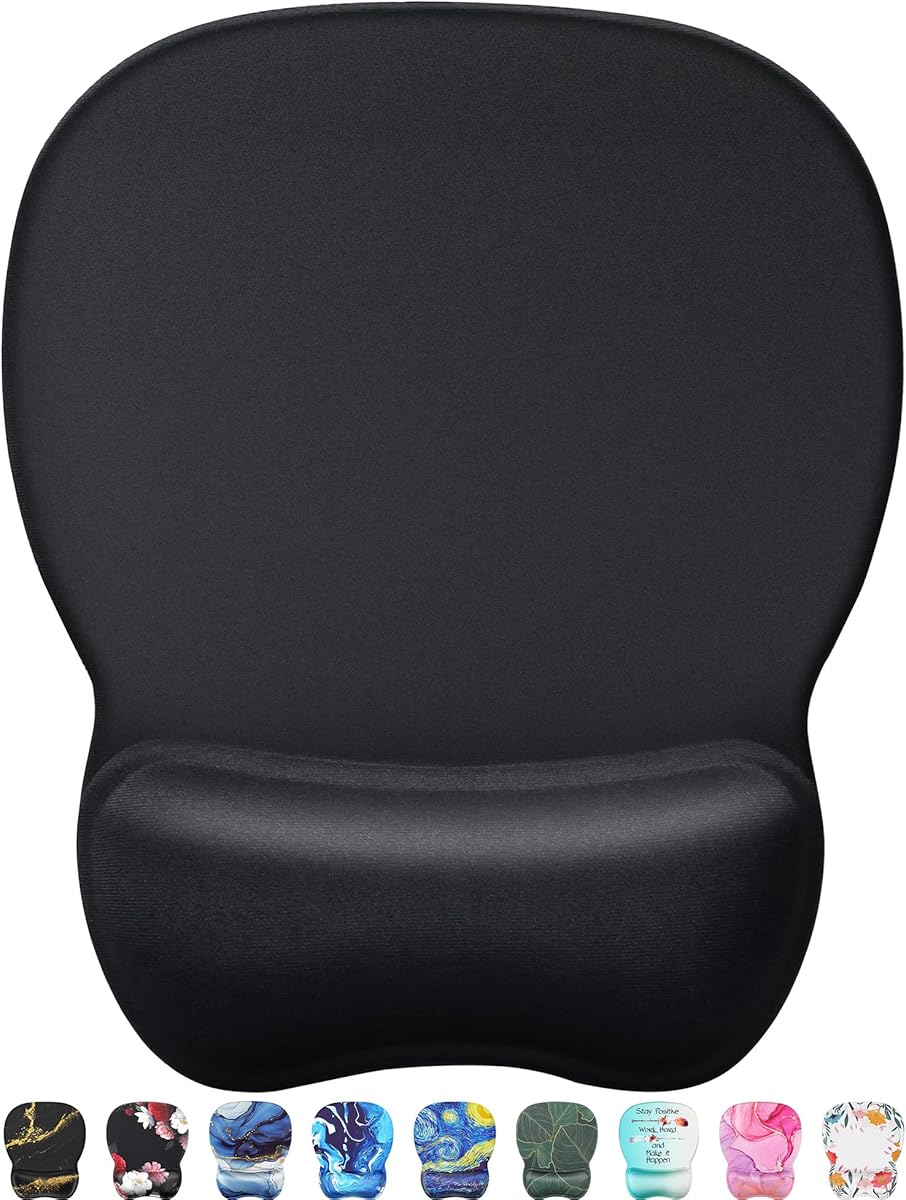
EooCoo Ergonomic Mouse Pad
4.6Editor score
Memory foam support core
Non-slip PU base
Durable double-layer design
Finding the right armrest mouse pad can transform your daily computing experience by reducing strain on your wrists and arms. Whether you work long hours at a desk or game for extended periods, proper support is essential for maintaining comfort and preventing repetitive strain injuries over time.
We evaluated ten leading products based on ergonomic design, material quality, stability, and user feedback to create this comprehensive list. Each item was assessed for its ability to provide consistent support while integrating seamlessly with various chair types or desktop setups for versatile usage scenarios.
Every recommendation below highlights key features, pros, and cons to help you make an informed decision for your specific needs. Please note that prices and availability may change frequently, so verify current details before purchasing to ensure you get the best value available today.
4.6Editor score
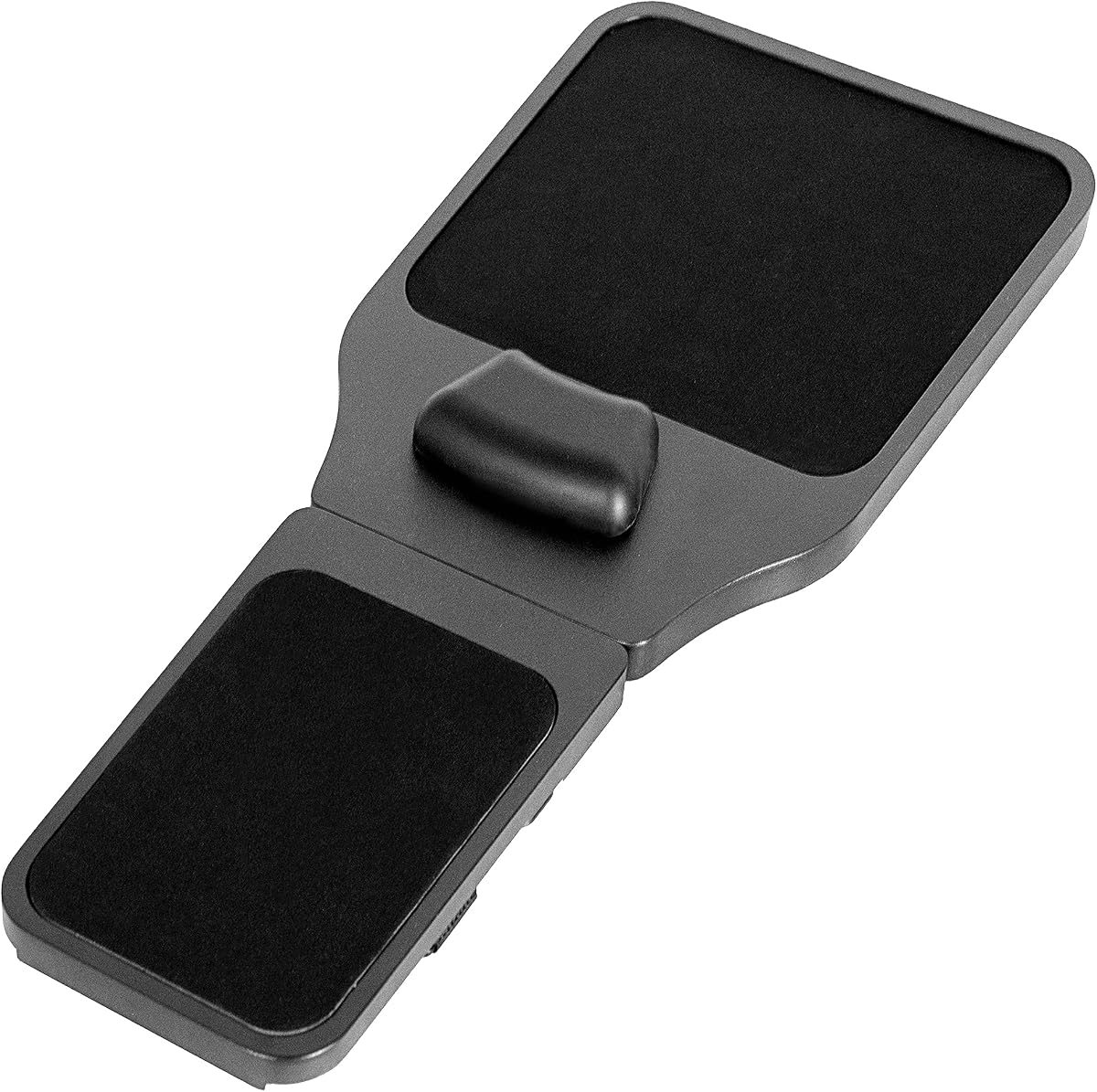
4.1Editor score

4.5Editor score
As an Amazon Associate we earn from qualifying purchases.
This side-by-side comparison highlights the key specifications and unique features of each top-rated armrest mouse pad to help you quickly identify the best fit for your ergonomic needs and workspace setup.
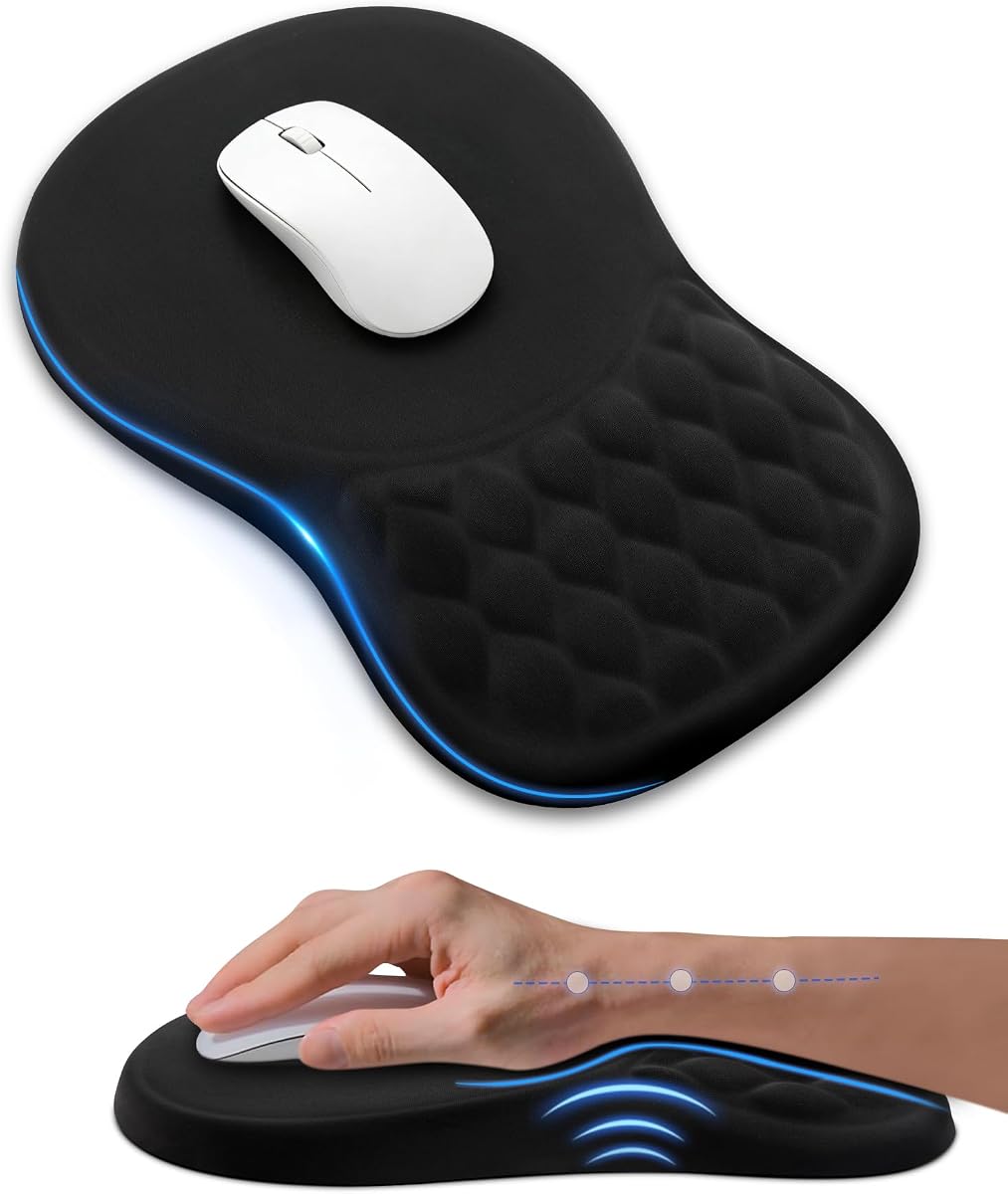

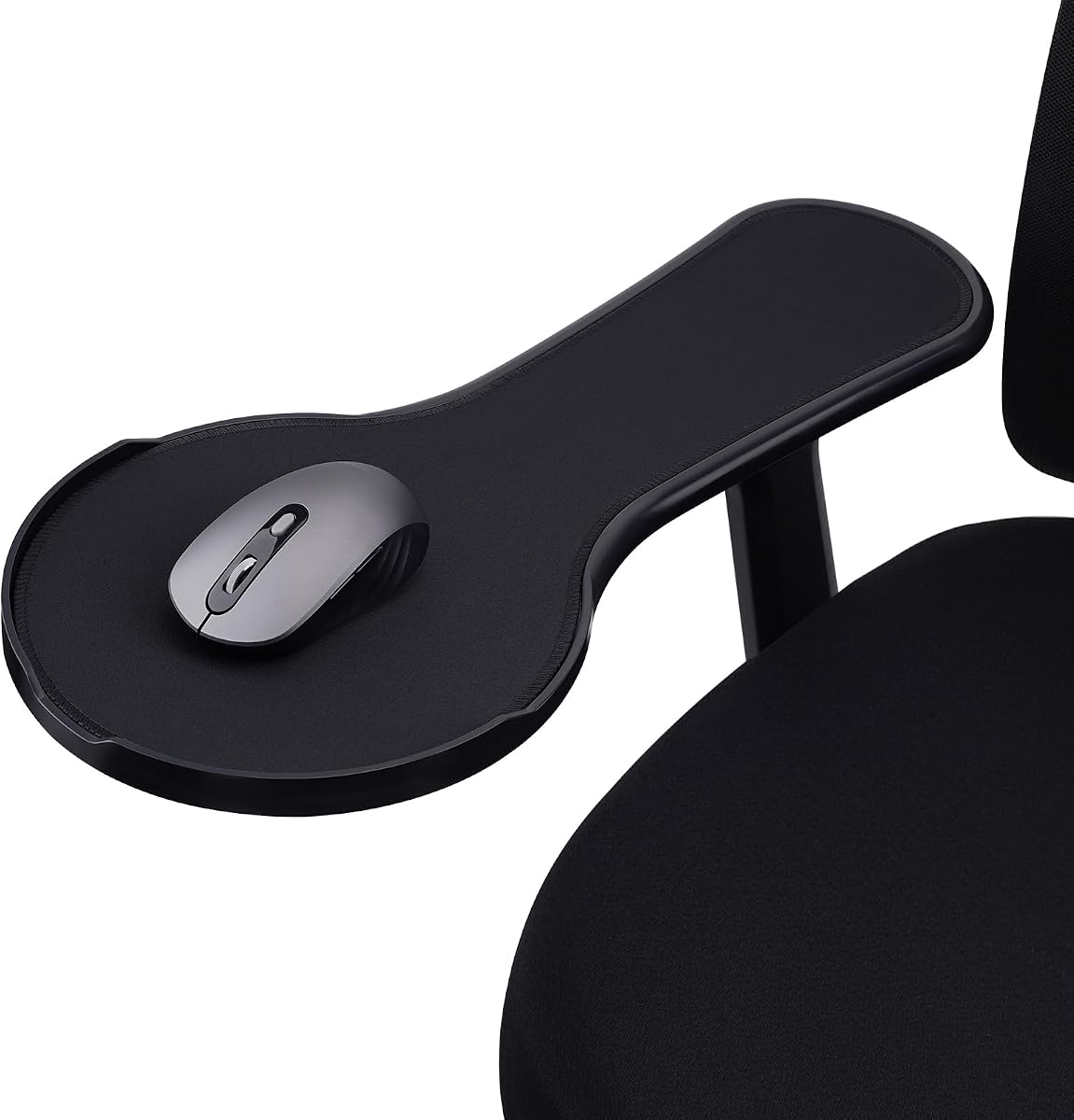


The VIVO Black Wooden Arm Rest Mouse Pad stands out as a top choice for ergonomic support, earning a strong rating for its unique chair-attachment design. It transforms your chair arm into a functional workspace, ideal for users seeking comfort while gaming or working.
We may earn a commission when you buy through this link, at no additional cost to you.
Its memory foam wrist cushion molds to your hand shape for consistent support, while the adjustable platform accommodates various armrest widths. The surface also doubles as a tray for small items like phones or keys, reducing desk clutter effectively.
While the velcro straps offer a secure fit, installation may take time on thicker chair arms. Some users find the wooden texture slightly less soft than pure foam options, but durability remains a key advantage.
Buy this if you want to elevate your chair arm into a versatile support station. It suits office workers and gamers needing reliable ergonomic positioning without permanent desk modifications.
The adjustable platform extends 19 to 21.8 inches, allowing precise alignment with your armrest for natural wrist angles.
Beyond mouse use, the tray holds small items like pens and keys, keeping your workspace organized and within easy reach.
We may earn a commission when you buy through this link, at no additional cost to you.
MROCO Ergonomic Mouse Pad excels with its gel-filled wrist rest, rated highly for reducing repetitive motion strain. The Lycra fabric provides a smooth glide, making it a favorite for precision tasks and long sessions.
We may earn a commission when you buy through this link, at no additional cost to you.
The soft gel conforms to your wrist without becoming sticky, while the Lycra top ensures accurate cursor control. Its non-skid PU base keeps it stable on any desktop, even during rapid movements.
Some find the gel slightly firm compared to memory foam, which may affect comfort for smaller wrists. The fabric surface can absorb oils over time, requiring regular cleaning to maintain performance.
Choose this if you prefer gel support for cooling and structure. It is ideal for users needing reliable wrist protection with a smooth, responsive tracking surface.
The gel cushion offers soothing relief by distributing pressure evenly, helping prevent fatigue during extended work or play.
Finely textured Lycra ensures consistent tracking across all mouse types, enhancing accuracy for both office and gaming needs.
We may earn a commission when you buy through this link, at no additional cost to you.
This mouse pad is designed for all-day comfort, leveraging a sloped memory foam wrist rest to maintain natural hand angles. Its 4.5-star rating reflects strong performance in reducing wrist fatigue during extended use.
We may earn a commission when you buy through this link, at no additional cost to you.
The memory foam quickly rebounds to maintain shape, providing stable support without flattening over time. The Lycra surface ensures low-friction gliding for precise mouse control on any device.
However, the sloped design might feel awkward for users with smaller hands or unique wrist positions. The Lycra top can wear if cleaned aggressively, so gentle maintenance is advised to preserve texture.
Buy this if you need cushioned support for lengthy sessions. It suits office workers and students prioritizing ergonomic alignment with a durable, responsive surface.
Premium foam molds to your wrist shape, offering gentle yet firm support that rebounds after each use for lasting comfort.
The silky Lycra top enhances tracking precision, ensuring smoother movement and faster response for various computer tasks.
We may earn a commission when you buy through this link, at no additional cost to you.
This chair attachment converts your armrest into an ergonomic workstation, featuring an anti-fall baffle to prevent mouse drops. It earns a 4.3 rating for its practical design and secure fit on various chair types.
We may earn a commission when you buy through this link, at no additional cost to you.
The ABS tray provides ample space for gaming mice, while the memory foam cushion relieves pressure during long sessions. Velcro straps and zip ties ensure a stable, tool-free installation on most armrests.
The baffle might restrict wide mouse sweeps for some users, and strap adjustments can be tricky on curved arms. The ABS material is durable but may feel hard compared to softer alternatives.
Choose this if you want to upgrade your chair into a workstation. It suits users needing extra arm support without desk changes, especially in entertainment setups.
The circular baffle prevents your mouse from falling off the tray, keeping your workflow uninterrupted during intense use.
With two strap sizes and zip ties, this model adapts to most armrest circumferences for a secure and stable installation.
We may earn a commission when you buy through this link, at no additional cost to you.
Designed solely for chair use, this tray offers fully adjustable arm support to relax upper limbs during work. Its 4.4 rating highlights satisfaction with its ergonomic benefits and straightforward setup process.
We may earn a commission when you buy through this link, at no additional cost to you.
The ABS construction ensures durability, while two strap sizes plus zip ties allow secure attachment to diverse armrests. It elevates your arms to a neutral position, reducing strain on shoulders and elbows.
Surface space is limited for large mice or keyboard use, and the plain look may not suit all desk styles. Installation requires careful strap tightening to prevent slippage during movement.
Buy this if you need arm relaxation without desk constraints. It is ideal for users with limited desk space seeking chair-based ergonomic improvements.
The tray fully supports arms to relax upper limbs, improving working conditions by reducing tension in shoulders and wrists.
With two strap sizes and zip ties as backup, it adapts to most chair armrests for a secure and stable fit.
We may earn a commission when you buy through this link, at no additional cost to you.
Rated 4.7 stars, this model delivers exceptional gel comfort for gaming and creative work. Its contoured cushion follows the wrist curve naturally, providing steady support without pressure points during extended sessions.
We may earn a commission when you buy through this link, at no additional cost to you.
The gel gently conforms and returns to shape after use, while the rubber base keeps the pad stable on flat surfaces. The fine fabric top allows smooth, consistent tracking for all mouse types.
Gel can feel cool in cold environments, which might discomfort some users. The fabric may absorb stains over time, requiring gentle cleaning to maintain appearance and texture.
Select this if you need a compact, highly rated gel support. It suits gamers and creators prioritizing wrist relief and stable surface performance.
The cushion matches the natural wrist curve, offering comfortable resting and steady support for precise navigation tasks.
Rubber base grips flat surfaces to prevent sliding, ensuring steady mouse control during quick movements and repeated clicks.
We may earn a commission when you buy through this link, at no additional cost to you.
This budget-friendly option delivers solid ergonomic support with a 4.6 rating, making it accessible for users seeking comfort without high costs. It features memory foam to relieve wrist fatigue effectively.
We may earn a commission when you buy through this link, at no additional cost to you.
The texture is denser for accurate tracking, while the double-layer design enhances durability. Non-slip PU base ensures stability, and materials are non-toxic and chemical-free for safe daily use.
The fabric surface may wear faster under heavy use, and the plain design lacks artistic flair. But for pure function, it offers excellent value with reliable performance.
Buy this if you need cost-effective ergonomic support. It is ideal for students or home users prioritizing value and comfort over aesthetics.
Denser texture ensures accurate tracking during work and gaming, compatible with all mouse types for seamless performance.
Made from non-toxic materials with ROHS certification, ensuring safety without chemical odors for worry-free usage.
We may earn a commission when you buy through this link, at no additional cost to you.
TECKNET adds unique massage beads to relieve arm fatigue, rated 4.5 for its innovative design. The 8-degree tilt optimizes wrist alignment, while the foam ensures durable comfort for long sessions.
We may earn a commission when you buy through this link, at no additional cost to you.
Beats reduce tension and improve air circulation, keeping hands cool during extended use. The sturdy PU base prevents slips, and the spacious 12×8 inch design fits left and right-handed users well.
Beads might feel too firm for sensitive wrists, and the larger size may not fit compact desks. Proper posture is needed for maximum ergonomic effectiveness.
Choose this if you seek added massage relief and air flow. It suits users needing cooling and fatigue relief during intense work or gaming.
Built-in beads reduce arm fatigue and improve air circulation, keeping hands fresh during long hours of use.
The 8-degree tilt supports palm and wrist, effectively reducing discomfort and preventing carpal tunnel syndrome.
We may earn a commission when you buy through this link, at no additional cost to you.
This model stands out for its waterproof coating, rated 4.6 for preventing liquid damage. The silk surface aids tracking, while memory foam provides soft support for pain prevention during use.
We may earn a commission when you buy through this link, at no additional cost to you.
The wave design base offers enhanced friction, keeping the pad steady on any surface. Reinforced edges prevent wear, and the portable size makes it easy to carry for travel or office changes.
The waterproof coating might feel slick, reducing grip for some users. Limited design options may not match personal style preferences in varied setups.
Buy this if you need a portable, spill-resistant option. It suits travelers and office workers wanting protection with reliable support.
The silk processed surface prevents liquid damage from spills, keeping your pad clean and functional over time.
Unique wave design increases friction by 70%, ensuring a firm desktop grip to prevent slipping during use.
We may earn a commission when you buy through this link, at no additional cost to you.
Kensington delivers premium quality with its duo gel design, rated 4.5 for comfort and pain relief. The gel pillow matches your wrist curve perfectly, ensuring ergonomic support throughout daily tasks.
We may earn a commission when you buy through this link, at no additional cost to you.
Ventilation channels keep hands cool and dry, while the soft finish wipes clean easily. The non-skid base maintains stability, and the trusted brand ensures reliable performance for office or home use.
The higher cost might deter budget shoppers, and color options are limited to blue tones. However, the comfort and durability justify the investment for those needing top-tier support.
Choose this if you want premium ergonomic quality. It suits users prioritizing comfort, cooling, and easy maintenance for everyday computing.
The gel pillow matches the natural wrist curve, offering comfortable scrolling and clicking for all-day ease.
Ventilation channels help keep hands cool and dry, enhancing comfort during long sessions with airflow.
We may earn a commission when you buy through this link, at no additional cost to you.
Selecting the right armrest mouse pad involves understanding ergonomic needs, material durability, and compatibility with your workspace setup.
Look for adjustable or contoured designs that support your wrist at a natural angle to prevent strain. Sloped or angled pads help maintain alignment, reducing the risk of repetitive stress injuries over time.
Prioritize pads with cushioning that matches your wrist shape for consistent comfort.
Choose between gel, memory foam, or Lycra fabric based on your comfort preference. Memory foam molds to your wrist, gel provides cooling relief, and Lycra ensures smooth tracking.
High-quality materials resist wear and maintain shape through daily use.
A non-slip base like rubber or PU ensures the pad stays in place during active use. Check for wave designs or textured undersides that enhance friction on various desk surfaces.
Secure bases prevent slipping and improve mouse control during gaming or work.
Ensure the pad dimensions fit your desk or chair armrest comfortably. Standard sizes around 10 by 8 inches offer space for mouse movement without cluttering your workspace.
Match the shape to your hand usage for optimal reach and comfort.
Reinforced edges prevent fraying and extend the life of the pad. Waterproof coatings protect against spills, while double-layer designs enhance overall resilience.
Invest in durable builds to avoid frequent replacements and maintain performance.
Opt for surfaces that are easy to wipe clean, like soft finishes or smooth fabrics. Avoid materials that trap dust or oils, which can degrade tracking quality over time.
Simple maintenance ensures hygiene and preserves the pad's feel.
For chair attachments, check for adjustable straps that fit your armrests securely. Tool-free installation with zip ties or velcro ensures flexibility for different chair types.
Secure installation prevents shifting and maintains ergonomic positioning.
Balance price with features like gel cooling, premium foam, or brand reputation. Budget options often deliver solid support, while premium ones offer added comfort or durability.
Evaluate long-term benefits to ensure the best value for your needs.
Start by placing the pad on a flat, stable surface to ensure optimal tracking and comfort. Align the wrist rest with your natural hand position to reduce strain during use.
Clean the surface regularly with a damp cloth to remove dust and oils that affect mouse precision. Avoid harsh chemicals that might damage the fabric or foam materials.
Store the pad in a cool, dry place when not in use to prevent deformation or mildew. Regularly check straps or bases for wear to maintain stability.
An armrest mouse pad provides ergonomic support by cushioning your wrist, reducing strain during long work or gaming sessions. It helps maintain proper alignment, lowering the risk of repetitive motion injuries and improving comfort.
Yes, many are designed with smooth surfaces for precise tracking and cushioned support to reduce fatigue. Look for models with low-friction fabrics and stable bases to ensure consistent control.
Most work on standard flat desks, but ensure the non-slip base grips your surface well. Chair attachments may require specific armrest dimensions for a secure fit.
Use a damp cloth with mild soap to wipe the gel and fabric surface gently. Avoid soaking the pad or using abrasive tools that could damage the gel casing.
Memory foam and gel offer the best relief by conforming to your wrist shape and providing cushioned support. These materials distribute pressure evenly, reducing strain during extended use.
Many manufacturers provide warranties ranging from months to years, covering defects or material failures. Check product details for specific terms before purchasing.
Check the dimensions and ergonomic shape to ensure it supports your wrist without overhanging. A good fit should feel comfortable with your hand resting naturally on the cushion.
Our top picks like the VIVO Black Wooden Arm Rest Mouse Pad and EooCoo Ergonomic Mouse Pad offer reliable comfort for diverse needs. Each model balances ergonomic design with durability to support your workspace.
Prioritize factors like material quality, size, and stability to match your personal comfort preferences. Investing in a well-designed pad can significantly enhance your daily computing experience.
Always check current prices and availability as deals may change frequently. Verify specifications to ensure the product meets your exact requirements before purchase.