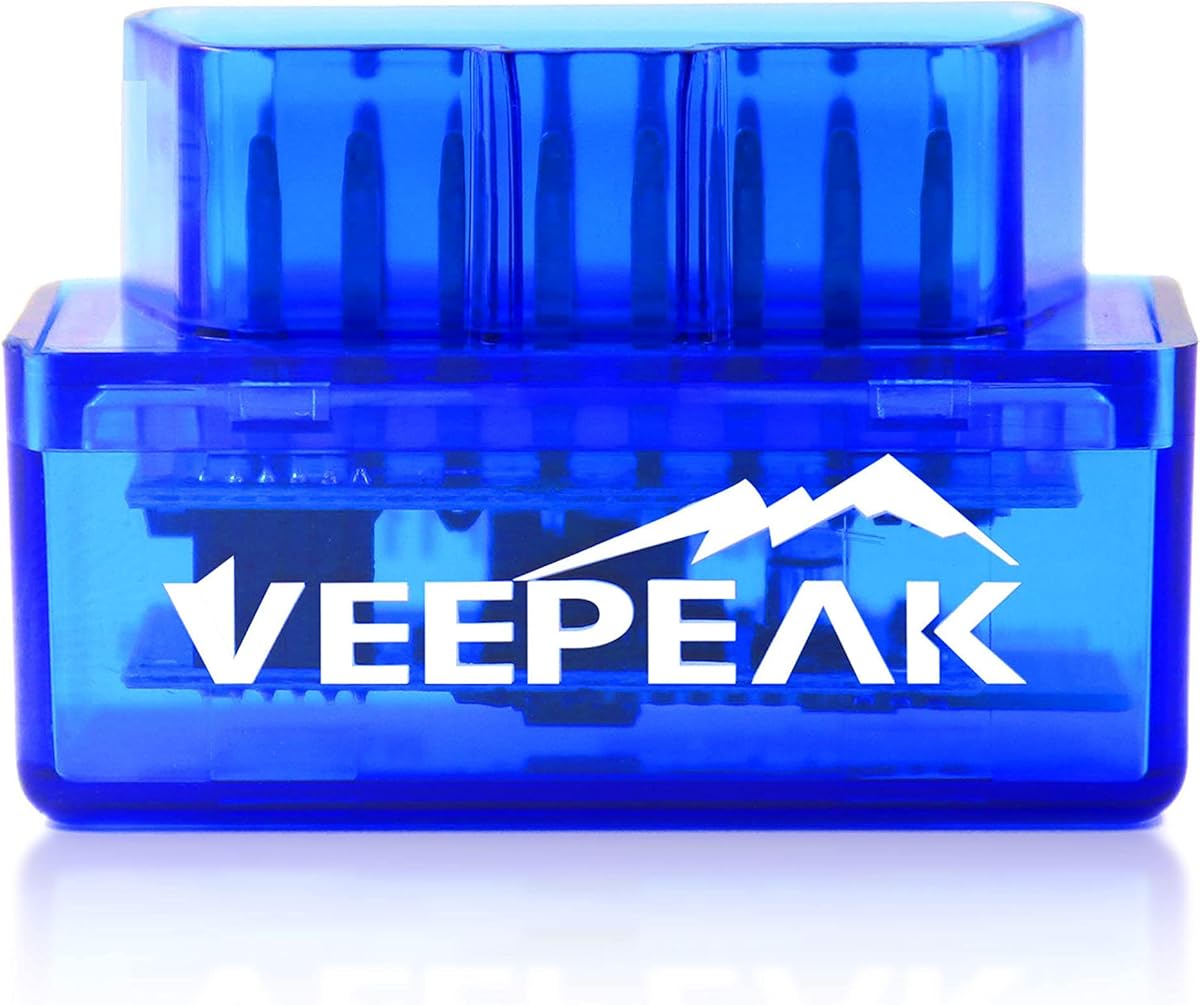
Veepeak Mini Bluetooth OBD2 Scanner
4.4Editor score
Classic Bluetooth connectivity for Android
Compact and portable design
Compatible with popular Android apps
Discover the top Android OBDII scanner tools for 2026. This guide compares ten leading diagnostic adapters to help you choose the right code reader.
Modern vehicles rely heavily on electronic systems that require precise diagnostics. An Android OBDII scanner tool transforms your smartphone into a powerful diagnostic device. It helps you monitor engine health and interpret trouble codes efficiently.
We evaluated ten top-rated scanners based on connectivity, app compatibility, and diagnostic depth. Our analysis covers wireless adapters and handheld units to ensure you find the best fit for your needs.
Each selection includes detailed performance insights and real-world usage scenarios. Remember that product availability and pricing can fluctuate frequently, so verify current details before purchasing your preferred device.
4.4Editor score

4.5Editor score

4.4Editor score
The following comparison table provides a side-by-side overview of all ten selected diagnostic tools. It highlights key specifications and compatibility details to simplify your selection process.


The BlueDriver OBD2 Scanner stands out as a top choice for serious users. It combines professional-grade diagnostics with a user-friendly app interface. Users appreciate the verified repair reports and the freedom from subscription fees.
We may earn a commission when you buy through this link, at no additional cost to you.
Its ability to read and clear more codes than basic tools sets it apart. Enhanced diagnostics for ABS SRS and TPMS are available on supported vehicles. This depth of data helps users understand complex issues without visiting a shop.
While it requires a compatible Android app, the integration is seamless. The app updates are free ensuring long-term utility. Some users may find the price higher than budget adapters but the value justifies the cost.
This tool is ideal for DIYers who want reliable insights without recurring costs. It balances performance and ease of use effectively. For those seeking a trusted diagnostic partner BlueDriver remains a leading recommendation.
Reports are matched to your VIN with definitions and confirmed fixes.
Strong support covers major brands including GM Ford Toyota and Honda.
We may earn a commission when you buy through this link, at no additional cost to you.
The Veepeak OBDCheck BLE offers a straightforward way to connect your phone to your car. It supports generic OBDII functions effectively and works well with popular apps. Users find it reliable for monitoring vehicle health.
We may earn a commission when you buy through this link, at no additional cost to you.
Bluetooth LE ensures stable connections without draining your phone battery. The device reads trouble codes and displays live sensor data efficiently. It is a solid choice for basic diagnostics without extra features.
Users should note that it requires a third-party app to operate. Some advanced features depend on the specific app used. This flexibility allows customization but requires setup effort.
This adapter is best for users who prioritize connectivity and cost. It is a great entry point into wireless diagnostics. For general check engine light checks it performs admirably.
Low energy consumption ensures long battery life during diagnostic sessions.
Compatible with Car Scanner Torque and other generic OBDII apps.
We may earn a commission when you buy through this link, at no additional cost to you.
The OBDLink MX+ transforms your device into a professional diagnostic station. It is highly recommended for users needing deeper OEM support. Many enthusiasts choose it for its reliability and feature depth.
We may earn a commission when you buy through this link, at no additional cost to you.
Enhanced OEM support allows access to more vehicle data than generic tools. It works seamlessly with FORScan and other specialized applications. This makes it versatile for detailed troubleshooting tasks.
Installation requires proper setup within the app to function correctly. Users must ensure their vehicle is compatible before purchase. The investment pays off for those needing advanced capabilities.
This scanner is ideal for serious enthusiasts who need robust tools. It delivers performance comparable to handheld units. For Ford and Mazda users it is particularly valuable.
Provides deeper access to manufacturer-specific data and modules.
Included updates ensure compatibility with new vehicle models over time.
We may earn a commission when you buy through this link, at no additional cost to you.
The Next-Gen version of BlueDriver aims to improve upon its predecessor. It maintains the core benefits of no fees and verified repair reports. Coverage has expanded to include more modern vehicles.
We may earn a commission when you buy through this link, at no additional cost to you.
Its enhanced communication supports select newer model years more effectively. Users can send data to college kids or check used cars easily. The repair reports help avoid unnecessary trips to repair shops.
While rated highly by many some users report lower satisfaction compared to the older model. Connection stability can vary depending on the vehicle. Prospective buyers should consider this feedback carefully.
This tool remains a strong contender for those who want BlueDriver convenience. It offers a broad suite of features for daily drivers. For general diagnostics it continues to deliver value.
Optimized for today's vehicles with improved support for select brands.
Plugs directly into OBDII port and connects wirelessly to your phone.
We may earn a commission when you buy through this link, at no additional cost to you.
The Veepeak Mini Bluetooth is the top pick for budget-conscious buyers. It offers essential OBDII features without breaking the bank. Its compact design makes it easy to carry in a glove box.
We may earn a commission when you buy through this link, at no additional cost to you.
It supports generic engine diagnostics including trouble codes and live data. Users appreciate its straightforward setup and reliable performance with Android apps. It is a no-frills tool for basic needs.
Limitations include no iOS support and lack of advanced functions like ABS. This makes it ideal for simple check engine light checks only. Advanced users may require a more capable device.
This scanner is perfect for occasional use or emergency diagnostics. It provides a cost-effective way to monitor engine health. For basic tasks it delivers consistent performance.
Designed with a slim profile for easy storage and transport.
Uses classic Bluetooth for stable connections with Android devices.
We may earn a commission when you buy through this link, at no additional cost to you.
The XTOOL A30D provides pro-level diagnostics with bidirectional capabilities. This allows users to actively test components like fuel pumps and valves. It is a comprehensive tool for serious DIY mechanics.
We may earn a commission when you buy through this link, at no additional cost to you.
It offers 19 reset functions including EPB and TPMS resets. All features are accessible without extra subscription fees. The stable Bluetooth connection ensures smooth communication during tests.
Users must confirm compatibility by providing their VIN before purchase. This adds a step but ensures correct functionality. The tool is powerful but requires some technical knowledge to use.
This scanner is ideal for users needing full system access. It supports CAN-FD and FCA protocols for modern cars. For comprehensive diagnostics it offers excellent value.
Sends commands to your vehicle ECU for active component testing.
Includes critical resets like oil service EPB and transmission match.
We may earn a commission when you buy through this link, at no additional cost to you.
The FOXWELL NT301 is a professional handheld tool designed for detailed diagnostics. Its color screen and live data graphing make it easy to interpret readings. Users value its reliability and thorough testing modes.
We may earn a commission when you buy through this link, at no additional cost to you.
It supports EVAP system checks and O2 sensor tests to boost fuel economy. The I/M readiness helper ensures your vehicle passes emission tests. Lifetime updates keep it relevant for newer models.
While more portable than shop tools it is bulkier than wireless adapters. It requires AA batteries which are not included. These are minor trade-offs for the convenience of a standalone unit.
This scanner is best for those who prefer a dedicated device. It avoids the need for a phone connection. For home mechanics it provides professional insights easily.
View and log sensor data in easy-to-read graphs instantly.
Dedicated hotkeys show if your car is ready for annual testing.
We may earn a commission when you buy through this link, at no additional cost to you.
The Veepeak OBDCheck BLE+ improves on the original BLE model. It supports both classic Bluetooth and LE for better compatibility. This flexibility ensures it works with a wider range of devices.
We may earn a commission when you buy through this link, at no additional cost to you.
Live sensor data and freeze frame data help diagnose issues efficiently. Users can check I/M readiness and monitor vehicle health easily. It is a versatile tool for daily diagnostics.
Advanced diagnostics depend on the app used for connection. Some features may require paid apps from third-party developers. This allows customization but adds setup complexity.
This scanner suits users who need iOS and Android support. It balances performance and versatility well. For wireless diagnostics it offers robust capabilities.
Supports both Bluetooth LE and classic for broader app compatibility.
Access real-time data to diagnose problems as they happen.
We may earn a commission when you buy through this link, at no additional cost to you.
The V011 scanner features upgraded Bluetooth 5.4 for faster connections. It provides a complete diagnostic solution with intuitive data visualization. Users find the charts helpful for understanding engine status.
We may earn a commission when you buy through this link, at no additional cost to you.
It supports over ninety-six percent of makes and models. This broad coverage makes it a versatile choice for families with different cars. The app includes guides to assist with repairs.
The exclusive app is tailored for both Android and Apple systems. It simplifies setup and interpretation of fault codes. Users can clear codes themselves after repairs to save money.
This tool is ideal for those wanting modern connectivity. Its visualization helps beginners interpret technical data. For general maintenance it is a reliable companion.
Upgraded system provides faster and more reliable connections.
Clear charts help users quickly grasp vehicle status and issues.
We may earn a commission when you buy through this link, at no additional cost to you.
The ANCEL AD310 is a compact handheld scanner known for its durability. It reads emission codes and live data without needing batteries. Its sturdy construction makes it ideal for daily garage use.
We may earn a commission when you buy through this link, at no additional cost to you.
It supports all major OBDII protocols ensuring wide vehicle compatibility. The large screen displays results clearly even in daylight. Users appreciate its speed and simplicity.
Since it only supports emission diagnostics it lacks advanced system access. This limitation keeps costs low but restricts functionality. It is a great tool for basic checks.
This scanner is perfect for home mechanics on a budget. It avoids wireless issues by using a direct cable. For code reading it delivers fast and accurate results.
Weighs only 12 ounces and fits easily in a backpack.
Powers directly from the vehicle OBDII port for convenience.
We may earn a commission when you buy through this link, at no additional cost to you.
Selecting the right Android OBDII scanner tool depends on your specific needs. This section outlines key factors to consider for making a smart purchase.
Most modern scanners use Bluetooth LE to connect wirelessly to Android phones. Ensure the device supports Bluetooth 5.0 or higher for stable data transfer. Avoid older adapters that require constant manual pairing.
Many devices require a third-party app like Torque to function properly. Check if the manufacturer recommends a specific app for your vehicle model. Some advanced features may only work with paid apps.
Basic tools read engine codes while advanced ones access ABS and SRS modules. Decide if you need live data or only basic trouble code clearing. Deep diagnostics are essential for complex repairs.
Verify that the tool supports your specific make and model. Most claim coverage from 1996 onwards but newer protocols like CAN-FD vary. Check the compatibility list before buying to avoid returns.
Many tools charge annual fees for full data access and updates. Look for one-time purchase options to save money long-term. Avoid models where core features are locked behind a paywall.
Wireless adapters are compact and plug directly into the OBDII port. Handheld units have their own screens but are bulkier. Consider portability based on whether you diagnose at home or on the road.
Software updates ensure compatibility with newer vehicles released over time. Check if the manufacturer provides free lifetime updates. Regular patches keep your tool accurate and functional.
Quality tools come with responsive support for troubleshooting issues. Look for 24/7 help or active user communities. Good support can save you hours of frustration when setup fails.
After diagnosing unplug the adapter to prevent battery drain while parked. Store the device in a dry place away from extreme heat. Regularly update your app and scanner firmware for best performance.
Most tools work with vehicles from 1996 onwards that have OBDII ports. However, specific functions like ABS or SRS depend on your car's brand and model. Always check compatibility charts before purchasing.
Some adapters support both Android and iOS via Bluetooth LE but others are Android only. Check the product specifications carefully to ensure iOS compatibility if needed. Using the correct adapter prevents connection issues.
Yes most wireless adapters require a compatible app to display data and codes. Some tools come with their own dedicated app while others work with third-party options. Ensure you download the correct version for your device.
Bluetooth Low Energy (LE) uses less battery power and provides more stable connections. It is the standard for modern scanners connecting to smartphones. Older Bluetooth models may require more frequent pairing.
All basic OBDII scanners can clear check engine lights and reset monitors. Some advanced tools can clear codes after repairs are verified. Always ensure the underlying issue is fixed before clearing.
Many high-quality tools offer free lifetime access to avoid recurring costs. Some basic apps may charge for advanced features or premium reports. Look for devices that include all necessary features upfront.
Modern adapters provide accurate real-time sensor data for diagnostics. Professional-grade tools offer more precise readings than basic code readers. Ensure the tool supports the specific data points you need to view.
Some scanners support EV diagnostics but this depends on the specific app used. Basic OBDII functions usually work but battery data requires specialized apps. Check with the manufacturer for hybrid support details.
Before buying verify the current price and availability as these change often. Ensure the device supports the specific functions you need for your repair tasks.