
ASUS ProArt PA32QCV
3.9Editor score
Factory calibrated color
Dual Thunderbolt 4
Auto KVM switch
Finding the right display for high-end creative work requires precision. A 32 inch 6K monitor offers immense screen real estate and pixel density for detailed tasks like video editing and design.
We evaluated leading models based on color accuracy, connectivity options, and build quality. Our analysis focuses on how these displays perform in professional workflows and creative environments.
Each pick highlights unique strengths and ideal use cases. Note that availability and pricing fluctuate often, so check current listings before making your final decision.
3.9Editor score

3.8Editor score

3.2Editor score
As an Amazon Associate we earn from qualifying purchases.
This side-by-side comparison highlights the key specifications and unique features of each top model to help you choose the best fit for your needs.


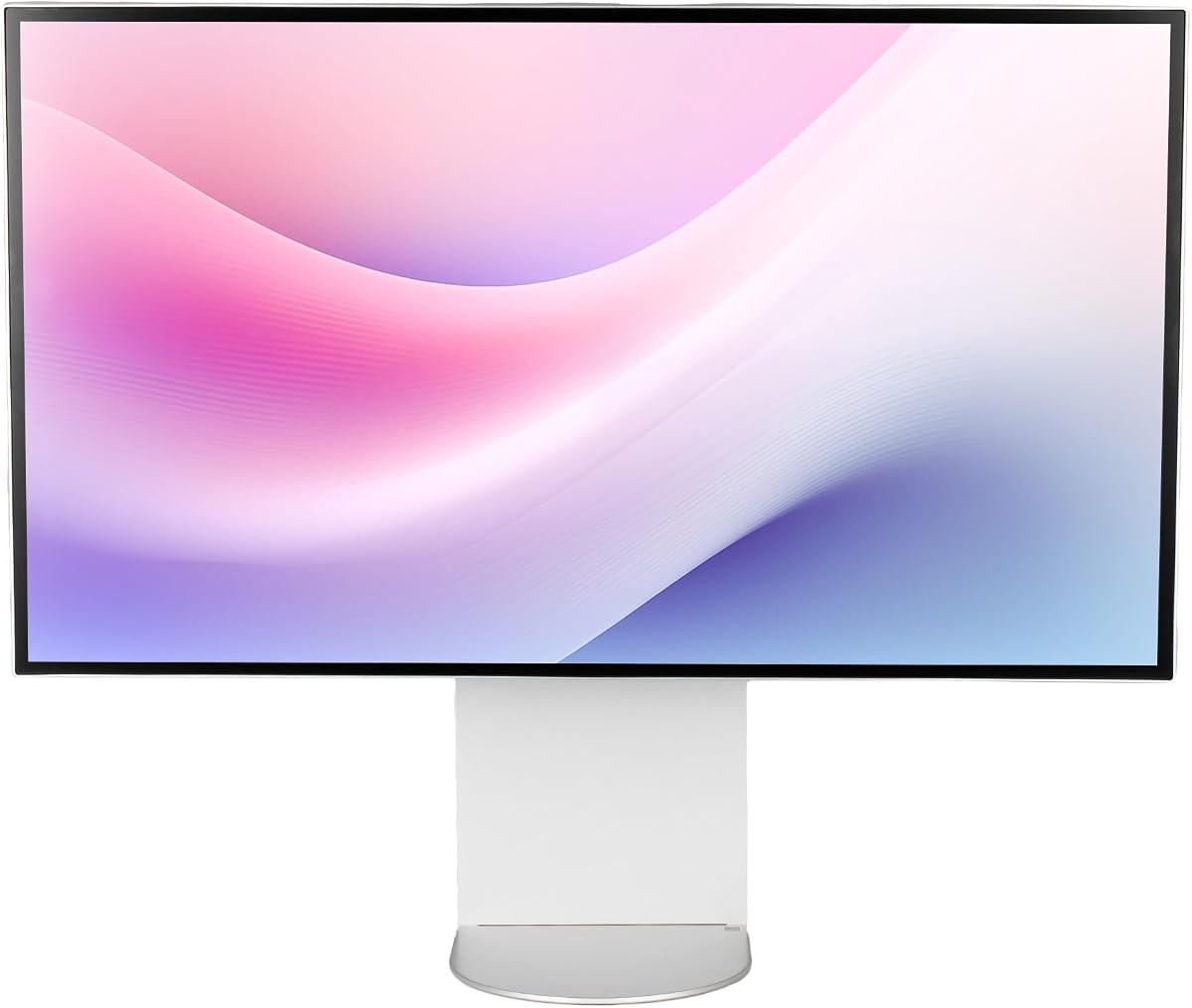
The LG 32U990A-S stands out as a premier choice for professionals requiring high resolution and accurate color. Its Nano IPS Black panel delivers deep blacks that enhance contrast significantly. The inclusion of Thunderbolt 5 ensures future-ready connectivity for Mac and Windows workflows.
We may earn a commission when you buy through this link, at no additional cost to you.
Color accuracy is a major strength here. The monitor covers 99.5% of Adobe RGB and supports real 10-bit color depth. This makes it ideal for photo retouching and graphic design tasks. The DisplayHDR 600 certification further improves visual fidelity for HDR content.
While the panel is excellent, the 60Hz refresh rate is standard rather than high speed. This limits its appeal for fast-paced gaming but suits professional creative work well. The ergonomic stand allows for easy adjustments to suit various desk setups.
If you prioritize color fidelity and connectivity over gaming performance, this monitor is a top pick. It provides a sharp, accurate workspace for designers and video editors who need reliable tools.
Thunderbolt 5 provides ultra-fast transfer speeds and supports daisy chaining for multi-monitor setups.
This technology improves contrast ratios to 2000:1 for richer shadows and deeper blacks.
We may earn a commission when you buy through this link, at no additional cost to you.
The ASUS ProArt PA32QCV is engineered for professionals needing absolute color fidelity. Its factory calibration ensures reliable performance from day one. The dual Thunderbolt 4 ports allow for seamless daisy chaining and power delivery.
We may earn a commission when you buy through this link, at no additional cost to you.
Color accuracy is verified by Calman with a Delta E less than 2. The MacBook Color Matching preset ensures consistency when working across Apple devices. This reduces the need for frequent recalibration in critical workflows.
The built-in Auto KVM switch simplifies multitasking between two computers using one keyboard and mouse. However, the display is limited to 60Hz which may not suit dynamic motion applications. The 5-year warranty adds value to the investment.
For creative studios prioritizing color integrity and workflow efficiency, this monitor delivers. It bridges the gap between technical precision and professional usability perfectly.
A dedicated preset mode matches the color performance of MacBook displays for seamless integration.
Effortlessly switch between two laptops or PCs using a single set of input devices.
We may earn a commission when you buy through this link, at no additional cost to you.
The Dell UltraSharp U3224KB offers a unique value proposition by including a built-in webcam. This simplifies video conferencing setups without extra peripherals. The 6K resolution provides clear text and image detail for productivity tasks.
We may earn a commission when you buy through this link, at no additional cost to you.
Its USB-C port supports quick data transmission and connectivity for laptops. The 450 Nit brightness ensures content remains visible in well-lit office environments. The stand supports height and tilt adjustments for comfort.
While it lacks the high-end color accuracy of premium models, it meets the needs of general professional users. The refresh rate is limited to 60Hz. Overall, it balances functionality and cost effectively.
Ideal for office workers or educators needing a sharp display with conferencing tools. It is a practical choice for those focused on clarity and convenience over artistic precision.
Eliminates the need for external cameras during video calls and meetings.
Provides quick data transmission and connectivity for modern laptops.
We may earn a commission when you buy through this link, at no additional cost to you.
Samsung brings 6K gaming to a 32 inch panel with the Odyssey G8. The Dual Mode allows switching between high resolution for work and high refresh rates for action. This flexibility makes it unique among professional displays.
We may earn a commission when you buy through this link, at no additional cost to you.
The Fast IPS panel ensures quick response times reducing motion blur during dynamic scenes. G-SYNC and FreeSync support prevent screen tearing. The connectivity includes DP 2.1 and HDMI 2.1 for modern GPUs.
While optimized for gaming, it still offers excellent color fidelity and sharpness for design work. The ergonomic stand supports pivoting for vertical layouts. It is a robust choice for multimedia creators.
If you need both high fidelity and speed, this monitor excels. It is an excellent option for game developers or streamers working with demanding content.
Switch between 6K at 165Hz and 3K at 330Hz for different workflows.
Supports G-SYNC and FreeSync Premium for smooth performance.
We may earn a commission when you buy through this link, at no additional cost to you.
This bundle from LG enhances the standard UltraFine evo experience with added accessories. The cable ties and cleaning kit simplify setup and maintenance. It offers the same high-resolution benefits as the standard model.
We may earn a commission when you buy through this link, at no additional cost to you.
The KVM functionality allows control of two computers with one keyboard and mouse. This boosts productivity for professionals managing multiple systems. The USB-C hub integrates storage and peripherals seamlessly.
While it costs more than the standalone unit, the included items add value. The display retains excellent color accuracy and sharpness. It is suitable for those wanting a ready-to-go solution.
If you prefer an all-in-one setup with accessories, this bundle is efficient. It minimizes the need to source extra tools separately.
Includes cable ties and a screen cleaning kit for easy setup.
Control two connected computers with a single keyboard and mouse efficiently.
We may earn a commission when you buy through this link, at no additional cost to you.
The G32X Minimalist focuses on clean design and high performance. Users report high satisfaction with its clarity and brightness. The 500-Nit brightness ensures visibility even in bright environments.
We may earn a commission when you buy through this link, at no additional cost to you.
Its 100W high-speed port allows charging laptops while streaming 6K video. The anti-glare screen reduces eye fatigue. The CNC-machined aluminum body ensures durability and a sleek look.
This monitor is ideal for those seeking a minimalist aesthetic without sacrificing quality. It supports 360-degree rotations with its stand. The universal mount makes it flexible for custom setups.
For users valuing build quality and ease of use, this model stands out. It is a strong contender for professional workstations requiring robust hardware.
Supports 100W fast charging while streaming video.
Reduces glare and eye fatigue for comfortable viewing.
We may earn a commission when you buy through this link, at no additional cost to you.
The G32P Glossy offers a unique honeycomb design for cooling. It provides high color accuracy with 99% DCI-P3 coverage. The glossy finish enhances clarity and contrast for visual tasks.
We may earn a commission when you buy through this link, at no additional cost to you.
Its 100W power delivery supports charging high-performance laptops. The anti-reflective coating helps minimize glare. However, the monitor comes without a stand, requiring a separate purchase.
This model is great for users who want customization with VESA mounting. The build quality supports long-term durability. It is a premium option for specialized setups.
If you need a high-end display and have your own stand, this is viable. It delivers top-tier performance for visual professionals.
Advanced cooling design ensures stable performance over long periods.
Enhances clarity and contrast for rich visual output.
We may earn a commission when you buy through this link, at no additional cost to you.
This bundle adds a two-year protection plan and cables to the standard model. It ensures you have everything needed to set up immediately. The display offers clear visuals for daily productivity.
We may earn a commission when you buy through this link, at no additional cost to you.
The USB-C port provides quick data transfer. The built-in webcam remains a strong feature. The 450 Nit brightness is suitable for office lighting.
The protection plan adds value for long-term peace of mind. It is a solid choice for business users. The monitor is reliable for typical office tasks.
If you need a ready-to-use solution with warranty support, consider this. It balances utility with security for business environments.
Includes a 2-year premium service protection for added security.
Includes Thunderbolt and DisplayPort cables for immediate connectivity.
We may earn a commission when you buy through this link, at no additional cost to you.
The ALOGIC Clarity Touch is the world's first 6K touchscreen monitor. It offers tactile control for artists and designers. The active stylus supports pressure sensitivity for detailed work.
We may earn a commission when you buy through this link, at no additional cost to you.
The fold stand allows the screen to rest flat for drawing. This transforms the monitor into a large digital drafting board. The 90W charging hub simplifies laptop connections.
It is a premium tool for creative professionals needing touch input. The build quality is robust. The high rating reflects user satisfaction.
If you require touch functionality at this resolution, it is unmatched. It is an investment for high-end digital artists and architects.
The included stylus provides 4096 pressure levels for accurate drawing.
Easily switch between upright and flat modes for drawing.
We may earn a commission when you buy through this link, at no additional cost to you.
The LG Ultrafine 32U990A offers a solid standard 6K experience. It features a Nano IPS panel for vivid colors and sharpness. The HDR 600 support ensures good dynamic range.
We may earn a commission when you buy through this link, at no additional cost to you.
Its stand supports tilt, height, and pivot adjustments. Multiple USB-C ports allow for versatile connectivity. It is a reliable choice for general professional tasks.
While it lacks advanced gaming features, it serves design needs well. The 5ms response time is acceptable for office work. It is a balanced display for daily use.
If you need a standard reliable 6K display, this is suitable. It provides essential features without unnecessary complexity.
Delivers vivid colors and wide viewing angles for comfort.
HDR 600 certification enhances dynamic range and contrast.
We may earn a commission when you buy through this link, at no additional cost to you.
Selecting the right monitor involves considering resolution, color accuracy, and connectivity to match your workflow.
6K resolution provides sharp text and image detail ideal for design and coding. A high pixel density ensures smooth edges and clarity.
Look for a panel with at least 200 PPI for the best viewing experience.
Professional work demands high color accuracy. Look for monitors with wide gamut coverage like DCI-P3 and Adobe RGB.
Factory calibration and Delta E ratings ensure colors remain true and consistent.
Modern setups require versatile connections. Thunderbolt 4 or 5 offers high-speed data and power delivery.
Ensure the monitor has USB-C, HDMI, and DisplayPort ports for flexibility.
For static work, 60Hz is sufficient. For gaming or video, look for higher refresh rates and faster response times.
Prioritize refresh rate if you need smooth motion during creative tasks.
IPS panels offer better viewing angles and color. OLED provides deeper blacks but may lack availability for 6K.
Choose a panel based on your need for contrast and angle.
An ergonomic stand with height and pivot adjustments reduces strain. A sturdy build ensures longevity.
Look for VESA mounts if you plan to use a monitor arm.
Extended warranties protect your investment. Check the manufacturer support policies.
A longer warranty period adds value and peace of mind.
Built-in webcams or touchscreens add functionality. Consider if these features meet your workflow needs.
Only pay for features you will actively use to maximize value.
Connect your device via USB-C or Thunderbolt to utilize all features. Adjust the stand for an ergonomic height and angle.
Use calibration software to maintain color accuracy over time. This is especially important for design work.
Clean the screen with a soft, dry cloth. Avoid harsh chemicals that might damage the coating.
A 6K monitor offers significantly higher resolution than standard 4K displays. This provides more screen real estate and sharper detail for editing and productivity.
Most models support Mac systems via Thunderbolt. Check specific models for compatibility to ensure seamless integration with your setup.
Yes, driving 6K requires a capable GPU. Ensure your system meets the requirements for smooth performance and output.
Thunderbolt 5 provides faster data transfer and higher bandwidth. It supports daisy chaining and charging laptops via a single cable.
Some models offer high refresh rates suitable for gaming. Others are optimized for static professional work with standard rates.
Regular calibration and factory settings help. Use colorimeters to verify and maintain Delta E values over time.
The top picks highlight excellent options for different needs. The LG UltraFine and ASUS ProArt models lead in accuracy and features.
Prioritize connectivity and color gamut based on your specific workflow. This ensures you get the most value from your investment.
Always check current prices and availability before purchasing. Technology and stock change quickly so verify details before ordering.