
Liene PixCut S1
4.2Editor score
Color dye-sublimation print
AI image extraction
Precision cutting
Explore the top AI Sticker Printer Maker models for creative projects. This guide compares features, printing quality, and ease of use for makers.
AI Sticker Printer Maker devices transform spoken words into physical art instantly. These innovative tools allow users to create custom stickers without needing drawing skills or expensive supplies.
We evaluated ten leading models based on print quality, ease of use, and creative features. Our comparison highlights thermal technology, voice recognition accuracy, and portability for all skill levels.
Each pick reveals unique strengths for different needs and budgets. While prices and availability change frequently, our analysis focuses on lasting value and performance for creative enthusiasts.
4.2Editor score

4.8Editor score

5.0Editor score
This detailed comparison examines the top ten AI Sticker Printer Maker options available today. Each entry highlights key specifications to help you choose the right device for your crafting needs.
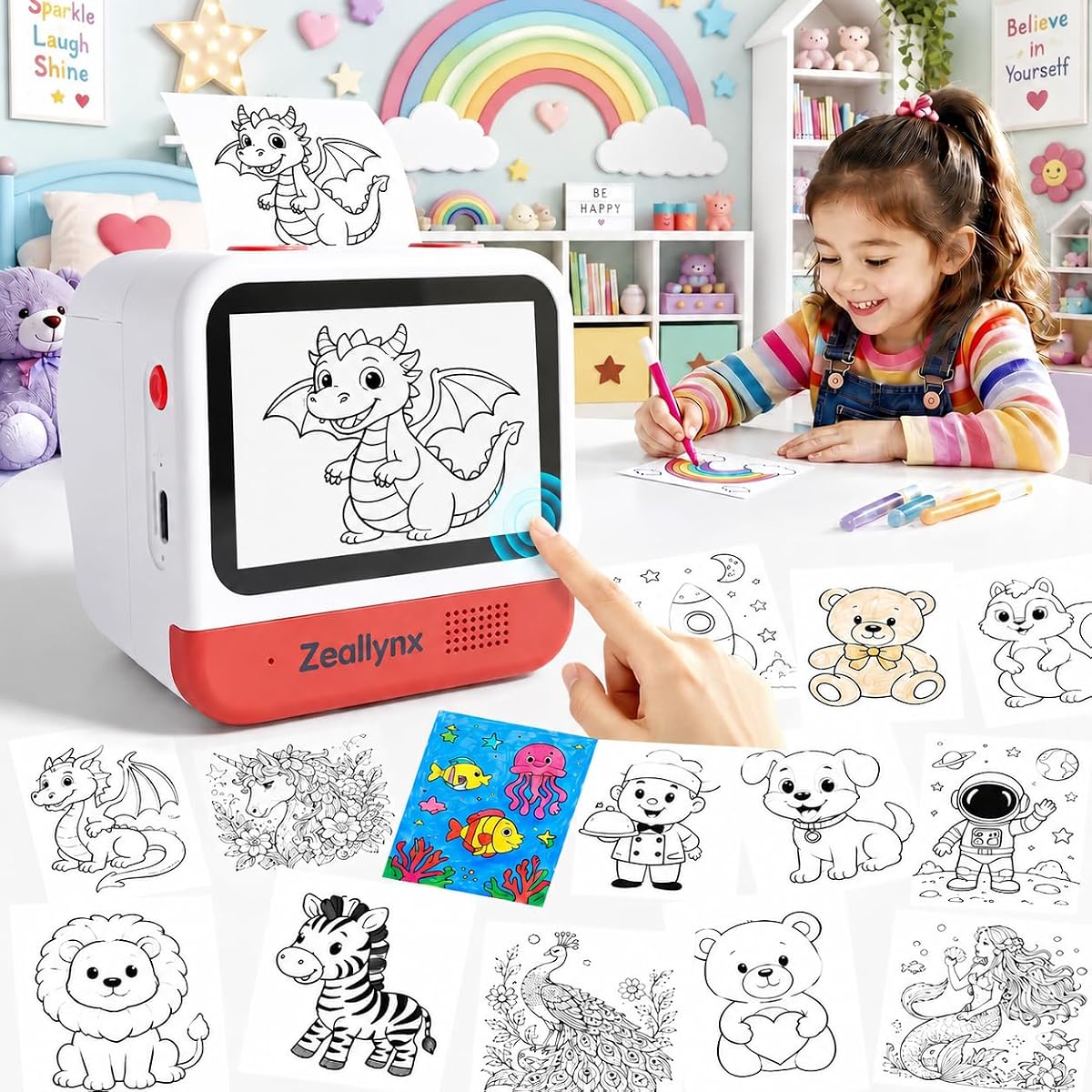

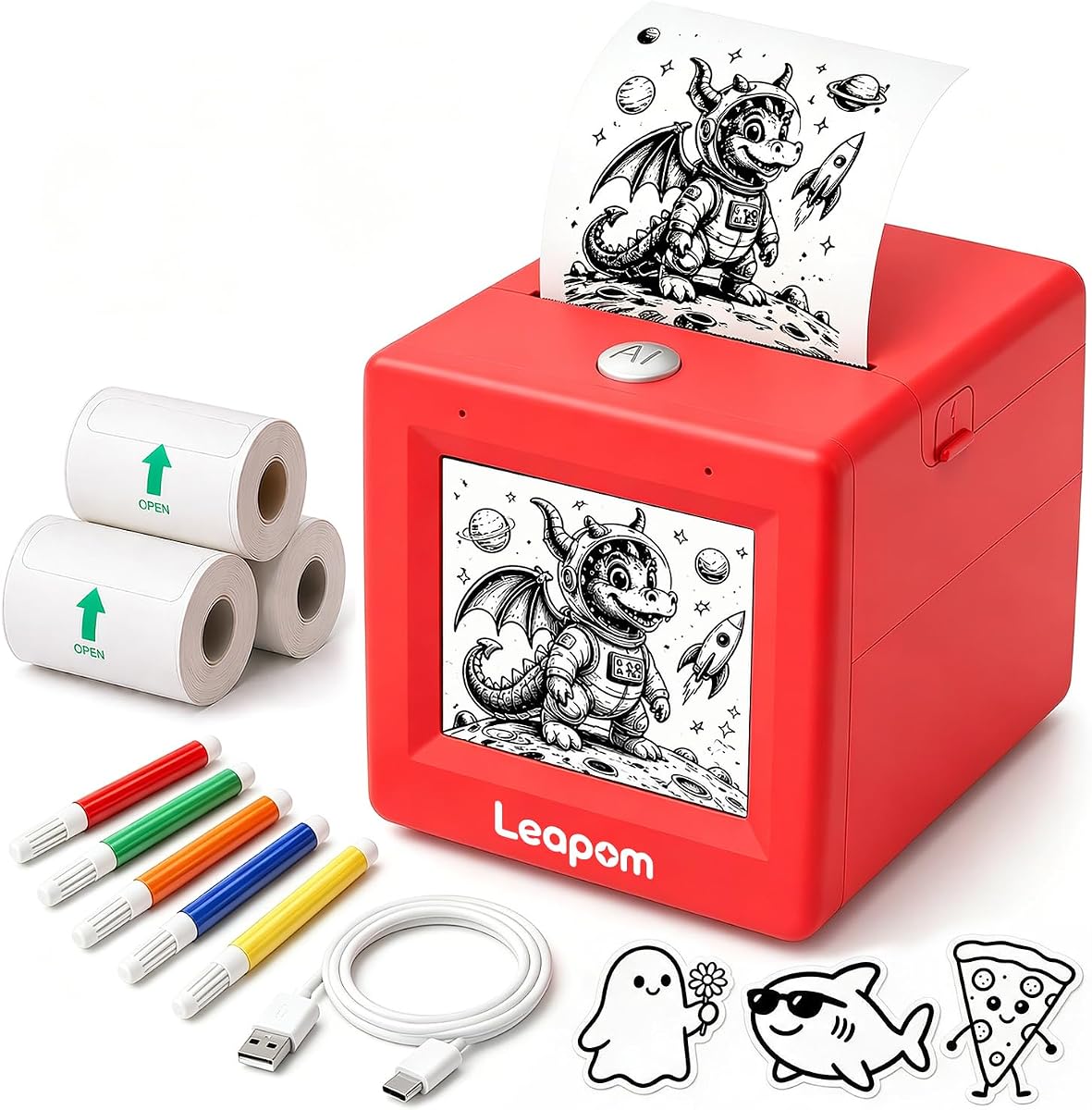


This device stands out for its seamless voice-to-sticker capability. It earns a high rating due to its intuitive touchscreen and lack of ink consumption.
We may earn a commission when you buy through this link, at no additional cost to you.
The thermal technology delivers crisp black-and-white images quickly. Children can describe ideas and receive printed stickers immediately without complex setup.
While color printing is not possible, the included watercolor pens encourage artistic interaction. Privacy features ensure safe usage for young users.
Families seeking an engaging creative tool should consider this model. It combines technology with hands-on fun effectively.
Kids unleash imagination by speaking ideas directly to the machine.
Thermal printing eliminates the need for messy ink cartridges entirely.
We may earn a commission when you buy through this link, at no additional cost to you.
The Liene PixCut S1 offers professional-grade color printing and cutting in one device. It appeals to serious crafters needing durable results.
We may earn a commission when you buy through this link, at no additional cost to you.
Thermal dye-sublimation technology ensures vibrant colors and scratch resistance. AI extraction simplifies creating stickers from existing photos.
The cost is significant but justified by the quality output. It lacks the simplicity of voice input but excels in customization.
Professionals and hobbyists seeking premium results will find value here. The all-in-one design saves space and effort.
High resolution prints rival commercial sticker production standards.
Laminated stickers resist water and scratches for long-term use.
We may earn a commission when you buy through this link, at no additional cost to you.
This mini maker offers exceptional value for those wanting basic functionality. It combines portability with AI features effectively.
We may earn a commission when you buy through this link, at no additional cost to you.
The LED preview screen prevents paper waste by allowing regeneration. Seven art styles provide variety for different creative tasks.
While the print area is small, it suits most sticker needs. The low cost makes it accessible for children or beginners.
Budget-conscious buyers should consider this device for simple projects. It delivers solid performance without high costs.
Fits easily in bags for creative sessions on the go.
See designs before printing to avoid wasting materials.
We may earn a commission when you buy through this link, at no additional cost to you.
This model stands out for its independence from smartphone apps. Users interact directly through a responsive touchscreen interface.
We may earn a commission when you buy through this link, at no additional cost to you.
Ten creative modes allow for diverse outputs like comics and notes. The TF card support preserves favorite designs for later.
Lacking color options limits its use to monochrome projects. However, the ease of use compensates for this constraint.
Those preferring simple setups without app downloads will appreciate this device. It balances features with simplicity well.
Operates entirely on-device for a streamlined user experience.
Ten modes offer broad creative potential for any project.
We may earn a commission when you buy through this link, at no additional cost to you.
Designed for young children, this device encourages offline play. The absence of screens promotes physical creativity and storytelling.
We may earn a commission when you buy through this link, at no additional cost to you.
COPPA compliance ensures safety regarding data privacy. The voice function captures ideas simply without complex inputs.
Without a visual interface, precise control is harder for some. It is best suited for younger kids who enjoy coloring.
Parents wanting to reduce screen time will find this a great tool. It supports artistic development through tactile interaction.
Encourages physical engagement instead of digital consumption.
Built-in filters ensure all content remains child-appropriate.
We may earn a commission when you buy through this link, at no additional cost to you.
This maker connects well with a user-friendly app. It transforms spoken ideas into printable outlines effectively.
We may earn a commission when you buy through this link, at no additional cost to you.
The kit includes everything needed to begin. Creative tasks immediately. Portability allows use anywhere at home or school.
Graphics are simple but sufficient for basic needs. App reliance might be a hurdle for some households.
Schools or families looking for interactive toys should consider this. It encourages both tech and art skills.
Combines technology with artistic expression for learning.
Includes paper and markers for immediate creative engagement.
We may earn a commission when you buy through this link, at no additional cost to you.
This unit features an HD screen for easy previewing. Users can visualize designs before committing to printing.
We may earn a commission when you buy through this link, at no additional cost to you.
Inkless thermal technology keeps operations clean and simple. Adhesive paper allows for versatile sticker creation.
While limited to black and white, it serves journaling needs well. The design ensures easy handling for children.
Families seeking a reliable journaling tool will find it useful. It balances functionality with user-friendly design.
Clear visuals help users refine ideas before printing.
Adhesive and plain papers allow for diverse projects.
We may earn a commission when you buy through this link, at no additional cost to you.
This tiny printer fits easily in pockets or bags. It supports a range of functions from notes to stickers.
We may earn a commission when you buy through this link, at no additional cost to you.
AI features enhance creativity through blending and filters. It is particularly useful for student notes and diagrams.
Bluetooth connectivity makes it fast to pair. The app requires a smartphone for full operation.
Students needing portable study aids will appreciate this device. It offers utility beyond just sticker making.
Ideal for printing study notes and diagrams anywhere.
Advanced app functions allow for creative image manipulation.
We may earn a commission when you buy through this link, at no additional cost to you.
This maker offers six unique art styles to choose from. It supports both Wi-Fi and Bluetooth for flexible connection.
We may earn a commission when you buy through this link, at no additional cost to you.
USB-C charging ensures convenient power management. Materials are safe for everyday use by children.
The dual connection options add versatility to its operation. It remains compact for easy transport.
Families needing flexible connectivity should consider this model. It provides a good range of features.
Wi-Fi and Bluetooth provide flexible connection choices.
Six distinct styles allow for varied creative expression.
We may earn a commission when you buy through this link, at no additional cost to you.
This unit includes a built-in voice companion for ideas. It features a touchscreen for direct device interaction.
We may earn a commission when you buy through this link, at no additional cost to you.
Quick setup via Wi-Fi simplifies the initial experience. Adhesive paper supports instant project creation.
Lacking color limits it to monochrome outputs. However, the ease of use is a major benefit.
Users seeking straightforward device-only operation should choose this. It minimizes dependency on external apps.
Voice companion inspires new creative ideas instantly.
Direct interaction eliminates need for smartphone app.
We may earn a commission when you buy through this link, at no additional cost to you.
Selecting the right AI Sticker Printer Maker requires understanding specific features. This guide breaks down critical factors to ensure the best fit for your creative needs.
Most devices use thermal printing for convenience. This method avoids ink and toner, reducing long-term costs and mess. Check if the printer uses direct thermal or dye-sublimation depending on color needs.
Prioritize thermal technology for simplicity and cost-efficiency.
Devices offer Wi-Fi, Bluetooth, or direct control. Wi-Fi allows direct voice creation without a phone. Bluetooth connects via apps for more editing tools.
Choose connectivity based on whether you want phone independence.
Touchscreens versus buttons affect usability. Touchscreens offer visual feedback and easier navigation. Buttons work well for simplified interactions.
Look for intuitive controls suitable for the intended user age.
AI voice capabilities turn speech into art. Ensure the system supports natural language input. Some offer chat features for brainstorming.
Verify voice accuracy and language support before buying.
Sticker paper types vary by device. Some use adhesive rolls while others use plain thermal paper. Verify the width and type supported.
Ensure paper refills are available and affordable for you.
Battery life matters for portability. Rechargeable USB-C batteries offer freedom. Check standby times and continuous usage hours.
Prioritize strong battery life for travel or outdoor use.
Content filtering is vital for kids. Look for COPPA compliance and data protection. Safe modes ensure appropriate results.
Always verify safety certifications for child-friendly devices.
Budget ranges vary widely. Consider initial cost versus paper refills. Premium models cost more but offer better durability.
Balance upfront investment with long-term usage costs.
Begin by inserting the thermal paper roll correctly. Ensure the adhesive side faces down if required. Connect to Wi-Fi or Bluetooth as instructed.
Use voice or touchscreen to generate designs. Preview the output before printing to save paper. Color the printed designs for added fun.
Store the device in a dry place when not in use. Replace paper rolls when empty. Keep the exterior clean with a soft cloth.
Most models use thermal technology which does not require ink or toner. Instead, they heat specialized paper to produce images. This eliminates messy cartridges and reduces waste.
Standard thermal printers produce black-and-white images. Some premium models use dye-sublimation for color. Check product specs for color capabilities.
Some devices require an app while others work directly via Wi-Fi. Independent models remove the need for a phone entirely. Choose based on your preference.
High-quality models use BPA-free thermal paper. Look for KidSAFE certifications to ensure safety. Always supervise usage as per guidelines.
Open the compartment and insert the roll carefully. Align the paper correctly so it feeds smoothly. Push the cover back until it clicks.
Some devices include storage like SD cards. This allows you to retrieve old designs later. Check if the model supports local storage options.
The top picks include the AI Sticker Maker for Kids, Liene PixCut S1, and AI Voice Sticker Printer. Each offers unique benefits for different user needs.
Focus on connectivity and paper requirements to match your workflow. Safety features are essential for younger users.
Check current availability and pricing before purchasing. Our guide helps you make an informed choice.