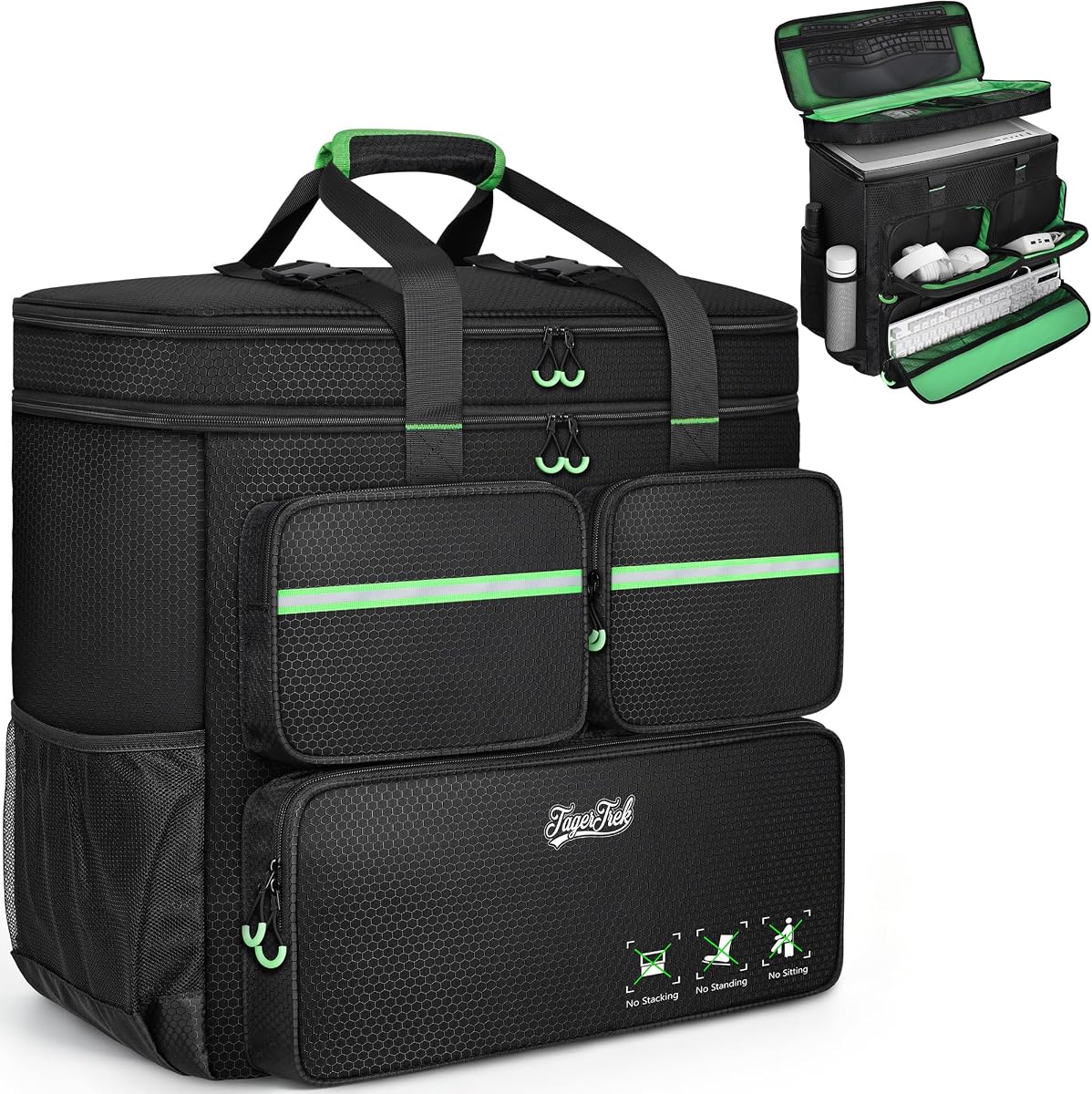
PC Carrying Case for ATX
4.7Editor score
Water-resistant fabric
Secure top buckle
Multiple carrying options
This guide compares the top 10 desktop PC tower travel carrying cases for protection, portability, and storage to help you move your rig safely.
Moving a desktop computer requires careful planning to avoid damage during transit. A specialized carrying case provides essential padding and structure to protect your investment from bumps and scratches while traveling.
We evaluated ten leading models based on durability, compartment layout, and ease of transport. Each product was analyzed for material quality, internal dimensions, and user feedback to ensure reliable performance.
Every pick highlights key strengths and ideal use cases for different needs. Prices and availability fluctuate frequently, so verify current details before making your final purchase decision today.
4.7Editor score
4.7Editor score

4.9Editor score
This side-by-side comparison highlights the critical specifications and features of each selected case to help you find the right fit for your specific tower and accessories.




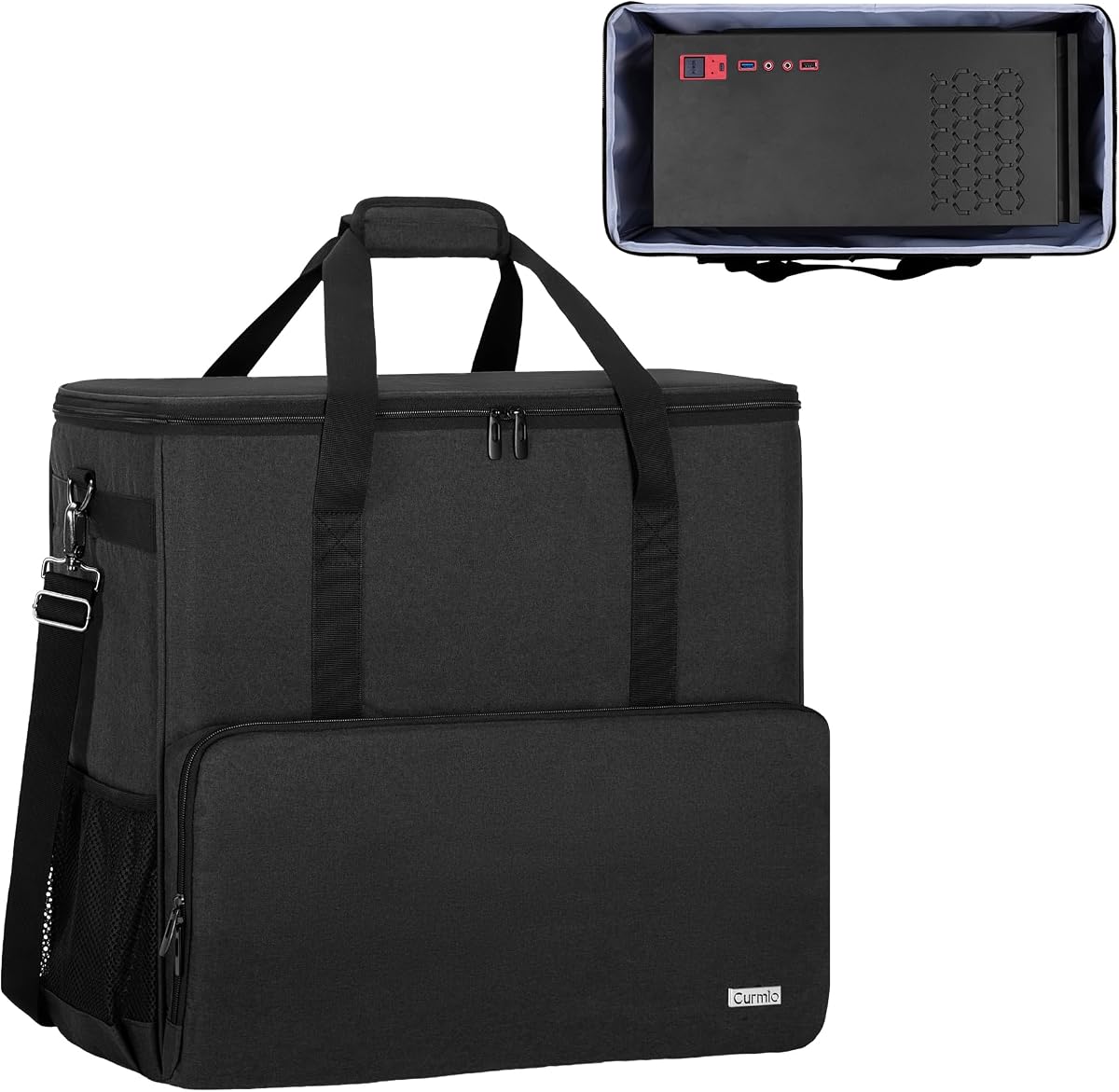
This CURMIO PC Carrying Case stands out with a robust 4.7 rating from verified buyers. It features a thick nylon construction that resists scratches and water, making it ideal for frequent transport needs.
We may earn a commission when you buy through this link, at no additional cost to you.
The interior includes a foam padded insert that reduces friction with the ground and protects your tower. Multiple pockets organize peripherals like keyboards, mice, and cables efficiently within the bag.
While the nylon is durable, some users note the shoulder straps can feel less stiff than premium alternatives. The added weight is acceptable given the superior protection and organizational features it offers.
Ideal for movers and gamers needing reliable protection, this bag balances cost and functionality well. We recommend checking your tower dimensions before purchase to ensure a perfect fit.
The internal foam insert and bottom feet pads significantly reduce the risk of impact damage during travel or storage.
Dedicated pockets for keyboards and cables ensure your essential gear stays together and accessible during transit.
We may earn a commission when you buy through this link, at no additional cost to you.
This model offers exceptional value with a 4.7 rating, making it a top choice for budget-conscious buyers. It features a secure top buckle to keep items firmly in place during movement.
We may earn a commission when you buy through this link, at no additional cost to you.
The polyester fabric is water-resistant and tear-resistant, ensuring long-term durability. Users appreciate the multiple carrying options including shoulder straps and a handle for versatility.
Some users note that the padding thickness can vary slightly between production batches. The chest strap helps distribute weight evenly which reduces fatigue during long journeys.
For gamers and professionals on a budget, this case provides reliable protection without overspending. It is an excellent solution for LAN parties and local office relocations.
The top buckle and chest strap work together to stabilize heavy loads and prevent shifting during transit.
Switch easily between backpack and hand-carry modes to adapt to different environments and travel conditions.
We may earn a commission when you buy through this link, at no additional cost to you.
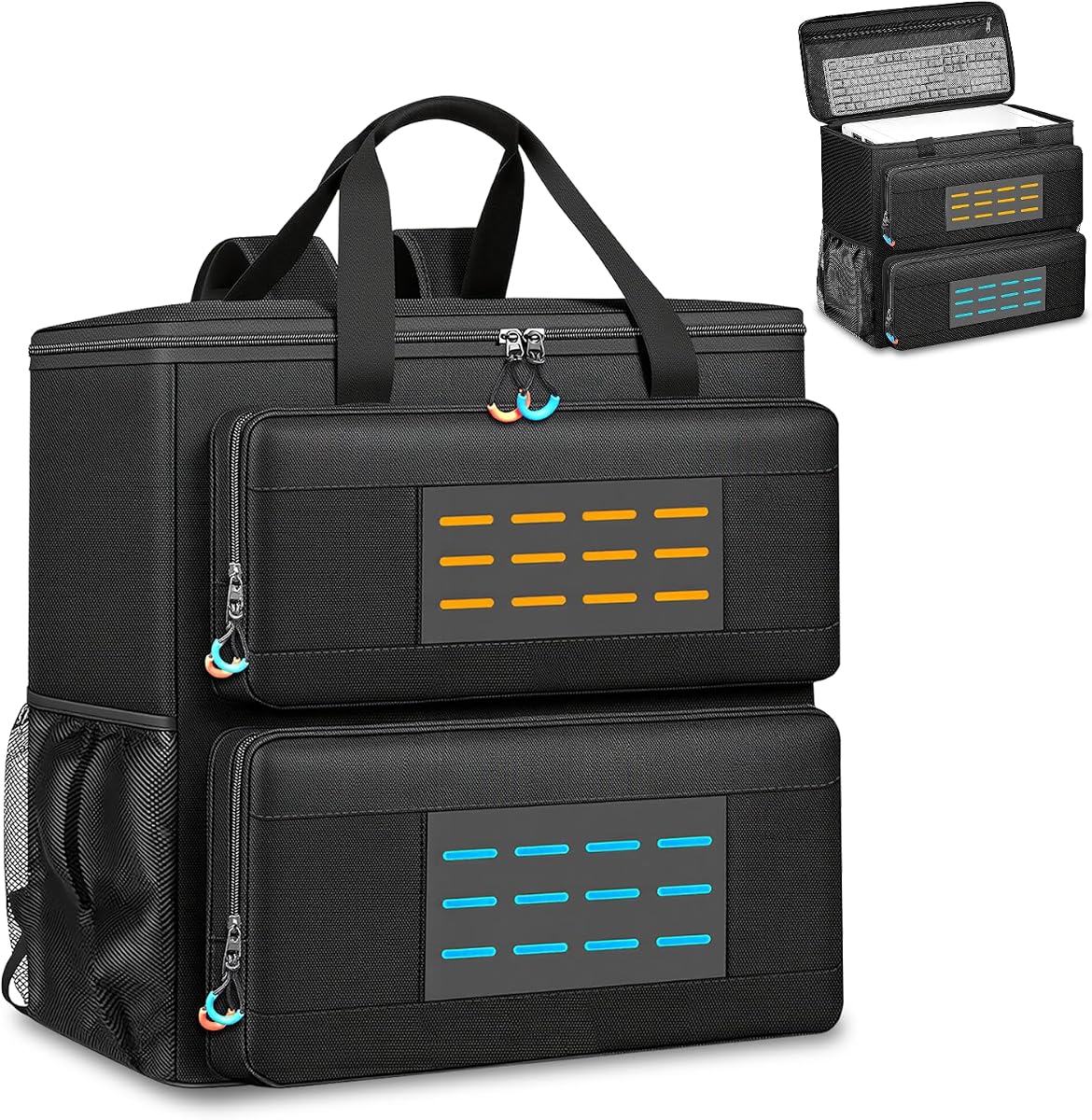
Leading the list with a 4.9 rating, this case offers premium features including MOLLE webbing for attaching extra gear. The 360-degree protection padding ensures maximum safety for your components.
We may earn a commission when you buy through this link, at no additional cost to you.
The high-quality nylon material is scratch and tear-resistant. Users love the luggage strap which allows attachment to rolling suitcases freeing your hands during travel.
While the price is slightly higher than budget models the added features justify the cost. The weight is manageable thanks to balanced distribution and ergonomic strap design.
This is the ideal choice for travelers and professionals who need maximum protection and flexibility. It transforms moving a bulky computer into a simple one-person operation.
The MOLLE webbing system allows you to attach pouches or accessories externally for expanded storage capacity.
The luggage strap and balanced rucksack design make airport and train station navigation significantly easier.
We may earn a commission when you buy through this link, at no additional cost to you.
This rolling case introduces a detachable wheeled cart for effortless mobility without shoulder strain. It features silent swivel casters that glide smoothly over various surfaces for easy transport.
We may earn a commission when you buy through this link, at no additional cost to you.
The high-quality polyester fabric offers water-resistant performance. The green zippers are easy to spot and glide smoothly without jamming during daily use.
The cart folds flat but adds some bulk to the overall package. The zippers are sturdy but should be handled with care to prevent minor snagging over time.
Perfect for users with heavy towers or mobility concerns this case reduces physical strain. It is a practical solution for office moves and long-distance travel.
The detachable cart with silent casters ensures heavy loads move effortlessly without lifting.
Solid stitching and water-resistant fabric provide reliable protection against wear and tear in tough environments.
We may earn a commission when you buy through this link, at no additional cost to you.
This CURMIO case features a double layer design offering enhanced organization and space for accessories. The removable cushion pad protects your tower while reducing friction with the ground.
We may earn a commission when you buy through this link, at no additional cost to you.
The thick nylon material is wear and water-resistant. A large opening allows for easy putting in and taking out of your tower and components.
The straps are sturdy but users note they might lack stiffness compared to rigid options. The weight is manageable considering the extra layer and padding provided.
Best for those needing organized storage for multiple components. The double layer system keeps your setup secure and your peripherals neatly arranged.
The double layer design provides separate zones for your tower and essential peripherals keeping everything accessible.
A large opening ensures you can load and unload your equipment quickly without struggling with tight openings.
We may earn a commission when you buy through this link, at no additional cost to you.
Designed for extra large needs this case features a high density 5mm EPE inner lining for maximum protection. The 21 inch interior height accommodates larger chassis easily.
We may earn a commission when you buy through this link, at no additional cost to you.
Three zippered pockets organize accessories while a soft padded handle ensures comfort. The wear-resistant 600D Oxford cloth outer layer protects against bumps and scratches.
The straps are designed for stability but may lack stiffness. The large size is beneficial for capacity but adds bulk to storage in tight spaces.
Ideal for users with larger towers or needing to transport extra components. The protective design ensures all-round safety for your valuable equipment.
The 5mm EPE inner lining effectively absorbs impact and vibration during transportation ensuring device safety.
Extra large capacity allows room for GPUs or radiators alongside your main tower case.
We may earn a commission when you buy through this link, at no additional cost to you.
This case fits most ATX mid-tower desktops with expandable side pockets for extra accessories. The rear buckle fastener prevents tipping during transit and storage.
We may earn a commission when you buy through this link, at no additional cost to you.
Oxford fabric construction ensures durability while the full-height mesh panel organizes tools and accessories. Adjustable chest straps help distribute weight comfortably.
Padding is basic compared to premium models but effective for standard use. The straps help stability but may lack stiffness on longer journeys.
Recommended for standard mid-tower users needing a versatile travel case. The expandable pockets provide flexibility for growing accessory collections.
Side pockets expand to hold extra cables or accessories making it adaptable for different transport needs.
Rear buckle fasteners and chest straps secure the load preventing tipping during movement.
We may earn a commission when you buy through this link, at no additional cost to you.
This case features thickened 5mm EPE lining for effective impact absorption. It is designed for mid tower desktops with enough space for additional accessories.
We may earn a commission when you buy through this link, at no additional cost to you.
Zippered mesh pockets on the top cover store keyboards and mice securely. The soft padded handle ensures comfortable carrying for short distances.
Padding is thick but may vary slightly. The chest strap helps balance load but straps may lack stiffness on long hikes.
A reliable option for standard mid tower systems. The zippered mesh pockets offer convenient access for frequently used items.
Thickened EPE lining absorbs shocks to protect your tower from damage during transport.
Multiple pockets keep keyboards and cables organized and ready for use at your destination.
We may earn a commission when you buy through this link, at no additional cost to you.
Engineered for protection this backpack features 8mm EPE foam interior for superior shock absorption. The rugged 600D Oxford exterior guards against daily wear and scratches.
We may earn a commission when you buy through this link, at no additional cost to you.
A front keyboard sleeve and side mesh pockets provide dedicated storage for your peripherals. Stabilizing chest straps secure the load during heavy transport.
Padding is thick but may compress slightly with heavy use. The straps provide balance but may lack stiffness on very long journeys.
Perfect for gamers needing reliable protection during travel. The all-in-one solution consolidates your entire setup for easy movement.
8mm EPE foam absorbs vibrations and impacts to protect delicate components during transit.
Tear-resistant fabric guards your tower against dust and minor impacts during transport.
We may earn a commission when you buy through this link, at no additional cost to you.
This case features internal foam padding and pearl cotton cushions for protection. The non-slip bottom feet reduce friction with the ground to protect your tower.
We may earn a commission when you buy through this link, at no additional cost to you.
Adjustable ergonomic shoulder straps and a chest strap ensure stability. Multiple accessory pockets hold items like radiators and hard drives.
Padding is adequate but may vary slightly between units. The straps offer comfort but may lack stiffness for very heavy loads.
Ideal for ATX/M-ATX users needing a compact solution. The protective design keeps your power station away from dust and scratches.
Thickened pearl cotton provides all-around protection for your computer host during movement.
Adjustable shoulder straps and top padded handle make carrying your tower effortless.
We may earn a commission when you buy through this link, at no additional cost to you.
Selecting the right case involves evaluating dimensions, materials, and organizational features to match your specific tower and travel needs.
Verify the interior dimensions against your tower's height width and depth. Most cases support ATX and M-ATX chassis but oversized custom builds may require larger models.
Always measure your computer before purchasing to ensure a snug fit.
Look for rugged fabrics like 600D Oxford or thick nylon that resist tears and water. High-density foam or EPE lining is critical for absorbing shocks during transport.
Prioritize materials that offer scratch-resistant and water-resistant properties for longevity.
Thicker padding such as 5mm or 8mm EPE offers better protection for heavy towers. Consider how much shock absorption is required for your travel distance.
Ensure the padding is distributed evenly to protect the tower from impacts.
Choose between backpack straps handles or rolling wheels based on your mobility needs. Wheeled models reduce shoulder strain for very heavy units.
Look for adjustable chest straps and padded handles for added comfort.
Multiple pockets for keyboards mice and cables keep your setup organized. Dedicated sleeves prevent accessories from scratching the tower during transit.
Ensure there is enough space for all peripherals you plan to carry.
Water-resistant fabrics and strong stitching ensure the case lasts longer and protects against rain. Heavy-duty zippers prevent jamming during daily use.
Check for features like reinforced bases and weatherproof coatings.
Lighter materials help reduce overall load but must still offer sufficient protection. Balance durability with weight for comfortable carrying over distances.
Consider the empty weight of the case before adding your tower.
Additional features like MOLLE webbing or luggage straps add versatility for travel. Some cases include detachable carts for easier movement.
Identify features that match your specific usage scenarios.
Place your tower in the main compartment ensuring it sits securely on the padding. Organize cables and accessories in dedicated pockets to prevent movement.
Zip all compartments fully and adjust straps to distribute weight evenly. Use the handle or shoulder straps based on the terrain you are navigating.
Clean the fabric with a damp cloth and store in a dry place to maintain durability. Avoid overloading beyond recommended dimensions to prevent wear on zippers and seams.
Standard cases are designed for ATX or M-ATX chassis with typical dimensions. Custom water-cooled builds may have larger radiators that require extra space so verify dimensions carefully.
Measure the height width and depth of your tower excluding any side panels if removable. Compare these measurements to the internal dimensions listed in the product specifications before buying.
Many of these cases are designed for travel but airline carry-on limits vary. Check your airline baggage policies and ensure the case dimensions fit within their allowance for checked or carry-on luggage.
High-density 600D Oxford cloth or thick nylon offers excellent durability and water resistance. These materials resist tears and abrasions making them ideal for frequent transportation and heavy use.
Warranty terms vary by manufacturer but many offer limited protection against defects. Check the product details or contact the seller for specific warranty information before purchasing.
Yes these cases can also store servers or other electronics. Ensure the internal dimensions match the equipment size to prevent shifting during movement.
The curated list offers diverse options from budget-friendly to premium choices ensuring you find a case that meets your protection and budget needs.
Prioritize internal dimensions and padding thickness to ensure your investment is safe. Consider mobility features like wheels or straps based on how often you travel.
Always check current availability and verify dimensions before finalizing your purchase to ensure the perfect fit for your setup.