
32GB Bootable Windows 10 & 11 USB Drive 3.2 Gen
4.2Editor score
No TPM requirement for installation
Includes network drives and recovery tools
Supports UEFI and Legacy BIOS modes
Discover the top bootable Windows 11 USB drives for easy installation and system repair without TPM requirements. Compare features, compatibility, and recovery
Finding a reliable bootable Windows 11 USB drive is essential for system maintenance and installation. These tools allow you to reinstall or repair your operating system when standard methods fail. Look for drives that support both UEFI and Legacy BIOS modes for broader compatibility.
We evaluated ten top-rated bootable USB solutions based on user feedback and technical specifications. Each product offers unique features like password reset tools, data recovery options, and network driver support. Our comparison helps you choose the right drive for your specific hardware needs.
Each pick highlights key strengths and limitations to guide your purchase decision effectively. Reviews cover installation ease, included software tools, and compatibility with various PC brands. Remember that product availability and details may change over time so verify before buying.
4.2Editor score

4.3Editor score

4.2Editor score
This side-by-side comparison outlines the key capabilities and limitations of each bootable USB drive. We focus on compatibility, included tools, and ease of use to help you make an informed choice for your system repair needs.



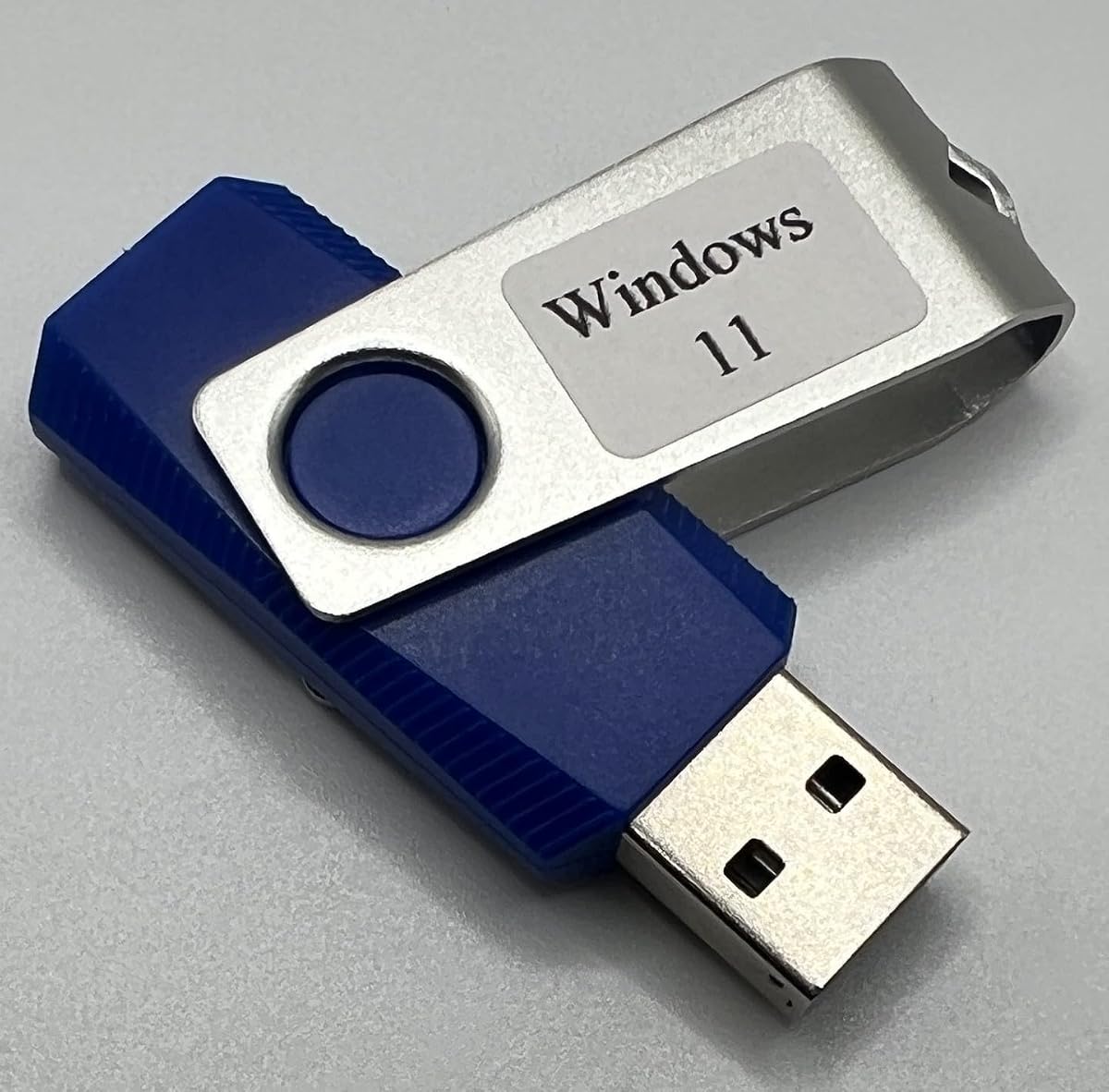


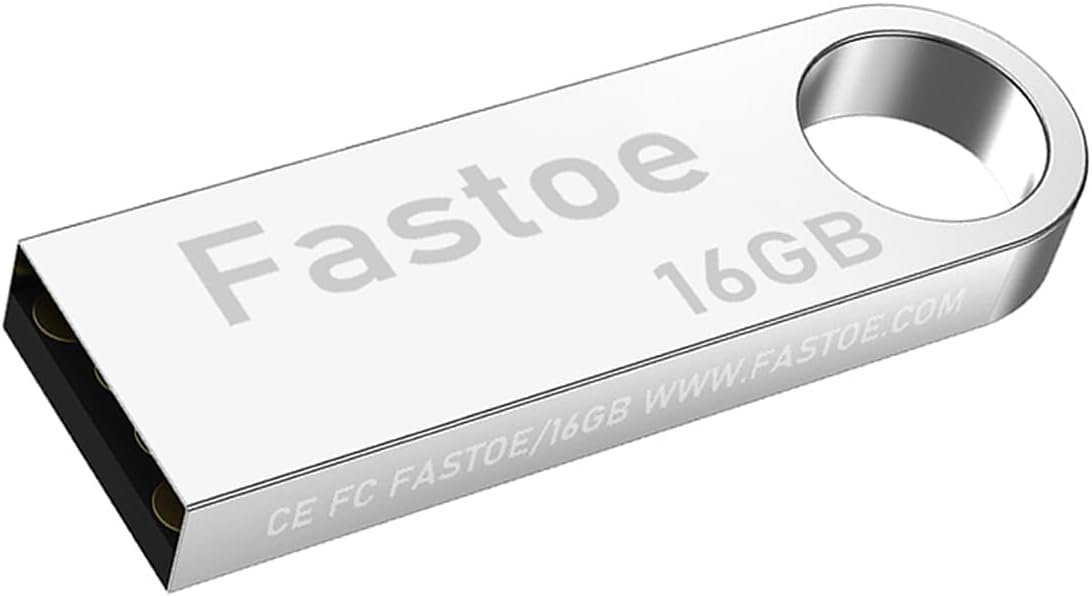
This 64GB bootable USB drive stands out as a robust solution for system maintenance and reinstallation. With a solid rating from users, it offers a wide range of utilities including network drives and data recovery tools. Its compatibility with multiple Windows versions makes it a versatile choice for various PC environments.
We may earn a commission when you buy through this link, at no additional cost to you.
The drive includes essential network drivers for both WiFi and LAN which is crucial after a fresh install. It supports both UEFI and Legacy BIOS modes ensuring it works with older and newer systems alike. The included tutorials help beginners navigate the boot process and installation steps effectively without technical stress.
While highly capable, users must disable Secure Boot in their BIOS settings to use the drive. Additionally it does not support the automatic repair feature so existing Windows installations cannot be kept during the process. These limitations are acceptable given the comprehensive toolkit provided for serious system recovery tasks.
This drive is ideal for technicians and home users needing a reliable repair tool. It simplifies the process of reinstalling Windows to fix boot issues or crashes. We recommend it for anyone seeking a thorough maintenance USB that covers multiple OS versions and recovery needs.
Supports Windows 7 8.1 10 and 11 for broad utility across different hardware ages.
Includes drivers and tutorials for WiFi and LAN to ensure internet connectivity post-installation.
We may earn a commission when you buy through this link, at no additional cost to you.
This USB drive is specifically designed for installing and recovering Windows 11 systems. It appeals to users who need a straightforward tool for setup without TPM restrictions. The product emphasizes its compatibility with both UEFI and Legacy boot modes for wider hardware support.
We may earn a commission when you buy through this link, at no additional cost to you.
The drive is marketed as a family-owned business product tested locally which may appeal to buyers seeking quality control. It focuses purely on operating system reinstallation and recovery rather than hardware diagnostics. This specialization makes it efficient for users targeting Windows 11 upgrades or fresh setups.
However it cannot address hardware issues such as failing motherboards or bad RAM so users must verify their PC health first. It is also not suitable for BitLocker recovery or saving files from failed drives. These constraints are clear in the product description to manage expectations before purchase.
Ideal for those needing a simple Windows 11 installer without TPM hurdles. It works well for clean installs on compatible systems but lacks broader repair features. Choose this if your primary goal is OS reinstallation and you have a functioning hardware base.
Removes TPM requirement barriers allowing installation on older hardware not meeting standard specs.
Tailored specifically for Windows 11 recovery and setup ensuring streamlined process for this version.
We may earn a commission when you buy through this link, at no additional cost to you.
This 32GB drive offers a budget-friendly entry point for system repair and Windows installation. It supports both Windows 10 and 11 making it suitable for many current home PCs. The included network drivers ensure connectivity after installation which is often a pain point for users.
We may earn a commission when you buy through this link, at no additional cost to you.
A key feature is its ability to allow access to the hard drive for backup purposes. This helps preserve important data before reinstalling the operating system. The drive includes tutorials for booting and installation guiding users through the process step by step.
Users must disable Secure Boot in BIOS to use the drive which might confuse beginners. Also it does not keep existing Windows installations so data backup is essential beforehand. These are standard limitations for bootable installers but require careful preparation before starting.
Best for budget-conscious users needing a reliable tool for reinstalling Windows 10 or 11. It balances cost with essential features like network support and backup access. Choose this if you need a straightforward and affordable recovery solution.
Enables access to hard drives to back up files before installation or repair.
Contains WiFi and LAN drivers to restore internet access immediately after setup.
We may earn a commission when you buy through this link, at no additional cost to you.
This 64GB driver provides a wide range of tools for system repair and reinstallation. It supports Windows versions from 7 to 11 catering to diverse system environments. The inclusion of password reset utilities adds value for users who have lost account access.
We may earn a commission when you buy through this link, at no additional cost to you.
Additional features include hardware testing and network drive support ensuring comprehensive system maintenance. Video tutorials are provided to assist beginners in booting and using the drive effectively. This makes it a strong candidate for those needing multiple recovery functions in one tool.
Users should note that Secure Boot might need to be disabled in BIOS settings. The drive does not support the automatic repair option so manual intervention is required for some issues. These points are manageable with the provided guidance and technical support availability.
Recommended for users needing versatile repair tools including password reset and hardware diagnostics. It is suitable for both new builds and older computers across various Windows versions. Choose this if you want an all-in-one solution for system troubleshooting.
Allows recovery of Windows User account passwords without reinstalling the OS.
Includes tools to diagnose hardware health alongside software repair capabilities.
We may earn a commission when you buy through this link, at no additional cost to you.
This recovery tool distinguishes itself by working with Secure Boot enabled which simplifies the boot process for many modern PCs. It downloads genuine Windows 11 or 10 directly from Microsoft ensuring no outdated or pirated copies are used. This focus on official sources enhances security and reliability.
We may earn a commission when you buy through this link, at no additional cost to you.
The product includes US-based support provided by real people rather than automated bots. This can significantly improve the troubleshooting experience for users facing installation hurdles. The drive is designed for 64-bit systems requiring UEFI BIOS which covers most PCs from 2013 onward.
It does not support Legacy BIOS so older systems without UEFI cannot use this drive. Users must provide their own valid Windows product key as none is included. These constraints are standard for official recovery tools but require specific system compatibility.
Best for users with newer PCs who want a secure and official installation method. The Secure Boot compatibility reduces BIOS tweaking steps significantly. Choose this if you prioritize official software sources and need human customer support.
Downloads latest official Windows versions directly from Microsoft for guaranteed cleanliness.
Offers live chat or email support from real US-based staff for assistance.
We may earn a commission when you buy through this link, at no additional cost to you.
This 16GB drive is designed specifically for Windows 11 Professional and Home editions. It provides essential system recovery and repair tools to resolve issues like slow performance or boot failures. The package includes detailed instructions to guide users through recovery procedures.
We may earn a commission when you buy through this link, at no additional cost to you.
UEFI compliance ensures proper system booting across various computer makes and models with 64-bit architecture. Users can access multiple recovery options including system repair and fresh installation. This breadth of options helps address different types of system failures effectively.
The drive is limited to Windows 11 so it may not suit users needing support for older versions. Some users report lower ratings which might indicate variability in success rates. Review the instructions carefully to ensure your system matches the compatibility requirements before purchase.
Suitable for Windows 11 users needing a dedicated recovery tool. The included documentation supports users who prefer step-by-step guidance during repairs. Choose this if your primary focus is maintaining a Windows 11 system.
Offers system repair fresh installation and data recovery tools for varied needs.
Ensures proper booting across various computer makes with 64-bit architecture.
We may earn a commission when you buy through this link, at no additional cost to you.
This 64GB drive includes a license key which can simplify activation after installation. It supports both Windows 10 and 11 with the latest versions including Pro and Home editions. The package includes tools for recovery password resets and machine troubleshooting for comprehensive support.
We may earn a commission when you buy through this link, at no additional cost to you.
Video instructions are provided to guide users through the boot and installation process. The drive also contains network drive support and hard drive backup tools to protect data during repairs. This combination of features aims to reduce technical barriers for users.
Users should be aware that Secure Boot may need to be temporarily disabled in BIOS settings. The lower rating suggests some variability in performance or compatibility issues. However the included key and recovery tools offer significant value for those needing an all-in-one solution.
Ideal for users seeking an installation media that includes activation support. The recovery tools add utility beyond basic OS installation. Choose this if you want a combined install and repair kit with included licensing.
Provides one license key for installation and re-installation to streamline activation.
Includes password reset and hardware testing tools for broader system maintenance.
We may earn a commission when you buy through this link, at no additional cost to you.
This 64GB installer combines Windows installation media with a comprehensive WinPE utility suite. It supports versions from 7 to 11 allowing flexible reinstallation across older and newer systems. The all-in-one approach eliminates the need for multiple discs or separate downloads.
We may earn a commission when you buy through this link, at no additional cost to you.
Users can access tools for backup system troubleshooting and data recovery via the WinPE environment. Video tutorials are included to guide beginners through the boot process on different PCs. Technical support is available to assist with any installation or repair challenges that arise.
The drive may require disabling Secure Boot in BIOS to function on some newer systems. It cannot fix failing hardware like dead motherboards so verify your PC powers on before purchase. These limitations are typical for bootable media but are clearly stated for clarity.
Best for those needing a premium all-in-one solution for installation and repair. The included WinPE tools offer advanced capabilities beyond basic installs. Choose this if you value comprehensive utility and detailed support documentation.
Boot into WinPE to backup files troubleshoot and recover data before full install.
Provides video instructions for booting from USB drive to simplify setup steps.
We may earn a commission when you buy through this link, at no additional cost to you.
This bootable drive offers a wide range of options for installation and recovery across multiple Windows versions. It is ready to use straight out of the box eliminating the need to download large system files. This convenience makes it attractive for quick system repairs.
We may earn a commission when you buy through this link, at no additional cost to you.
The drive supports both UEFI and Legacy BIOS modes ensuring it works with older and newer computers. It is suitable for refreshing or reinstalling systems on older PCs to keep them useful. However results depend on the condition of the computer and the cause of the problem.
Activation keys are not included so users must provide their own valid licenses. The drive cannot fix hardware failures but focuses on software recovery and installation. Clear instructions are provided to help users navigate the boot menu and select options.
Best for users needing a versatile tool for maintenance across various Windows versions. The ready-to-use format saves time and technical effort. Choose this if you want broad compatibility for older and newer systems.
Eliminates need to download large system files by providing preloaded options.
Helps refresh or reinstall older computers to extend their useful lifespan.
We may earn a commission when you buy through this link, at no additional cost to you.
This installer uses a 16GB high quality USB flash drive for straightforward installation. It comes deployed with the latest official original version of Windows 11 to ensure reliability. The product is scanned for viruses and spyware to provide a clean installation experience.
We may earn a commission when you buy through this link, at no additional cost to you.
Compatibility covers most PC brands including Dell HP Lenovo and Acer making it widely applicable. A user guide and online technical support are included to assist with setup. Plug and play functionality ensures you are ready to go once inserted.
The drive is limited to 16GB which is sufficient for OS files but less flexible than larger options. Some users report lower ratings suggesting possible performance or success rate variability. Review the guide carefully to ensure proper setup on your specific hardware.
Ideal for users seeking a clean and official Windows 11 install without extra tools. The broad brand compatibility makes it a safe choice for many laptops and desktops. Choose this if you prioritize official software sources and straightforward setup.
Uses latest official original version of Windows 11 ensuring no outdated files.
100% clean scan with no viruses or spyware for secure setup.
We may earn a commission when you buy through this link, at no additional cost to you.
Selecting the right bootable USB drive requires understanding your system needs and compatibility. This guide outlines key factors to consider for a successful installation or recovery.
Ensure the drive supports your BIOS type whether UEFI or Legacy. Newer systems usually use UEFI while older ones may rely on Legacy. Check if your PC can boot from USB before purchasing.
Verify compatibility with your Windows version and architecture to avoid installation errors. Most drives support 64-bit systems but some may have version restrictions.
Look for drives that include network drivers to maintain internet access after installation. Password reset and data recovery tools add significant value for troubleshooting.
Consider if the drive supports TPM bypass if you have older hardware that does not meet strict requirements.
Check if the product includes clear instructions or video tutorials to guide the boot process. Beginner-friendly tools reduce the risk of errors during setup.
Simple plug-and-play functionality saves time and technical effort for non-expert users.
Choose a drive that allows access to hard drives for backup before reinstalling. Protecting important files is crucial when performing system repair or fresh installs.
Ensure the tool does not overwrite data unless explicitly intended for a fresh install.
Select drives that scan for viruses and use official Windows sources to prevent malware. Clean installation media ensures system integrity and stability.
Avoid pirated copies or outdated ISOs that may contain security vulnerabilities.
Look for products with accessible customer support to resolve technical issues during installation. US-based support can be more reliable for quick troubleshooting.
Check if the company offers guarantees or assistance for installation failures.
Higher capacity drives like 64GB offer more space for tools and backups. Ensure the storage size meets your needs for installation and recovery files.
Smaller drives may suffice for basic installs but limit extra utility options.
Compare features against the price to find a balance between budget and functionality. Basic installers cost less while comprehensive repair tools command higher prices.
Invest in a drive that meets your specific needs to maximize utility per dollar.
To use the drive insert it into a USB port and restart your computer. Access the boot menu by pressing the specified key during startup such as F12 or Del.
Follow the on-screen instructions to select installation or recovery options. Ensure Secure Boot settings match the drive requirements to avoid boot failures.
Store the USB in a cool dry place to prevent data corruption. Handle it gently to avoid physical damage to the connector or internal components.
Many drives require disabling Secure Boot in BIOS settings to function properly. Check the product description for specific instructions on your system.
Most bootable installers do not keep existing Windows installations and will overwrite data. Always backup important files before starting the process.
Most support both UEFI and Legacy BIOS modes for broader compatibility. Verify your system type before purchasing to ensure support.
Most drives do not include product keys so you must provide your own license. Check the product details for any included activation codes.
Some drives include hardware testing tools but cannot fix failing physical components. Verify your hardware health before attempting software recovery.
Ensure USB boot is enabled in your BIOS settings and try different USB ports. Check that your system meets the drive's compatibility requirements.
The top picks offer a range of options from budget installers to comprehensive repair tools. Each solution balances features like network support and password resets for different needs.
Prioritize drives that match your system's BIOS type and include essential recovery utilities. Compatibility and ease of use should guide your final decision.
Remember to check current prices and availability before purchasing. Verify product details to ensure they meet your specific system requirements.