
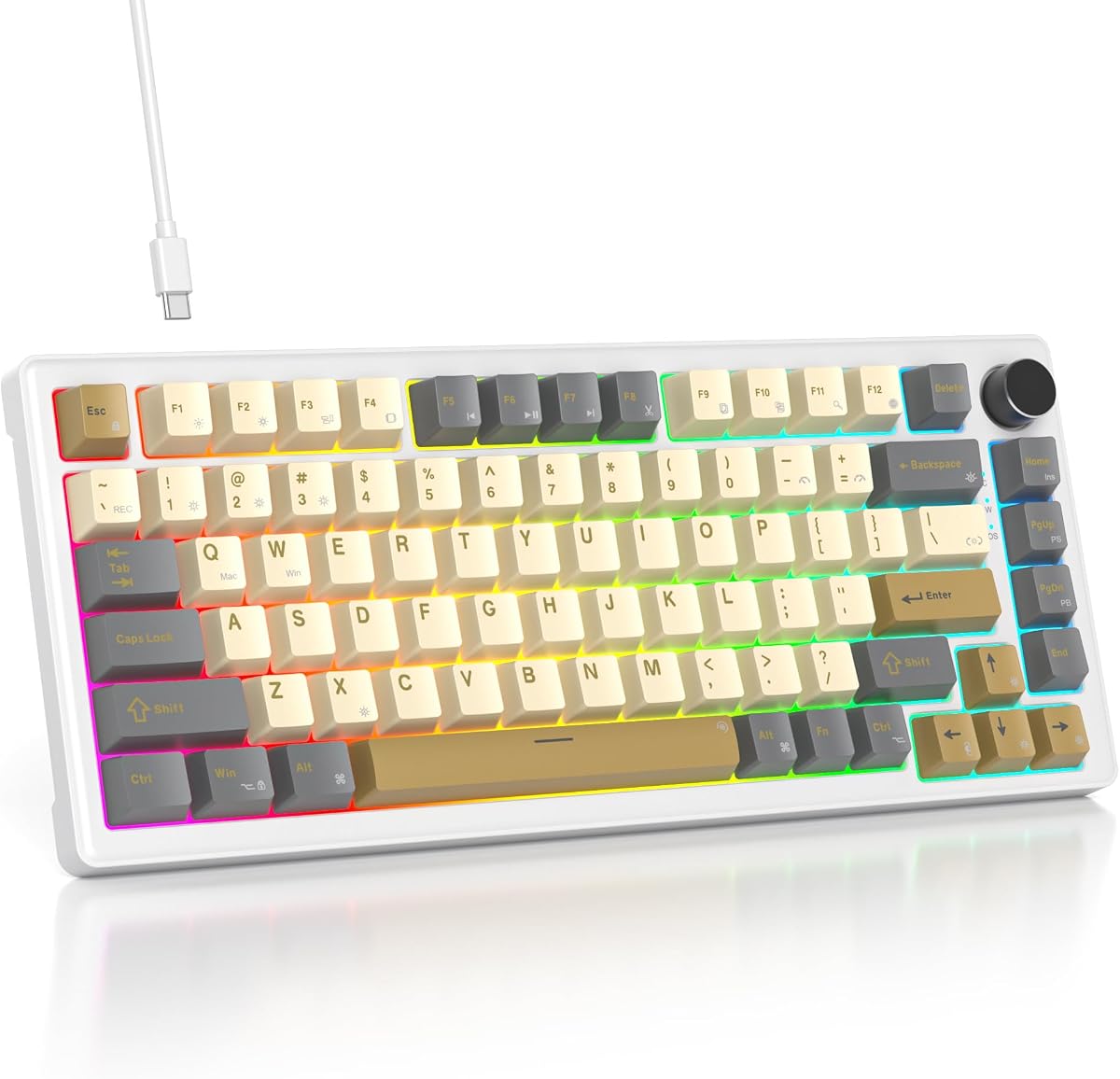
Newmen GM326 Mechanical Keyboard
4.4Editor score
Affordable wired design
Hot-swappable linear switches
RGB backlight modes
This expert guide compares the top 75 percent mechanical keyboards for performance, features, and value to help you choose the perfect board for your setup.
Finding the right mechanical keyboard can transform your daily computing experience. A 75 percent layout offers a sweet spot between compactness and functionality, keeping essential keys while saving desk space.
We have evaluated leading models based on build quality, switch performance, connectivity options, and user feedback. Each product was analyzed for its unique strengths in gaming, typing, and multitasking scenarios.
Every pick highlights specific features like hot-swappable switches, gasket mounting, or wireless modes. Remember that availability and pricing can change, so verify details before making your final decision today.
4.4Editor score

4.6Editor score

4.6Editor score
The following table provides a side-by-side overview of the top models analyzed in this guide. Compare key specifications and features to find the board that best fits your needs.



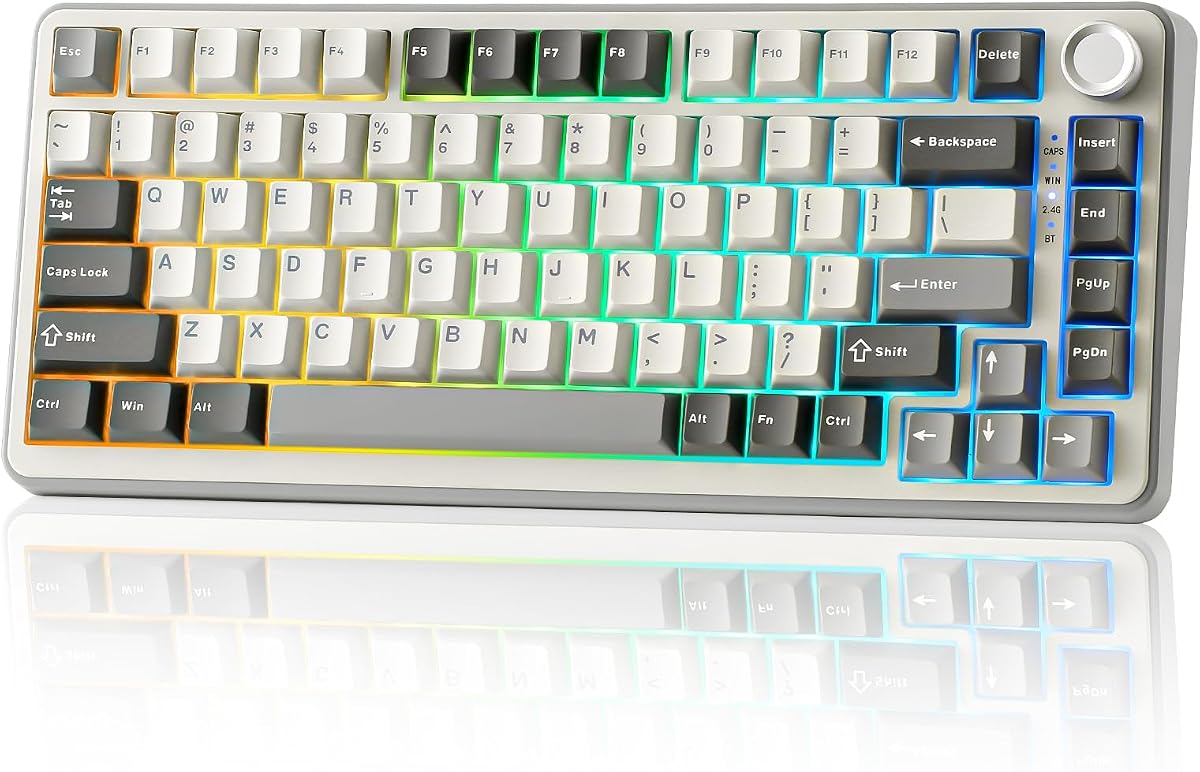

The AULA F75 Pro stands out as a versatile option for users seeking a high-quality 75 percent layout. It offers strong performance across gaming and typing tasks with reliable wireless modes.
We may earn a commission when you buy through this link, at no additional cost to you.
Its tri-mode connection supports Bluetooth, 2.4GHz wireless, and USB-C, allowing up to five device pairings. The hot-swappable design makes customization easy without soldering, while the pre-lubed switches deliver smooth keystrokes.
While the driver is needed for macro programming, this is common for modern boards. The battery life is substantial, reducing frequent charging needs during extended use sessions.
This keyboard is ideal for professionals and gamers alike who value connectivity and build quality. It remains a top choice for those wanting a balanced mechanical experience without sacrificing functionality.
Connect up to five devices and switch effortlessly between work and personal setups.
Hot-swappable sockets let you tailor the typing experience to your preference easily.
We may earn a commission when you buy through this link, at no additional cost to you.
This model brings gasket mount technology to a budget-friendly price point, offering a cushioned typing feel. The cream switches are known for their smooth and quiet operation.
We may earn a commission when you buy through this link, at no additional cost to you.
The PCB single key slotting ensures accuracy and stability. PBT keycaps resist wear and provide a pleasant texture. The metal knob adds a premium touch to multimedia control.
Users might find the software limitations restrictive compared to higher-end models. However, the hardware quality remains solid for everyday use and casual gaming scenarios.
It serves well for those prioritizing typing comfort and acoustic performance. This board is a strong contender for anyone looking to upgrade from membrane keyboards.
Gasket mounting absorbs shock for a more pleasant and durable typing experience.
The CNC metal knob offers tactile feedback for volume and media adjustments.
We may earn a commission when you buy through this link, at no additional cost to you.
This keyboard emphasizes a clean workspace with its minimalist aesthetic and compact footprint. The gasketed mount adds a layer of flexibility to the typing experience.
We may earn a commission when you buy through this link, at no additional cost to you.
The five-layer padding design helps dampen noise and vibration. Hot-swappable sockets allow users to swap switches to achieve their preferred tactile feedback or sound.
Without wireless capabilities, it remains best suited for stationary setups. Still, the build quality and price point make it a practical choice for focused work or gaming.
It is recommended for users who prioritize desk space and typing comfort. This model delivers a solid mechanical experience without unnecessary bulk or complex features.
Multi-layer padding minimizes keyboard sounds for a quieter workspace environment.
A sleek design that reduces clutter and keeps your desk looking organized.
We may earn a commission when you buy through this link, at no additional cost to you.
Designed for simplicity, this keyboard focuses on essential gaming features without complex software requirements. It comes ready to use right out of the box.
We may earn a commission when you buy through this link, at no additional cost to you.
The red switches offer linear action with minimal resistance, ideal for rapid inputs. The N-key rollover ensures all simultaneous inputs are registered accurately during intense gameplay.
Lack of wireless options or hot-swap capability limits future upgrades. However, the price reflects a straightforward approach to mechanical keyboard functionality.
Best suited for gamers on a budget who need a dependable wired solution. It provides the basics needed for competitive play without extra bells or whistles.
Fast linear switches ensure quick reactions during high-speed gaming scenarios.
No driver installation required, allowing immediate use with any compatible system.
We may earn a commission when you buy through this link, at no additional cost to you.
This model prioritizes acoustic comfort with sound-absorbing pads and a gasketed structure. Users report a solid typing feel with reduced noise feedback.
We may earn a commission when you buy through this link, at no additional cost to you.
The PBT keycaps resist oil and wear, ensuring longevity even with heavy use. Hot-swap sockets provide flexibility for experimenting with different switch types over time.
The absence of wireless features keeps the focus on performance and durability. While it lacks portability, it serves well as a dedicated desktop workstation.
Ideal for users seeking a robust and low-noise keyboard for office or gaming. It balances comfort and build quality effectively within its specific configuration.
Sound-absorbing materials minimize keyboard noise for a quieter typing environment.
PBT keycaps maintain texture and appearance even after extended daily use.
We may earn a commission when you buy through this link, at no additional cost to you.
This keyboard integrates an LCD screen to show system stats and custom images. The tri-mode connection ensures flexibility across different devices and setups.
We may earn a commission when you buy through this link, at no additional cost to you.
Pre-lubricated switches and a gasket structure provide a smooth and responsive feel. The software allows deep customization for macros and lighting effects to enhance utility.
While the cost is higher, the unique features justify it for enthusiasts. It appeals to those who want a highly personalized and visually interactive typing experience.
Recommend this for users seeking premium aesthetics and advanced control options. It brings extra functionality to the desktop that other boards typically omit.
The LCD screen offers real-time system data and allows custom image uploads.
Software enables detailed macro and RGB control to tailor the workflow.
We may earn a commission when you buy through this link, at no additional cost to you.
The Keychron K2 is well-known for its compatibility with both Mac and Windows systems. It provides a reliable wireless experience with a substantial battery capacity.
We may earn a commission when you buy through this link, at no additional cost to you.
Designed with a layout that includes necessary shortcut keys for Mac users. The Super Red switches deliver consistent performance with a smooth typing feel.
While it lacks vibrant RGB lighting, the white LED remains effective for dim environments. It is a standard choice for mixed-device workspaces and travel.
Best for professionals switching between operating systems frequently. It offers dependable connectivity and ergonomics without unnecessary complexity.
Designed to work seamlessly across Mac and Windows without complex setup.
High battery capacity ensures weeks of use before needing a recharge.
We may earn a commission when you buy through this link, at no additional cost to you.
This model brings a gasket-mounted structure to wireless mechanical keyboards. It delivers consistent latency and responsiveness suitable for competitive gaming or typing.
We may earn a commission when you buy through this link, at no additional cost to you.
The hot-swappable design supports both 3-pin and 5-pin switches for easy upgrades. A large battery capacity ensures extended usage without frequent interruptions.
Software compatibility is generally good, though some advanced features may require specific environments. The build quality stands out as a key advantage in this segment.
Ideal for users needing a reliable wireless setup with mechanical precision. It balances performance and durability effectively for a wide range of tasks.
Tri-mode connection options ensure stable performance across different devices.
Hot-swap support lets you adjust switch types for optimal tactile feedback.
We may earn a commission when you buy through this link, at no additional cost to you.
This keyboard offers a compact design that fits easily into small desks. It includes a functional knob for quick volume adjustments and media control.
We may earn a commission when you buy through this link, at no additional cost to you.
The hot-swappable feature allows customization without needing advanced tools. RGB lighting modes are sufficient to enhance the visual appeal of the setup.
Build quality is basic compared to higher-end boards, yet it remains durable enough for daily tasks. It serves as an excellent entry point into mechanical keyboards.
Best for students or budget-conscious buyers seeking core features. It provides essential mechanical performance without unnecessary costs or complexity.
An affordable entry into mechanical typing without sacrificing key features.
Hot-swappable sockets allow easy switch replacement for personal preference.
We may earn a commission when you buy through this link, at no additional cost to you.
The Womier SK80 stands out with a vibrant multimedia display for system status. It supports music syncing to create dynamic lighting effects based on audio output.
We may earn a commission when you buy through this link, at no additional cost to you.
The gasket mount provides a stable and quiet typing experience. Hot-swappable PCB allows easy switch replacement for future upgrades or customization.
While software is necessary for full features, the visual appeal and build quality are strong. It appeals to users wanting a personalized and modern keyboard design.
Recommended for enthusiasts looking for unique visual and functional elements. It adds a distinct flair to a standard desktop setup effectively.
Custom display allows users to personalize the board with animations or data.
Music sync feature creates lighting effects that react to audio output.
We may earn a commission when you buy through this link, at no additional cost to you.
Selecting the right mechanical keyboard depends on specific needs such as connectivity, tactile preference, and workspace constraints. Understanding key factors ensures you choose a board that suits your workflow.
The 75 percent layout removes the number pad while keeping arrow keys and essential function keys. This layout optimizes desk space, allowing more room for mouse movement compared to full-size boards.
Check the physical dimensions to ensure it fits your desk and that you do not need a dedicated numpad for your tasks.
Mechanical switches come in linear, tactile, and clicky varieties. Linear switches offer smooth travel with no bump, making them ideal for rapid gaming inputs.
Tactile switches provide a small bump during actuation, while clicky switches add an audible click. Choose based on whether you prioritize speed or feedback.
Hot-swappable keyboards allow you to replace switches without soldering. This feature is essential for users who want to experiment with different switch types or replace faulty ones easily.
Verify that the PCB supports both 3-pin and 5-pin switches for broader compatibility with aftermarket switches.
Consider whether you need wired, wireless, or tri-mode connectivity. Wired USB ensures the lowest latency, while Bluetooth and 2.4GHz wireless offer flexibility for multiple devices.
Check battery capacity if opting for wireless. A larger battery reduces charging frequency, which is vital for uninterrupted workflow.
Gasket-mounted designs use rubber or silicone strips to suspend the PCB, providing a softer and quieter typing feel. This construction reduces vibration and enhances comfort during long sessions.
Look for solid frames and high-quality materials like PBT keycaps, which resist wear better than ABS plastics.
Many modern keyboards come with software for macro programming and RGB customization. Ensure the software supports your operating system if you rely on custom key mapping.
Additional features like dedicated volume knobs or multimedia controls improve efficiency without reaching for mouse controls.
Mechanical switches generally last millions of keystrokes, but the casing and stabilizers also contribute to longevity. Check user reviews for feedback on stability and keycap durability.
Warranty coverage can also indicate the manufacturer's confidence in the product's lifespan and quality control.
Price ranges vary significantly based on features like wireless connectivity, displays, or premium build materials. Identify which features are non-negotiable to allocate your budget wisely.
Affordable options often cover core needs, while premium models add conveniences like screens or advanced gasket mounting.
Place the keyboard on a stable surface with wrist support to prevent strain during long typing sessions. Adjust the angle using the adjustable feet to find a comfortable position.
Regularly clean the keycaps with compressed air or a soft brush to remove dust and debris. For deeper cleaning, remove the keycaps using a puller and wash them gently if they are compatible.
Keep firmware updated if your keyboard supports it. Software updates can improve connectivity and fix bugs related to macros or lighting controls.
A 75 percent layout retains essential function and arrow keys while removing the numpad. This saves significant desk space, allowing more room for mouse movement and improving overall ergonomics for gaming and typing.
Yes, they are excellent for gaming. The compact design offers faster key access and more mouse space. Models with low latency and high polling rates ensure responsive gameplay for competitive titles.
Hot-swap keyboards allow switch replacement with minimal effort. You typically need a basic switch puller to remove the old switches and install new ones without needing soldering skills or advanced tools.
Check the product description for operating system support. Many modern boards include physical keycaps for both systems or software toggles to switch between Mac and Windows layouts seamlessly.
Modern 2.4GHz wireless technology provides near-zero input lag comparable to wired connections. Bluetooth may have slightly higher latency but is generally sufficient for typing and casual gaming tasks.
A gasket mount uses rubber or silicone mounts to suspend the PCB inside the case. This design adds cushioning, reduces vibration, and creates a softer, more consistent typing sound.
Reduce RGB brightness or disable lighting effects when not needed. Connect via USB when possible for continuous power. Adjusting polling rates in software can also help conserve battery energy.
PBT keycaps are more durable and resistant to shine and wear. They maintain texture and color over time better than ABS plastic, offering a premium feel and longer lifespan.
The top picks highlighted in this guide cover a range of needs from budget-friendly entry boards to premium wireless setups. Each option balances performance and features to suit different preferences.
Prioritize features like hot-swap capability and gasket mounting if you value customization and comfort. Connectivity needs should guide your choice between wired and wireless models.
Remember to check current availability and specifications before purchasing. Prices and stock vary, so verify details to ensure you get the best value for your setup.